PingRoom v1.2: Questions Are Here
Our biggest update yet. Connected agents and integrations can now ask questions in your rooms, answer from the lock screen with one tap, first response wins. Plus an interactive Watch widget, room folders, free templates, every sound free, link Pings, and more.
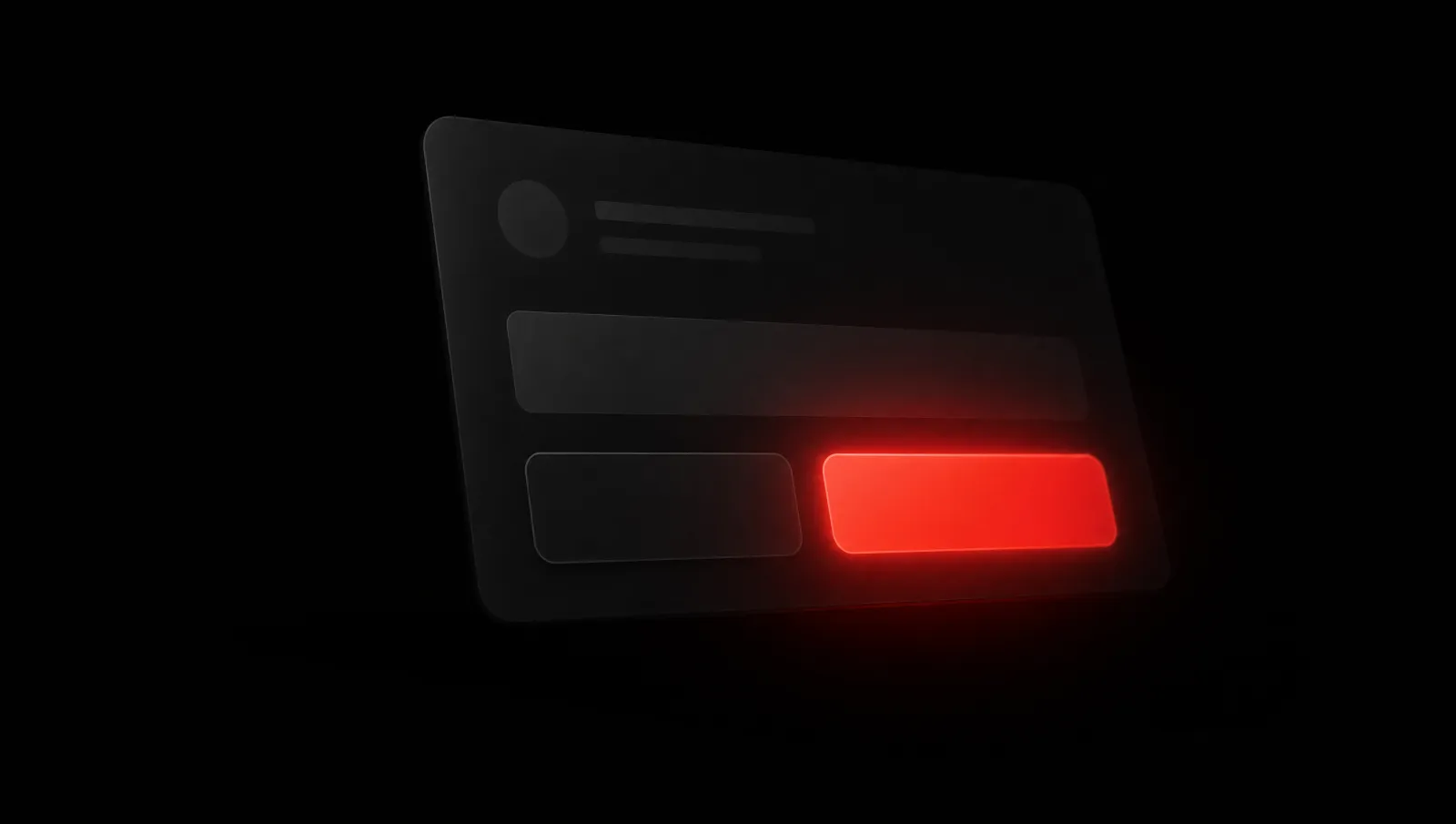
v1.2 is our biggest update yet, the one that turns a Ping from a one-way signal into a two-way one.
Because the headline isn't a Ping you send. It's a Question you answer.
Questions are here
Your connected agents and integrations can now ask a Question inside your rooms: a short prompt with a few quick-reply buttons.
Answer it from the lock screen, no need to open the app. The first valid response wins, the Question resolves, and everyone in the room sees the result instantly.
It's the same one-tap feeling as a Ping, pointed the other way. An agent, an integration, or an automation raises a bounded decision, deploy to staging or production, approve the refund or ask for more, and a human settles it with a single tap. The answer routes straight back to whatever asked, structured enough for software to act on.
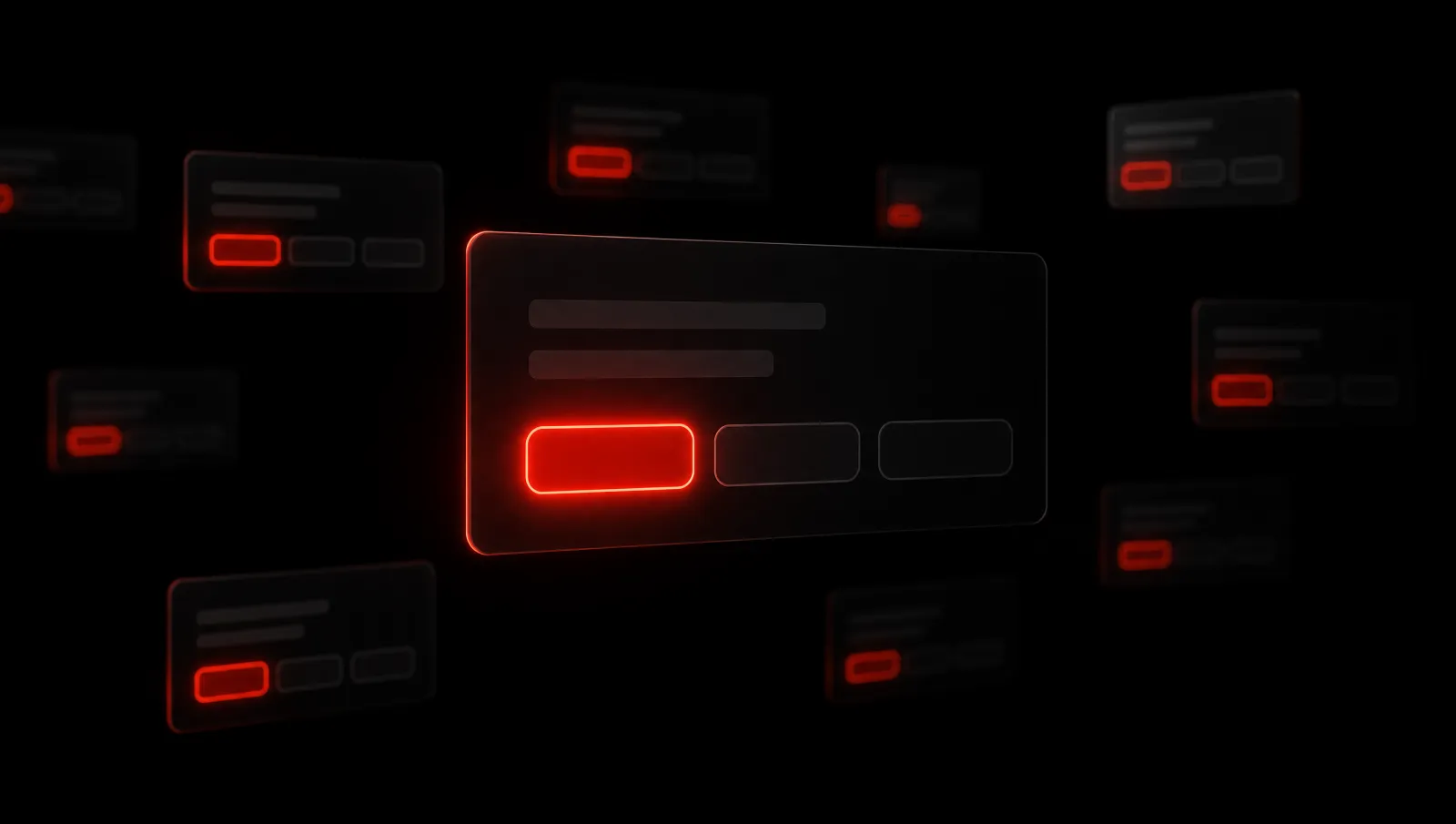
On your wrist, without opening the app
Apple Watch gets two upgrades. Send a Ping from the new interactive Smart Stack widget, raise your wrist, tap, done, no app launch. And you can now choose which room your complication follows from the Watch app, instead of hunting through the watch-face gallery.
Rooms, organized
Your rooms finally have a shape. Group them into folders, and swipe between dedicated Private, Public, and Personal sections instead of scrolling one long list. However you arrange them, your layout stays in sync across all your devices automatically.
Templates to skip the empty room
Starting from empty is the hardest part, so v1.2 ships free room templates for families, couples, roommates, and teams. Every template comes with a live demo, so you can see exactly how a room works before you build your own.
Every sound free, and a free trial
All 25 notification sounds are now free for everyone, pick the bell that cuts through for each room without hitting a paywall. And PingRoom Pro now includes a 7-day free trial, so you can live in the full thing before you decide.
Links on Pings
Custom Pings can now carry a tappable link. Share a meeting link, a document, a website, anything, and the recipient jumps straight to it from the notification. One tap, no pasting URLs into a room name.
Insights and notes for Personal Rooms
Your Personal Room now shows insights: how many people scanned your QR code or opened your shared link. And you can add private notes to your connections, a quiet place to remember where you met someone or what you talked about.
The smaller things that add up
- 70 new avatars to pick from.
- A smoother onboarding flow and in-app tips that surface the right feature at the right moment.
- Faster widgets, a steadier notification badge, and more reliable dispatch.
- Performance improvements and bug fixes across iPhone and Android.
Coming to Google Play
PingRoom is now submitted to Google Play and in review. Android is almost here, if you've been waiting, not much longer now.
Thanks for using PingRoom, and thank you to everyone who kept asking for Questions. This one's for you.
Make a room. Tap once. Everyone knows.

PingRoom
Short-form communication.