Film crew reset cues for another take
Use four clear between-take signals for reset, camera readiness, talent readiness, and moving on without replacing the crew's normal roll sequence.
Keep the crew's spoken roll sequence and shot log authoritative. Use a private PingRoom Room only for the short handoffs between takes: Reset for another take, Camera ready, Talent ready, and Move on.
That boundary is important. Cut, Roll sound, Roll camera, and Action belong to the director or assistant director and the crew's normal production process. A phone notification should not become the command that starts or stops recording.
Give each signal one sender and one meaning
Create a private Room called Between takes and add only the people who need the reset signals. Each member needs PingRoom, access to the Room, and notifications enabled on the device they will carry.
Configure these four Quick Pings:
| Quick Ping | Who sends it | What it means | What happens next |
|---|---|---|---|
| Reset for another take | Director or assistant director | The take has ended and the decision is to repeat it | Crew returns equipment, props, and performers to agreed positions |
| Camera ready | Camera operator or camera lead | The camera department's agreed reset check is complete | The director waits for the other required departments |
| Talent ready | Performer, presenter, or their lead | The on-camera person is back in position and ready for the next call | The director checks sound, lights, and any remaining dependencies |
| Move on | Director or assistant director | The accepted take is recorded in the real log and this setup is done | Crew begins the next setup |
Four Quick Pings fit the current free allowance for a Room. PingRoom Pro lets a Room owner add as many as 16, but a small crew rarely benefits from turning every department check into another button. Keep the vocabulary short enough to rehearse.
The existing making-a-video-together setup is the concise version: start recording, try another take, adjust the lights, and mark the video ready to post. This workflow narrows the job to one repeated moment: closing a take, resetting the set, and making readiness visible before the next one.
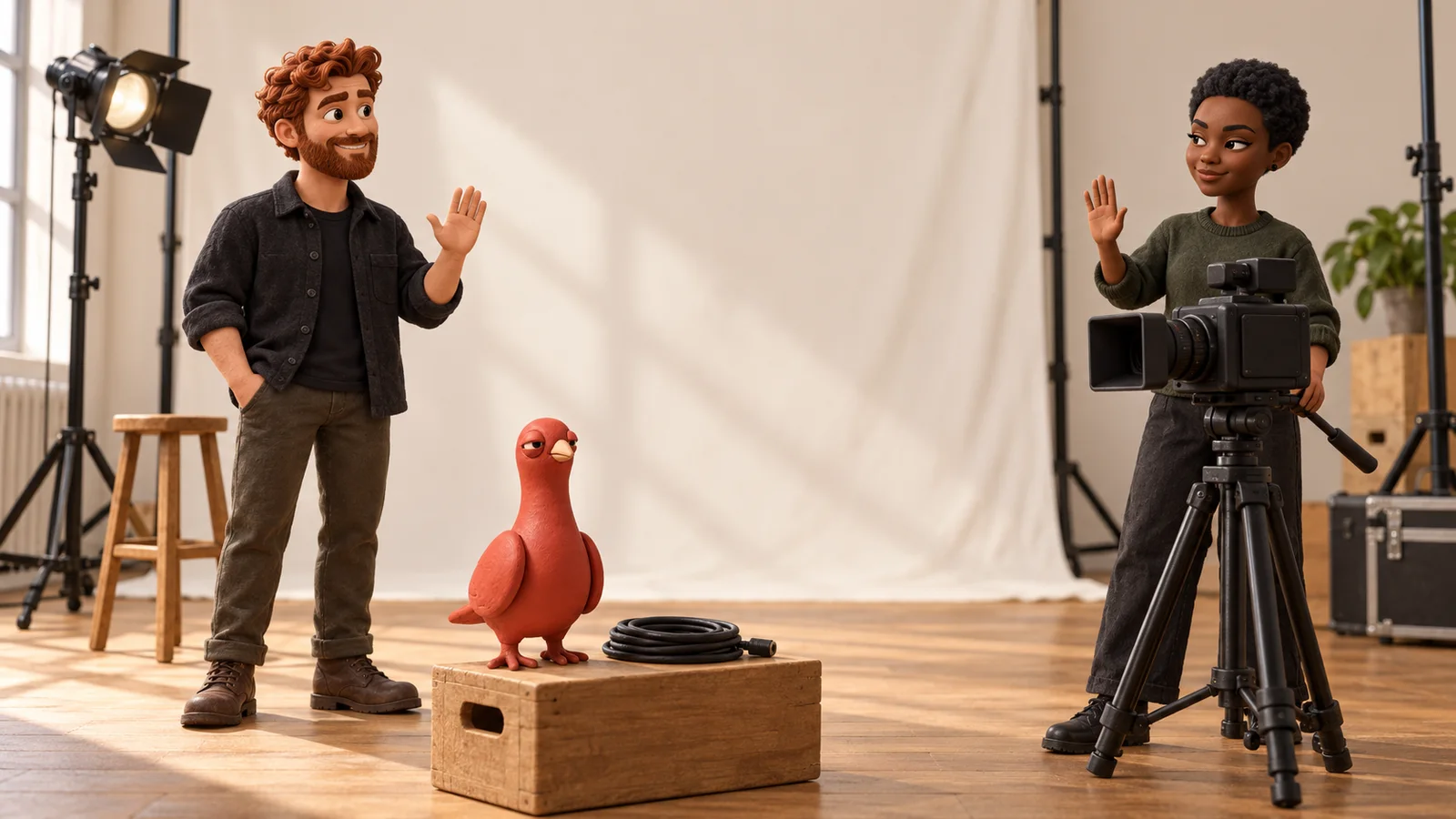
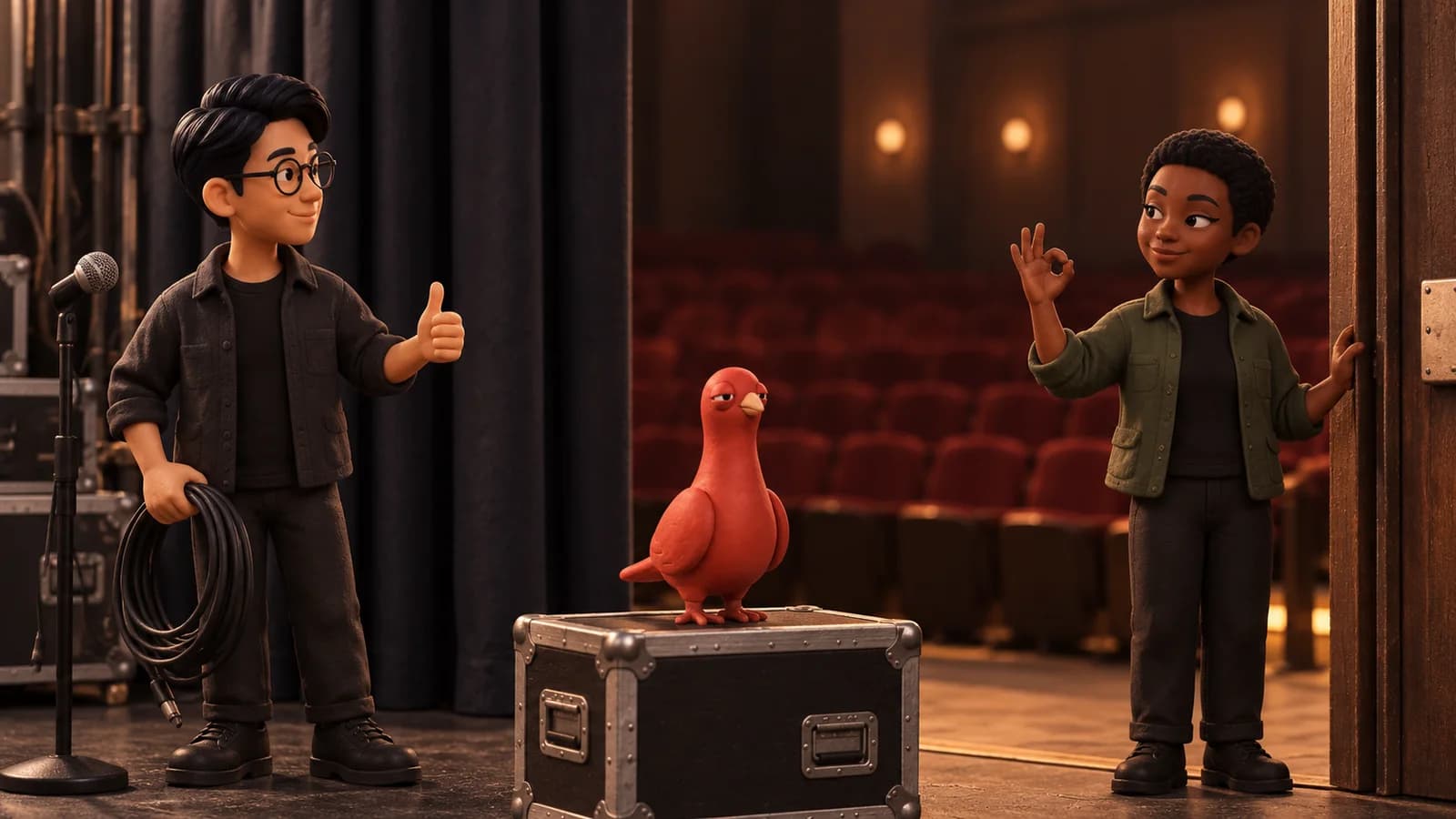
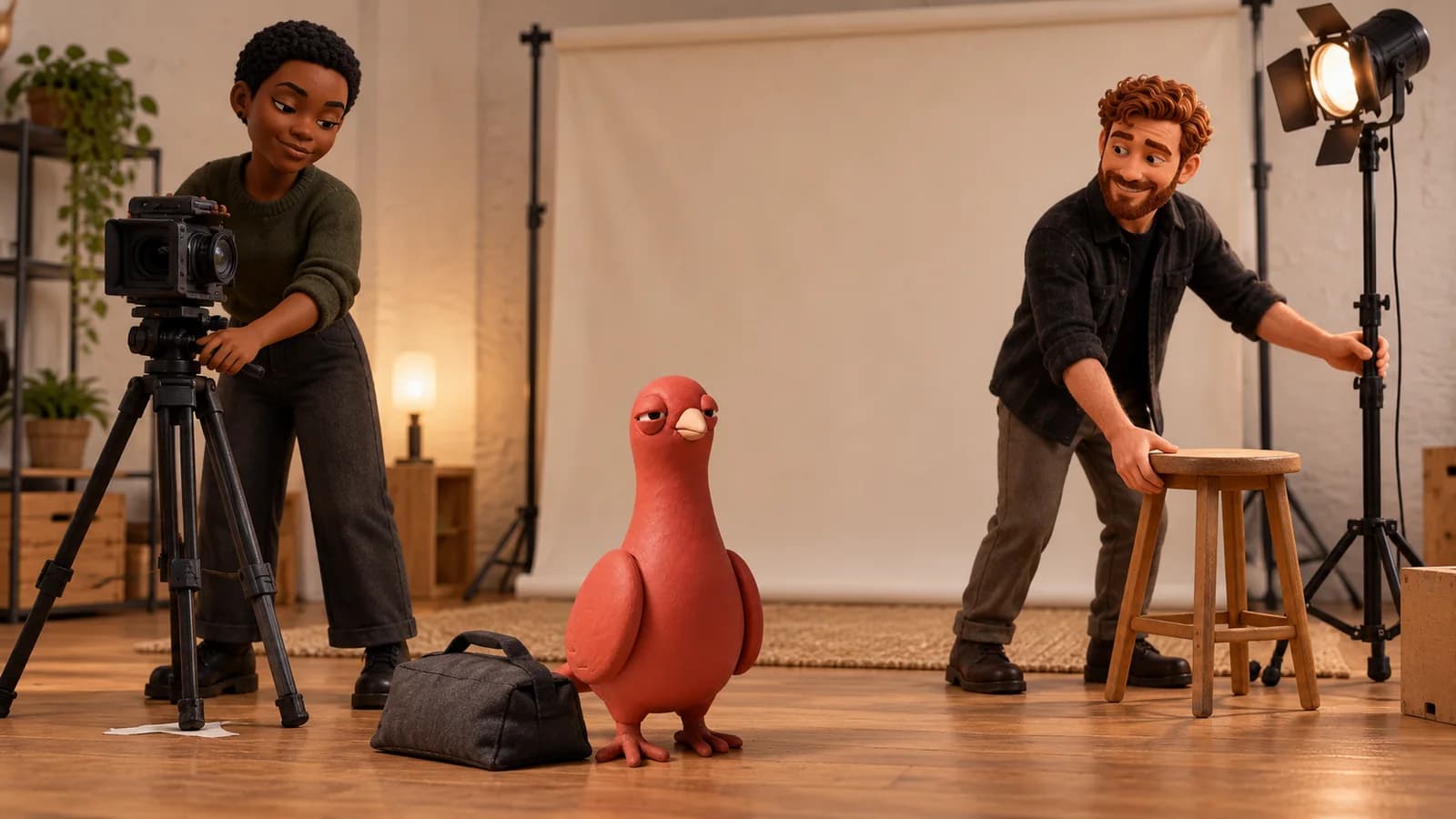
Pingo, PingRoom's fictional Chief Marketing Officer, is useful here as an editorial observer, not a crew member. He cannot inspect a take, approve a reset, access a Room, or send a cue. His contribution is the same half-lidded look most crews develop when someone says “one more” for the sixth time.
Rehearse one complete retake loop
Consider this illustrative two-person video shoot:
- The director ends the take by calling Cut through the crew's normal channel.
- After reviewing the take, the director decides to repeat it and sends Reset for another take.
- The camera operator returns the camera to the agreed position, checks framing and focus, then sends Camera ready.
- The presenter returns to the starting mark, checks the agreed wardrobe or prop continuity, then sends Talent ready.
- The director confirms sound, lighting, safety, and any other required departments through the production's normal process.
- The director or assistant director runs the ordinary spoken sequence for sound, camera, slate, and action. The Pings do not replace it.
- When the crew has the take and the real shot log is current, the director sends Move on. If another take is needed, the loop begins again with Reset for another take.
The Ping makes a human report visible. It does not prove that a camera is recording, a performer is safe, a prop is continuous, or every department is ready. Named senders and agreed checks give each signal its meaning.
Keep time-critical commands on the production channel
Film guides from the Yale Film Alliance, Moving Image Education, and the Australian Film Television and Radio School all describe a deliberate command sequence around a take. They also distinguish resetting for another take from moving on and recording the result in the shot log.
Use each tool for the job it can actually do:
| Need | Primary tool |
|---|---|
| Start or stop a take | Director or assistant director over the normal crew channel |
| Continuous, immediate production conversation | Voice, radio, intercom, talkback, or the crew's established app |
| Frame-accurate or safety-critical cue | The production's approved cue light or control system |
| Scene, shot, take, continuity, and preferred-take record | Slate, camera report, sound report, and shot log |
| Short reset, readiness, or move-on handoff between takes | A private PingRoom Room |
If the production already has a reliable radio or talkback workflow that reaches everyone, adding another channel may not help. PingRoom fits best when a small crew is spread across a room, a location, or a quiet set and wants one visible state change without beginning another conversation.
For silent editorial direction while audio is actively recording, use the separate podcast crew cue workflow. Do not reuse between-take labels for instructions that must arrive during a live take.
Test the real devices before the first take
Send every Quick Ping during setup and confirm that the intended crew members recognize it. Check notification permissions, Focus modes, battery, connectivity, volume, vibration, and where each device will sit. Push delivery can be delayed or suppressed by device, network, or operating-system conditions.
Keep confidential script details, unreleased names, access information, and sensitive production notes out of lock-screen text. A short state such as Camera ready is safer and faster to read than a production note disguised as a notification.
If the four-signal loop fits your shoot, open PingRoom and rehearse it before the crew rolls.
The illustrations are AI-generated editorial scenes featuring Pingo the Pigeon, PingRoom's official mascot and fictional Chief Marketing Officer. Pingo's scenes are fiction; the human team remains responsible for product claims and decisions.
Sources

PingRoom
Short-form communication.