Event crew handoffs that keep the run of show moving
Use four clear crew signals for stage readiness, front-of-house readiness, holds, and plan changes while the run of show stays authoritative.

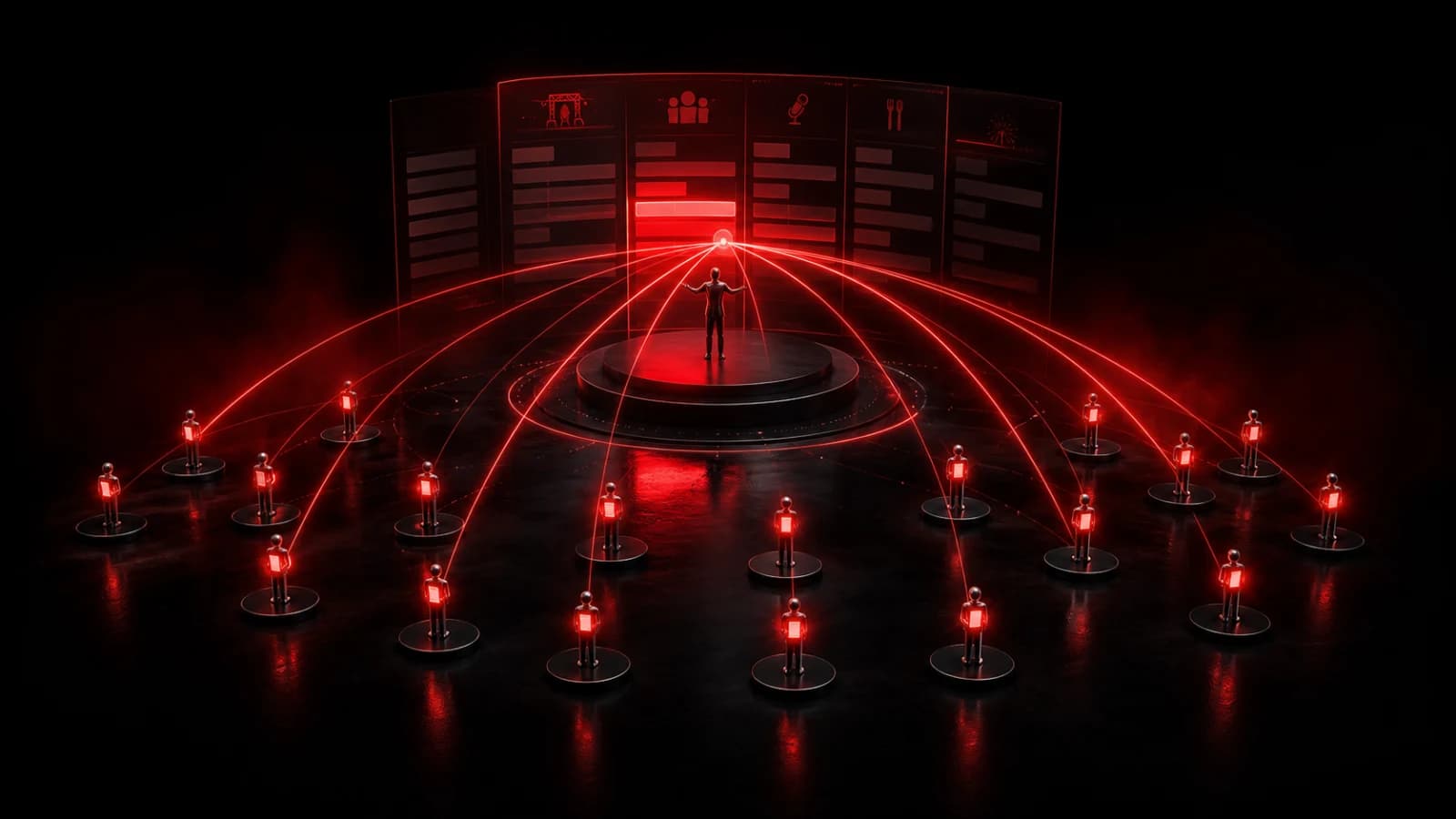
Keep the run of show as the event's authoritative plan. Then use one private PingRoom Room for four short human-entered handoffs: Stage ready, Front of house ready, Hold at current cue, and Run sheet updated.
That separation matters. A run sheet explains what should happen and when. A Ping tells the right crew members that one agreed condition has changed. It should never become a second schedule.
Keep one plan authoritative
Before you create a Room, agree on where the current run of show lives and who may change it. Event-production guides consistently recommend naming owners, recording dependencies, and keeping one controlled source of truth. EventBlok also warns against parallel edits and side channels; Tour-Flow recommends making changed plans visible and acknowledged; MeyerPro assigns approval owners to production details.
Those are schedule disciplines. PingRoom adds a small signal layer around them.
If a timing changes, edit the run sheet first. Then send Run sheet updated so the affected leads know to reopen the authoritative document. Do not paste a replacement schedule into the Ping name or ask people to choose between two versions.
Create one private Room for handoffs
Create a private Room called Show handoffs and add only the people who need these signals. Each member needs PingRoom, access to the Room, and notifications enabled on their device. Connectivity and device settings can still delay or suppress a push notification.
Configure these four Quick Pings:
| Quick Ping | Who sends it | What it means | What happens next |
|---|---|---|---|
| Stage ready | Stage lead | The crew's agreed stage check is complete | Show caller checks the other dependencies before advancing |
| Front of house ready | Front-of-house lead | The agreed audience-area or doors check is complete | Show caller decides whether the next cue can proceed |
| Hold at current cue | Show caller or production lead | Do not advance from the current point | Crew stays on the primary comms channel and waits for direction |
| Run sheet updated | Production lead | The authoritative document has changed | Affected leads reopen it and confirm through the crew's normal process |
Four Quick Pings fit the current free allowance for a Room. PingRoom Pro expands the Room owner's allowance to as many as 16, but adding more labels is not automatically better. A short, rehearsed set is easier to interpret under pressure.
The existing event-staff setup uses similarly literal actions. Adapt the words to your crew, then test each Ping on the real devices people will carry before doors open.

Our fictional CMO, Pingo, has no access to anyone's Room and cannot approve a show cue. He is, however, an unusually patient visual reminder that two “current” run sheets are one too many.
Rehearse one changed-plan sequence
Consider this illustrative small-venue scenario:
- The stage lead completes the agreed checks and sends Stage ready.
- Front of house has not finished its doors check, so the show caller does not advance.
- A speaker needs five more minutes. The production lead changes the authoritative run sheet.
- The production lead sends Run sheet updated. Department leads reopen the document and follow their normal acknowledgement process.
- If the crew must stop at the present cue, the show caller sends Hold at current cue and continues detailed direction over the event's primary crew communications.
- Once the agreed front-of-house check is complete, the front-of-house lead sends Front of house ready. The show caller—not the notification—decides what happens next.
The Pings make state changes noticeable. Named owners and completion criteria make them meaningful.
Use the right channel for each job
| Need | Primary tool |
|---|---|
| Sequence, timings, owners, files, and dependencies | The authoritative run of show |
| A short readiness, hold, or changed-plan signal | A private PingRoom Room |
| Continuous, immediate production conversation | Intercom, radio, or the crew's professional comms system |
| Technical cue execution | The venue's show-control or cue-light system |
| Doors, room changes, or schedule notices for attendees | A separate attendee communication channel |
| Emergency or safety directions | The venue's approved safety systems and procedures |
Keep crew handoffs separate from attendee messages. If you also need public-facing updates, use a distinct workflow for event attendee push notifications. Private staff details, credentials, security procedures, and sensitive production notes do not belong in attendee alerts—or in short lock-screen messages.
PingRoom is not an intercom, show-control system, emergency channel, or proof that a physical check actually happened. A Quick Ping reflects what a human chose to send. For ordinary crew handoffs, that focused signal can be useful precisely because it has one modest job.
If that job fits your event, open PingRoom and rehearse the four signals before show day.
Sources

PingRoom
Short-form communication.