How Podcast Crews Can Use Silent Cues During Recording
Create discreet recording-room actions for Wrap, Slow down, Ad break, and Guest ready without speaking over the microphones.
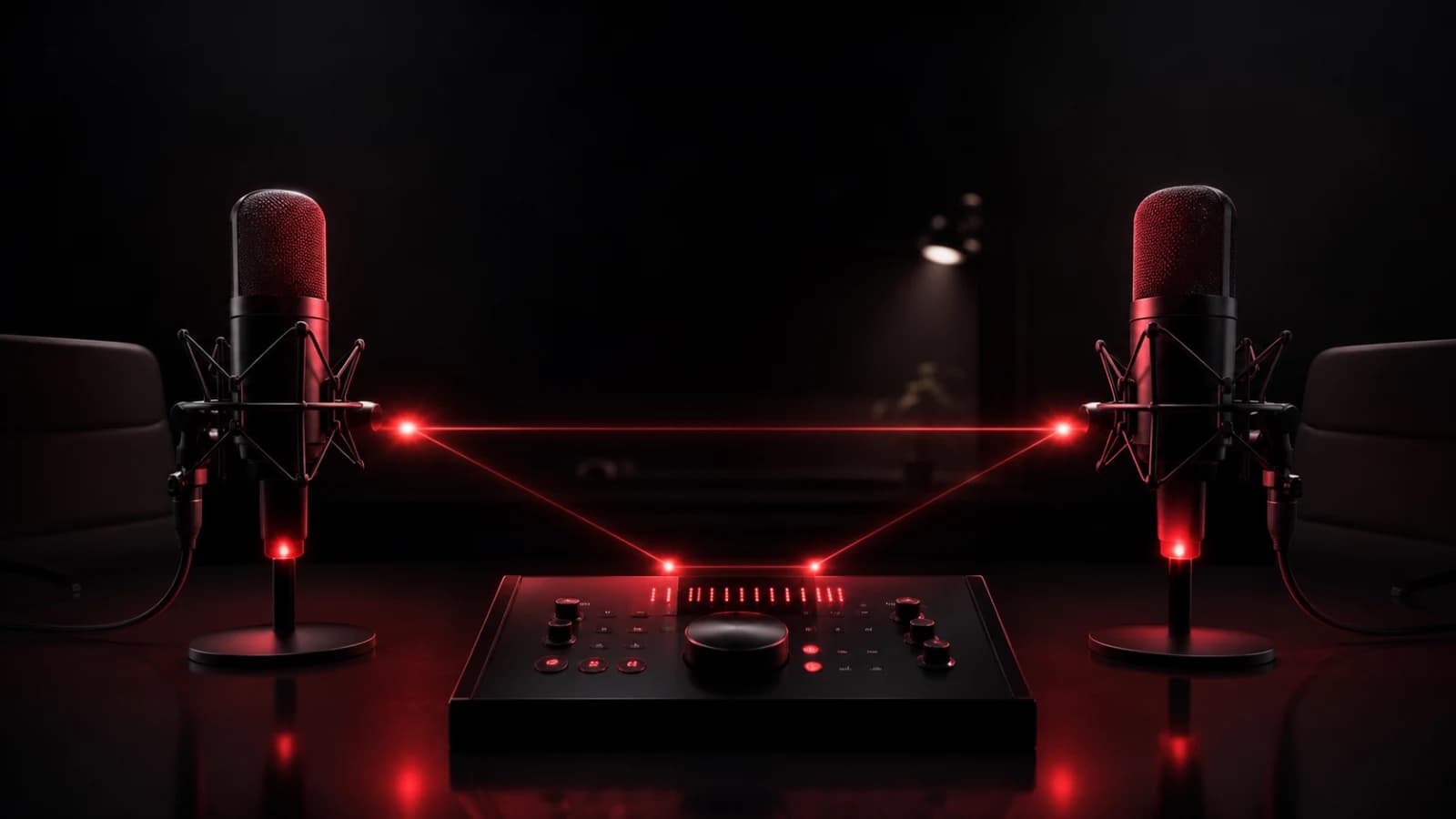
A private PingRoom room can act like a lightweight cue light for a podcast crew. Agree on four short actions before recording: Wrap this answer, Slow down, Ad break, and Guest ready.
Rehearse the cue language
The host should not need to decode a sentence while speaking. Every action needs one stable meaning and one expected response. Test where the phone or watch sits, whether the display can be seen without looking away from the guest, and whether vibration reaches the wearer without entering the recording.
Turn notification sound off for the room and rely on a visual or haptic cue. Disable unrelated alerts on the same device. Give send permission only to the producer or person responsible for timing, otherwise simultaneous instructions can conflict.
Use the room for repeatable production moments, not detailed editorial direction. Anything nuanced belongs in the run sheet, talkback system, or post-segment conversation.
Keep a production fallback
Wireless congestion, Focus settings, battery state, and operating-system scheduling can delay a push. Maintain the studio’s normal visual cue or agreed hand signal for time-critical transitions. PingRoom is not sample-accurate production hardware.
Avoid including confidential guest notes or unreleased sponsor information in lock-screen text. Check producer is safer than revealing the reason in a preview.
Used this way, a Ping becomes a quiet tap on the shoulder that does not interrupt the recording. Browse more creator and production use cases.
If the crew is filming a visual scene instead, keep live commands on the production channel and use a separate between-take reset workflow for another take, readiness, or moving on.

PingRoom
Short-form communication.