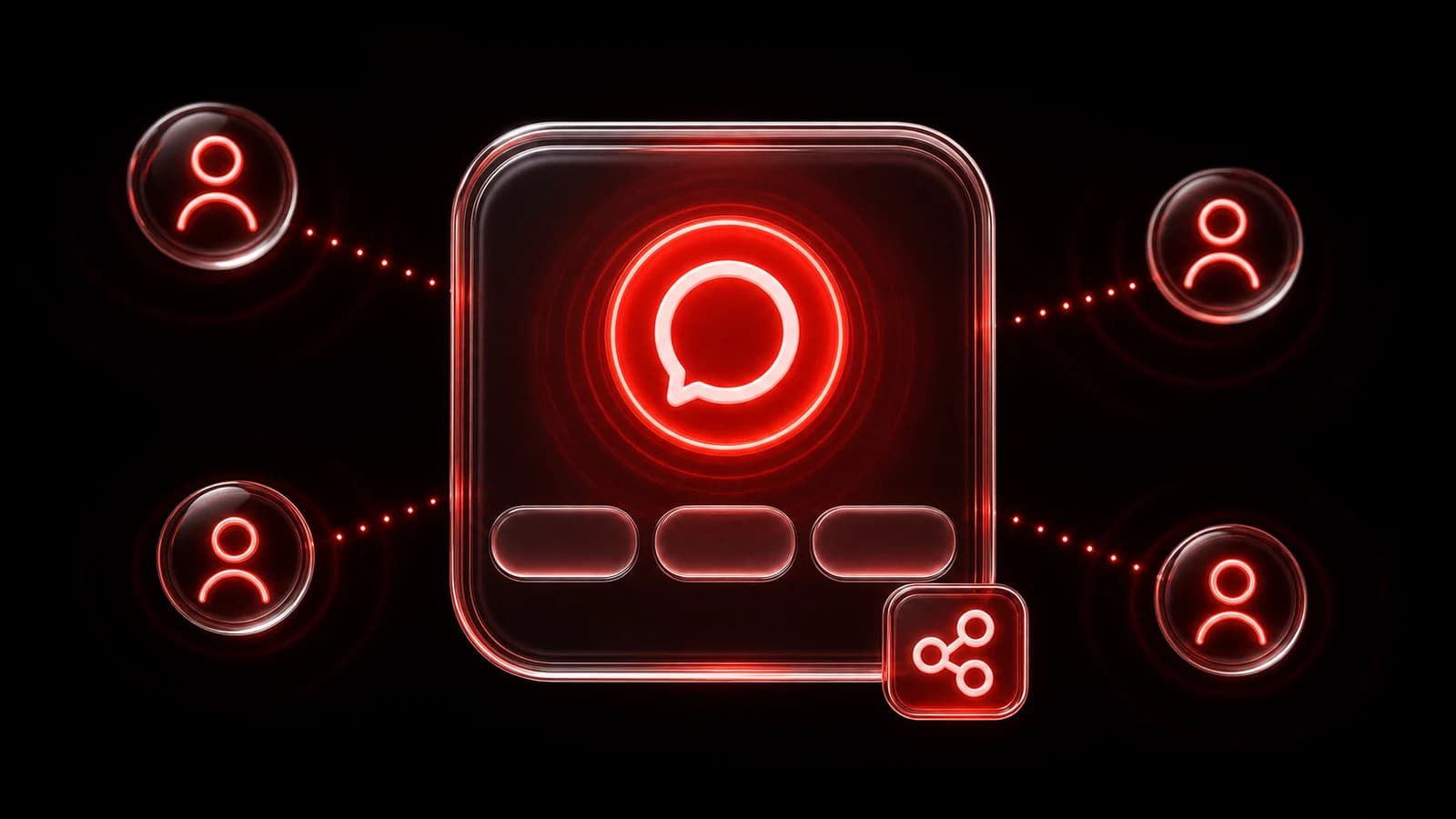
A PingRoom setup for moving day
Give your moving crew four Quick Pings for the next load, the open door, and the waiting van. Use a Question when someone needs to choose the next step.
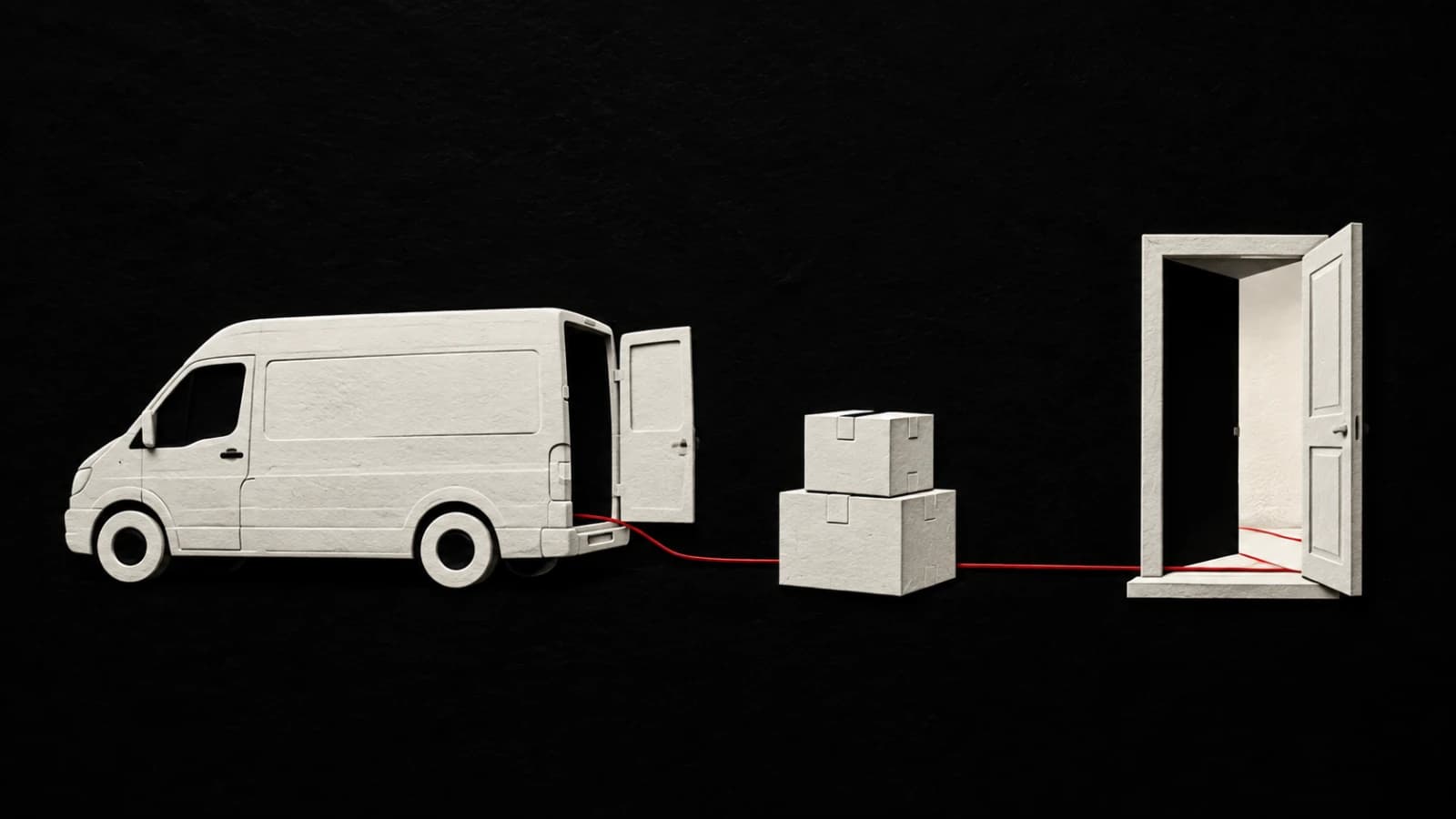
Moving day can put one person upstairs with the boxes, another downstairs with the keys, and another outside with the van. A short update can tell everyone where they are needed next.
Set up one private Room for everyone helping. Four Quick Pings cover the updates you expect to repeat, and a Question lets someone settle the next decision.
Make the Room before the first trip
Create a private Room called Moving day and share its invite link with the people helping. Have everyone join before you start loading.
Agree on what each Quick Ping means before you start. Use labels that a friend joining halfway through the move can understand.
Give the crew four useful buttons
Set up your Quick Pings around the moments that change what someone should do next:
| Quick Ping | When to send it | What the crew knows |
|---|---|---|
| Van is outside | The van is parked and ready for loading or unloading. | It is time to bring people and boxes to the van. |
| Door is open | Someone has opened the entrance for the next load. | The way inside is ready. |
| Next load is ready | The next batch is packed and waiting. | The people carrying can come back for it. |
| All unloaded | The last item is out of the van. | This trip is finished. |
Tapping a Quick Ping sends that update to everyone in the Room. Choose the wording once, then use the same button each time you need it.
Make the labels specific to your move. If people are waiting for the lift, swap one for Lift is here. If you are collecting furniture from several addresses, try Ready at the next stop instead of Next load is ready.

Ask a Question when the next step needs an answer
A Quick Ping works for Door is open. Sometimes you need to ask Which door should we use?
Send a Question from the Room’s composer with two choices: Front entrance and Side entrance. Someone already inside can answer, and everyone can see the result.
Questions support two to four choices. The first response decides the answer, so use one when a single person can make the call. In this example, the person inside chooses the entrance, and the person at the van knows where to take the next load.
Leave room for the unexpected detail
Some updates only happen once. Send a custom Ping for The spare keys are with Sam or Leave the kitchen boxes beside the stairs. Keep the Quick Pings for the updates you will repeat.
You can use the same approach to collect a sofa, set up a community event, or clear a shared workspace. Choose four updates your group will need to send more than once.
Get PingRoom, create your Room, and set up the four buttons before the first box leaves the house.

PingRoom
Short-form communication.