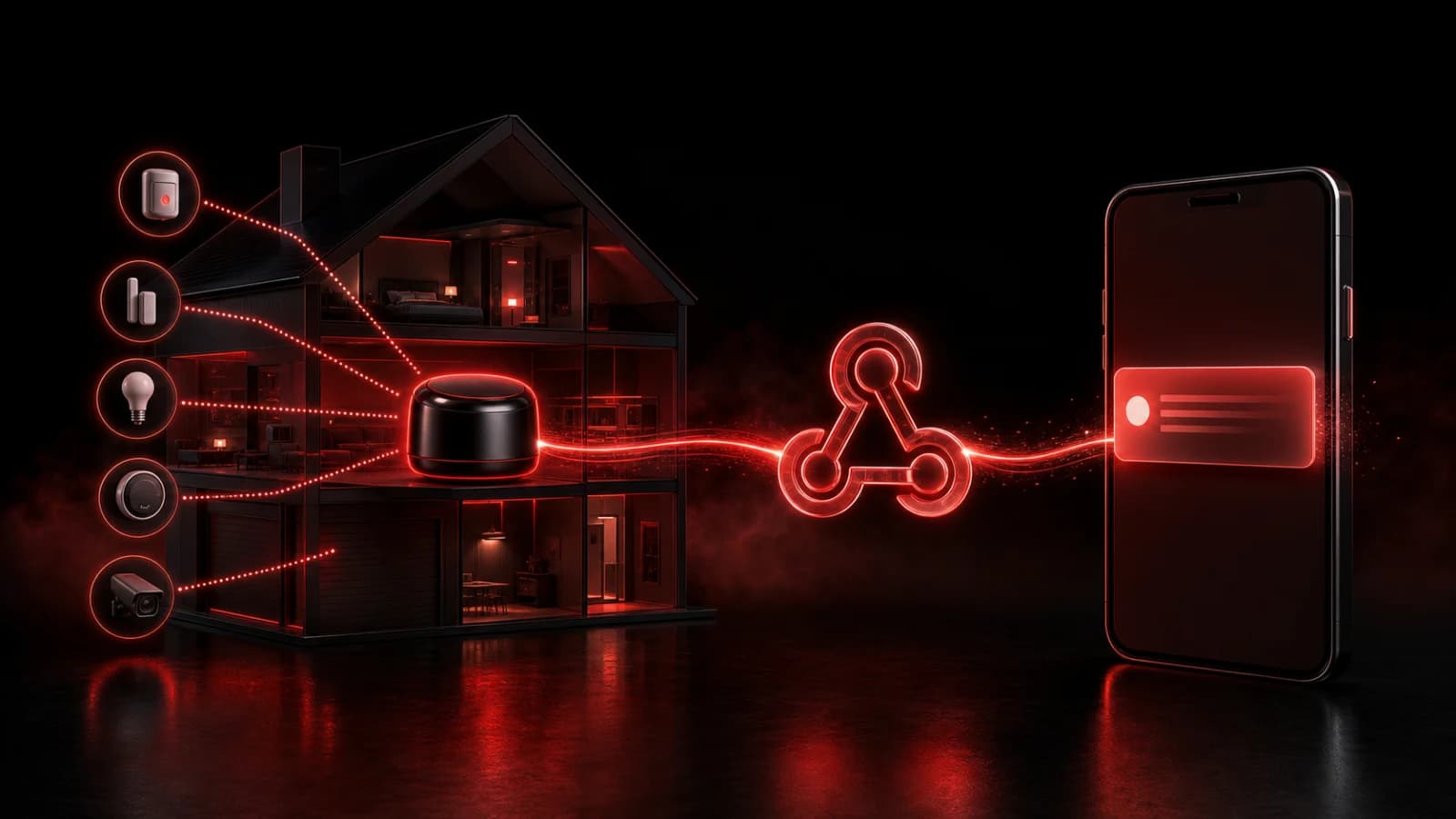
How to Send Smart-Home Alerts to Every Phone in the House
Connect trusted smart-home events to a household room through a webhook, with clear actions, cooldowns, and human confirmation.
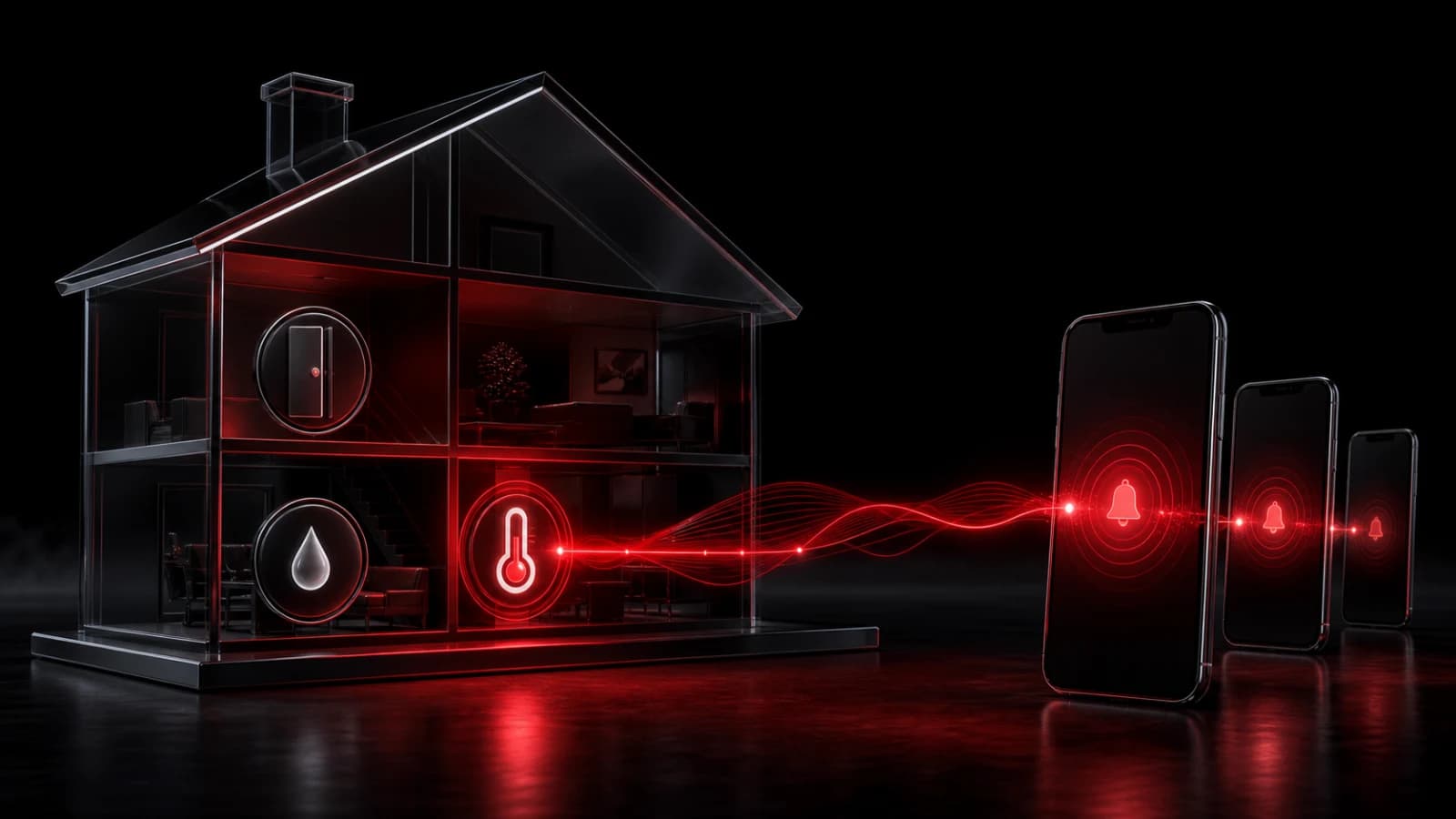
Any smart-home platform that can make an HTTP request can send a trusted event to a PingRoom household room. Create an incoming webhook, then map a few useful events to clear notifications such as Water leak detected, Door left open, Temperature warning, or Automation offline.
When a person, rather than a sensor, needs to make the final door, garage, or appliance check, use the separate manual leaving-home handoff. A person's report and a trusted device event are different kinds of evidence.
Send events people can act on
Do not forward every sensor change. Choose conditions with a human response, add a cooldown, and send a separate recovery event when the condition clears. A leak sensor that fires 100 identical requests should not produce 100 Pings.
Use separate rooms or actions for different urgency levels. Include a non-sensitive device label such as “utility room sensor,” but keep addresses, access codes, camera images, and alarm credentials out of lock-screen text.
The incoming webhook URL is a secret. Store it in the automation platform’s protected secret storage, never in a public script or repository, and rotate it if exposed.
Keep the safety system independent
PingRoom forwards a push notification; it does not supervise the sensor, confirm the physical condition, or dispatch responders. Smoke, carbon-monoxide, security, medical, and other life-safety systems must retain their certified alarms and official response paths.
Connectivity, webhook retries, battery state, and notification settings can delay or duplicate alerts. Add an event identifier when the source supports one, and test both the alert and recovery path.
For a general integration recipe, read how to turn any webhook into a push notification or browse smart-home use cases.

PingRoom
Short-form communication.