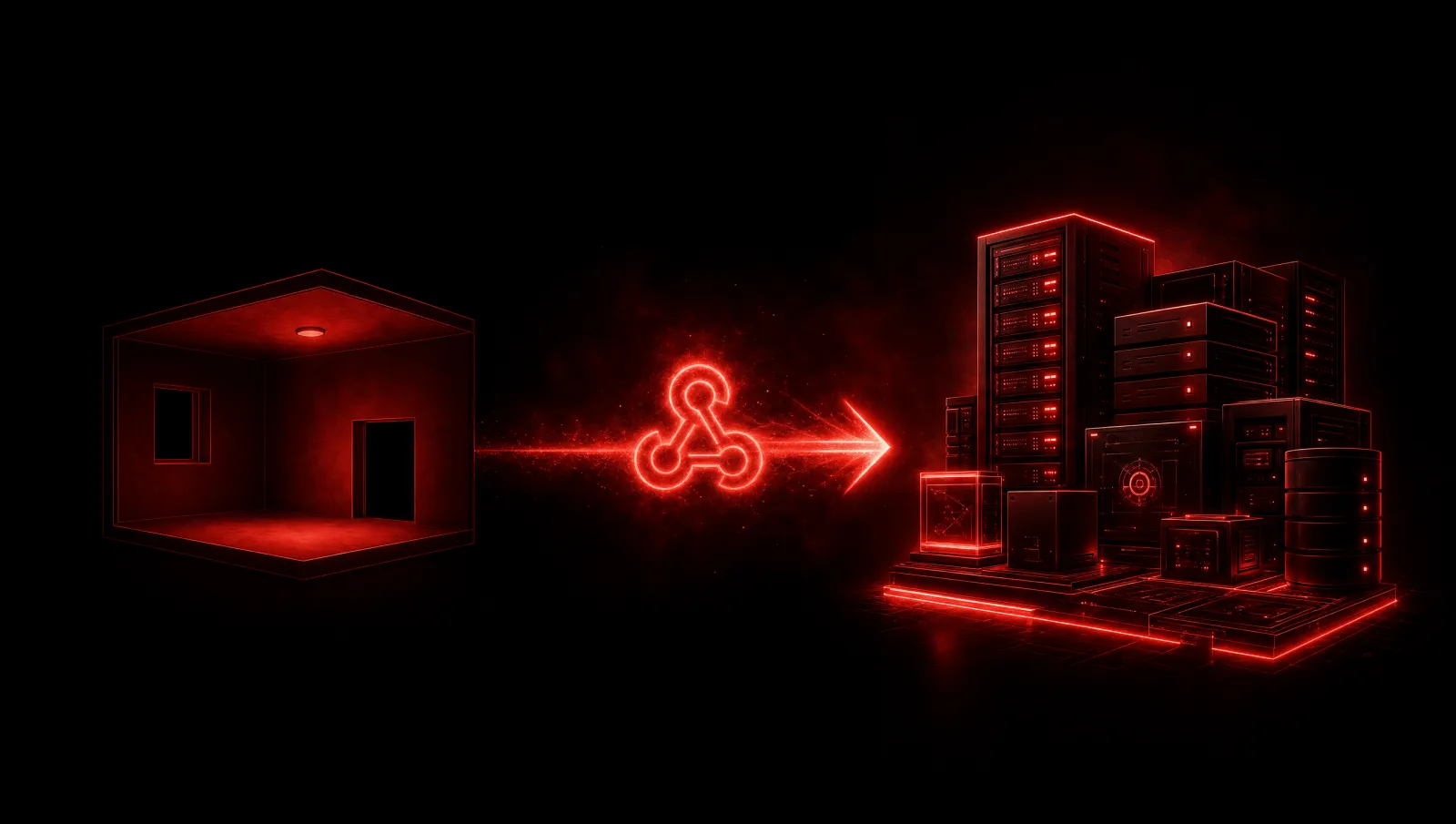
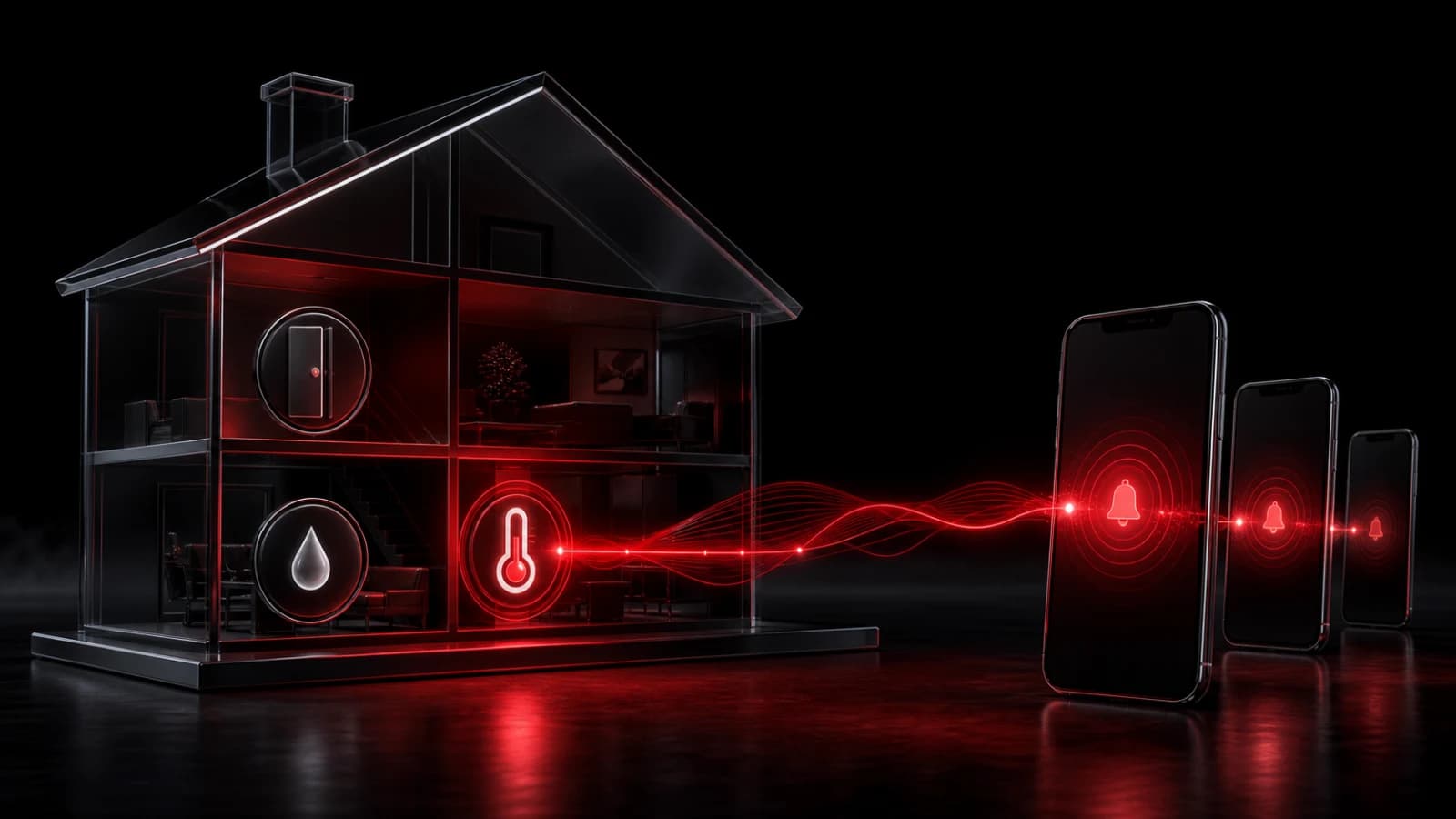
How to Send Home Assistant Alerts Through a Webhook
Point a Home Assistant REST command or automation at a PingRoom incoming webhook to turn a trusted home event into a room notification.
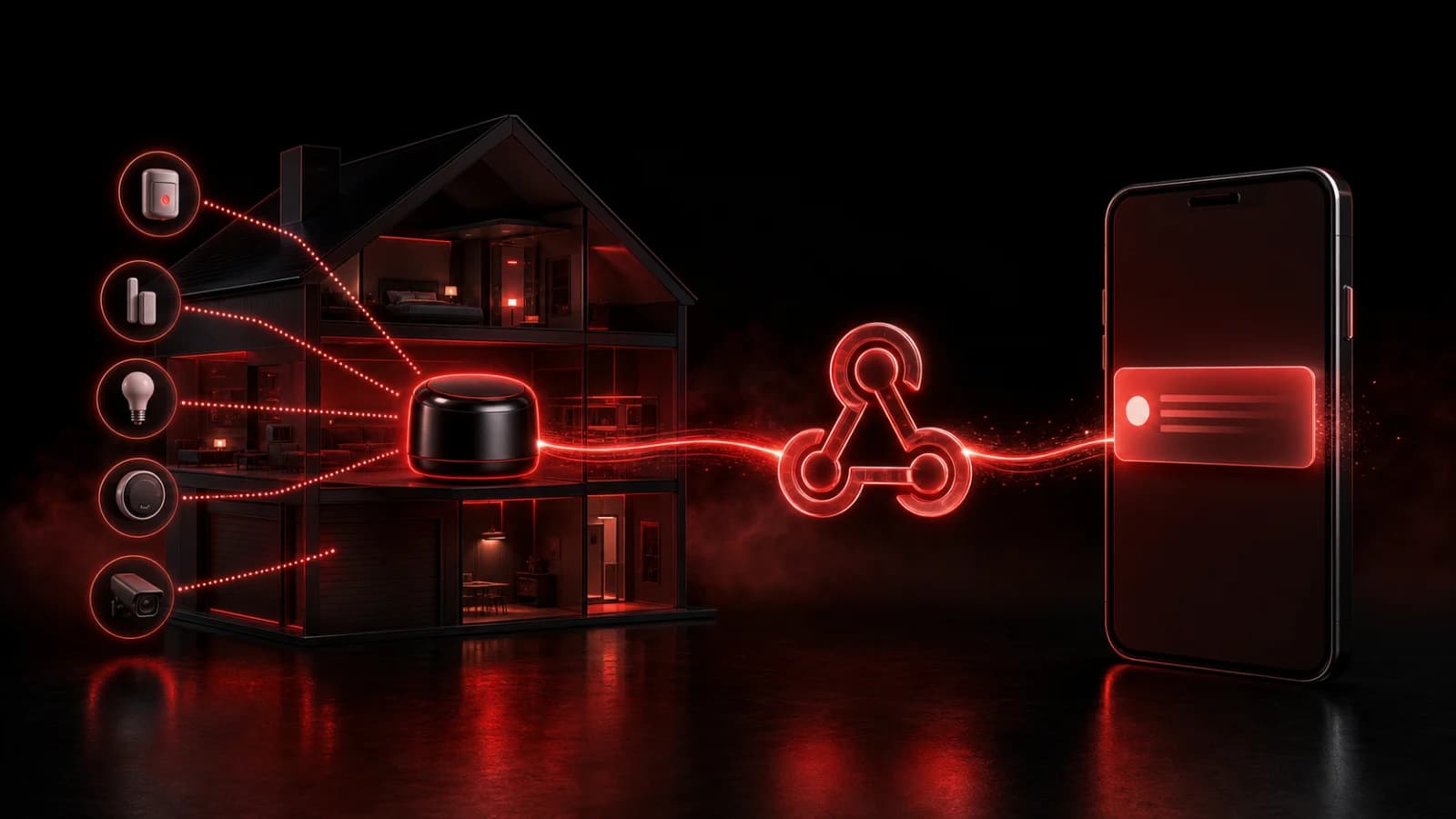
To route a Home Assistant event into PingRoom, create an incoming webhook for the destination room, store its URL as a secret, and have an automation make an HTTP POST when the chosen condition changes.
The integration shape
In PingRoom, open the room’s connections, add an incoming webhook, and copy the generated URL. In Home Assistant, use its supported REST command or automation action to call that URL with a concise title and message. A conceptual payload looks like this:
{
  "title": "Utility room",
  "message": "Water sensor is wet",
  "data": { "sensor": "utility_leak", "state": "wet" },
  "correlation_id": "leak-2026-08-02T10:15:00Z"
}
Use the current PingRoom webhook documentation for the accepted fields. Keep the payload small, exclude secrets, and give repeated source events a stable identifier when possible.
Avoid noisy automations
Trigger on a meaningful transition, not every state refresh. Add a cooldown and send a separate Recovered Ping when the sensor returns to normal. Test from the automation tool before relying on the final rule.
Treat the webhook URL like a password: keep it in protected configuration, do not paste it into a public blueprint, and rotate it after accidental exposure. PingRoom does not need your Home Assistant administrator credential.
This pattern is an attention bridge, not a replacement for local alarms or safety-certified monitoring. Network failures can prevent both the webhook call and the resulting push. See the webhook overview and developer documentation for the live contract.

PingRoom
Short-form communication.