How to Confirm the House Was Checked Before Everyone Leaves
Give one person the last check, then use four clear PingRoom updates for the door, garage, oven, and any request to look again.
To confirm the house was checked before everyone leaves, choose one person to make the final physical check. Give the household a private PingRoom Room with four manual updates: Please check before leaving, I checked, door is locked, I checked, garage is closed, and I turned the oven off. Send a result only after looking.
The Ping reports a person's check. It does not lock a door, close a garage, switch off an appliance, or verify that any of those things happened.
Give the last check to one person
When two people each assume the other checked, a shared list does not solve the ownership gap. Before leaving, name the last person out. That person follows the household's normal physical routine and sends only the results the others need.
For a couple leaving together, that might be whoever locks the final door. For housemates leaving at different times, it is the person who is still home when someone asks for a check.
Agree on three boundaries first:
- Who is making the final check today?
- What does each label mean in this home?
- When does the situation require a call instead of a Ping?
Keep the actual checklist in a note, checklist app, or printed card if it has more than a few items. The Room carries the handoff, not the whole inspection routine.
Choose the tool that owns the answer
PingRoom publishes this guide. A shared Room is useful when one person physically checks something and needs to tell a small household. It is not the best tool for every leaving-home routine.
| What you need | Better fit |
|---|---|
| A private list, timestamps, or photo history for your own routine | A dedicated checklist app |
| Current device status or remote control for a compatible lock, garage door, or appliance | The manufacturer's smart-home app |
| One household member to report a completed physical check to the others | A manual PingRoom Quick Ping |
| An urgent or unclear situation | A direct call and the appropriate local response |
DoorDone's current Google Play listing describes personal routines, timestamps, optional photos, and check history. Exitoscope describes an upcoming iPhone app built around local photo confirmations. Those products focus on the person's record. PingRoom's narrower contribution is the shared handoff after someone checks.
Copy this four-Quick-Ping Room
Start with PingRoom's Check before leaving template, or create a private Room called Last person out.
| Quick Ping | Send it when | What the household can conclude |
|---|---|---|
| Please check before leaving | You are away and need someone still at home to look | A check has been requested; no result is known yet |
| I checked, door is locked | You physically checked the agreed final door | That person reports the door was locked at that time |
| I checked, garage is closed | You physically checked the agreed garage door | That person reports the garage was closed at that time |
| I turned the oven off | You physically checked and switched off the agreed oven | That person reports the oven was off at that time |
Replace anything that does not fit your home. A flat without a garage might use I closed the windows. Name the object clearly enough that nobody has to ask which door or appliance the Ping means, but keep addresses, alarm details, access codes, and photographs of entry points out of lock-screen text.
The four manual Quick Pings fit the free plan. They do not need a schedule, geofence, webhook, or Pro subscription. The current feature guide lists four Quick Pings per Room in the free plan.
Work through one forgotten-oven check
Here is an illustrative example, not a customer story or security result.
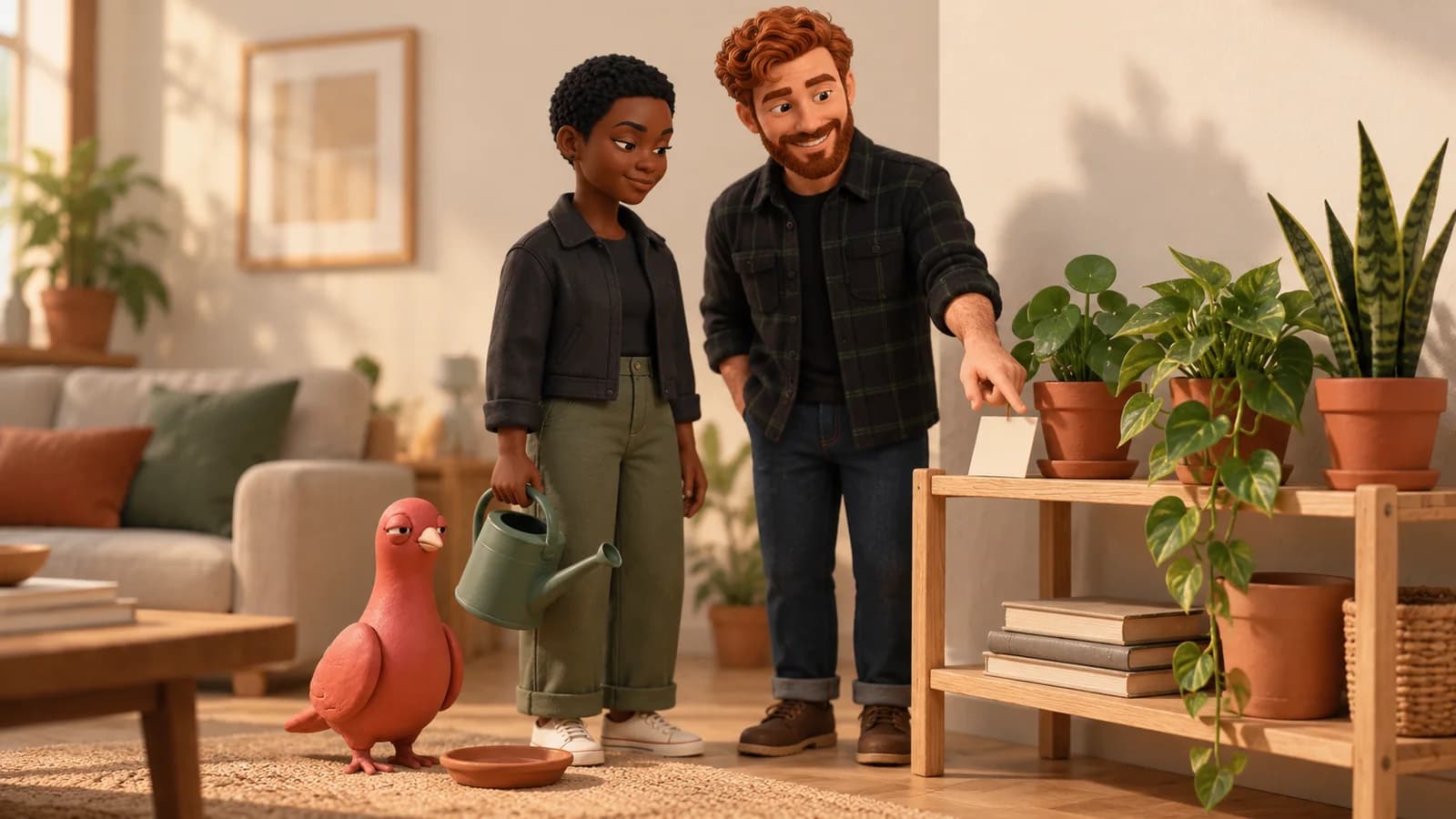
Noor leaves first and later cannot remember whether the oven was checked. Sam is still at home. Noor sends Please check before leaving.
That request is not a confirmation. Sam goes to the kitchen, checks the oven directly, switches it off if needed, and then sends I turned the oven off. Sam follows the household's remaining exit routine and locks the final door before leaving.
If Sam does not answer, Noor treats the condition as unknown and calls. Silence does not mean the check happened. A delivered Ping does not prove that a person saw it, and a request does not assign responsibility unless the people involved have agreed that it does.

Pingo the Pigeon, PingRoom's fictional Chief Marketing Officer, has taken up position beside the result tray. He cannot inspect the oven, read a private Room, or send the household's update. His contribution is the expression reserved for a request that has not become a result yet.
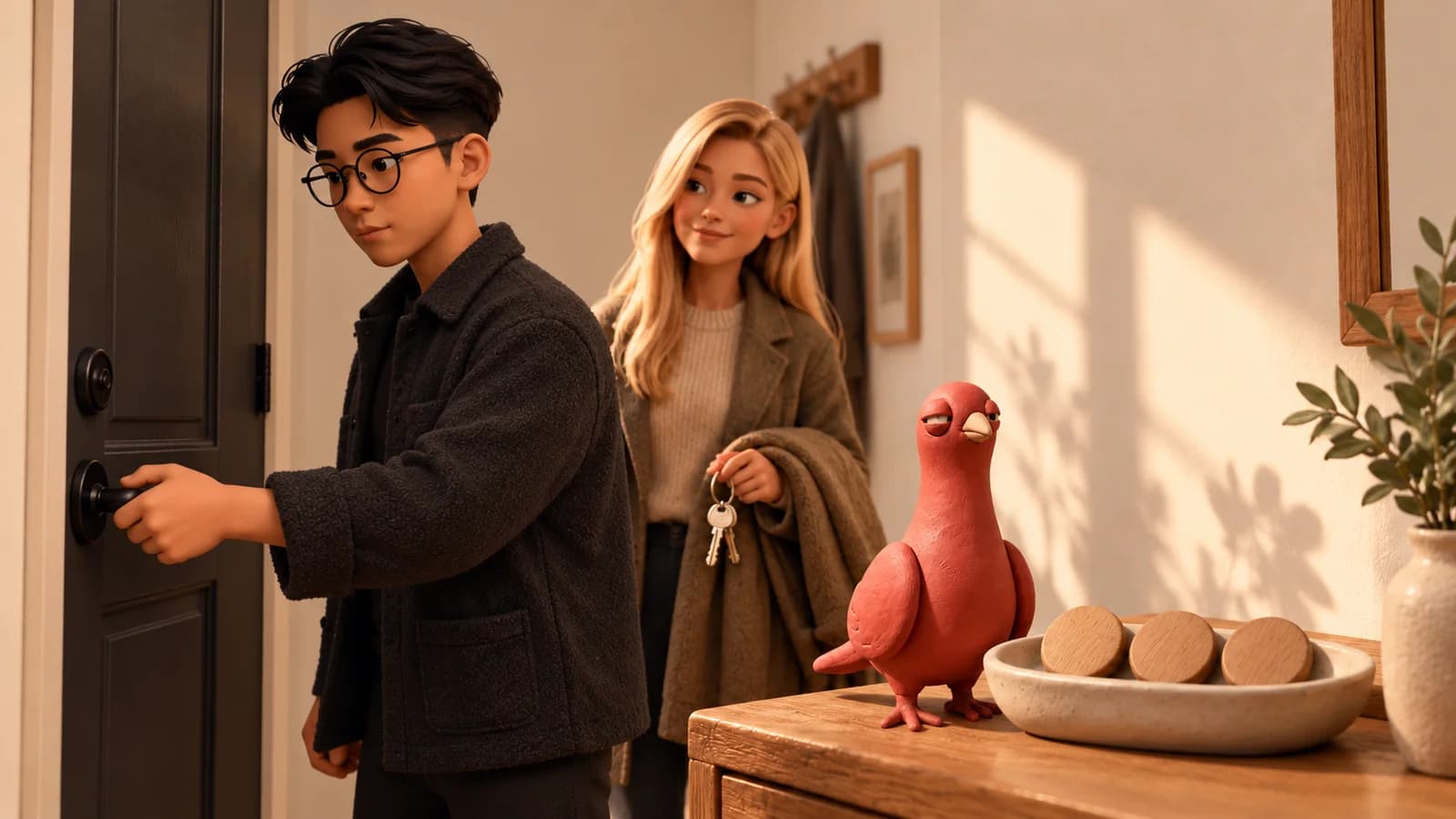
The household is illustrative. The editorial artwork was created with AI using approved Pingo and PingRoom avatar references.
Correct a mistaken update immediately
If someone taps the wrong result, send a plain correction before doing anything else:
Correction: the garage has not been checked yet.
Then make the physical check and send the correct result. Do not leave two contradictory Quick Pings for the household to interpret.
Treat every result as time-specific. Yesterday's I checked, door is locked says nothing about the door today. If people come back inside after the final check, run the relevant part of the routine again before the last person leaves.
Keep the physical routine independent
Police.uk recommends a repeatable exit routine that includes directly checking doors, windows, sheds, and garages. Follow authoritative local guidance and the instructions for your actual locks and appliances.
PingRoom should not become the evidence for a security, fire-safety, insurance, tenancy, or emergency decision. Push delivery can be delayed or suppressed by connectivity, battery state, notification permissions, Focus settings, and Room preferences. Keep smoke and carbon-monoxide alarms, security systems, smart-device controls, and emergency procedures independent.
If a sensor or compatible smart-home system should report a device event, use the separate smart-home alert workflow. If a person is making the check, keep it manual and literal.
Test the handoff before relying on it
- Create a private Room and invite only the people who share the routine. The private alert group guide covers membership and invitations.
- Add the four Quick Pings, replacing any object that does not apply.
- Name the last person out for one ordinary departure.
- Send a test request while someone is still home.
- Make the physical check, send the result, and confirm that everyone reads the label the same way.
- Agree that no response means unknown and requires a direct follow-up.
The goal is not to make the household send more notifications. It is to turn one repeated question into one assigned check and one clear result.
Install PingRoom and create the household Room.
This workflow does not verify a lock, garage, appliance, or safety condition and does not replace a checklist, smart-device control, alarm, or emergency service. It is an illustrative communication pattern, not a guarantee.

PingRoom
Short-form communication.