Share a Folder of Rooms With One Link
Put related Rooms in one folder, create one revocable link, and let someone preview and join the whole set in a single step.
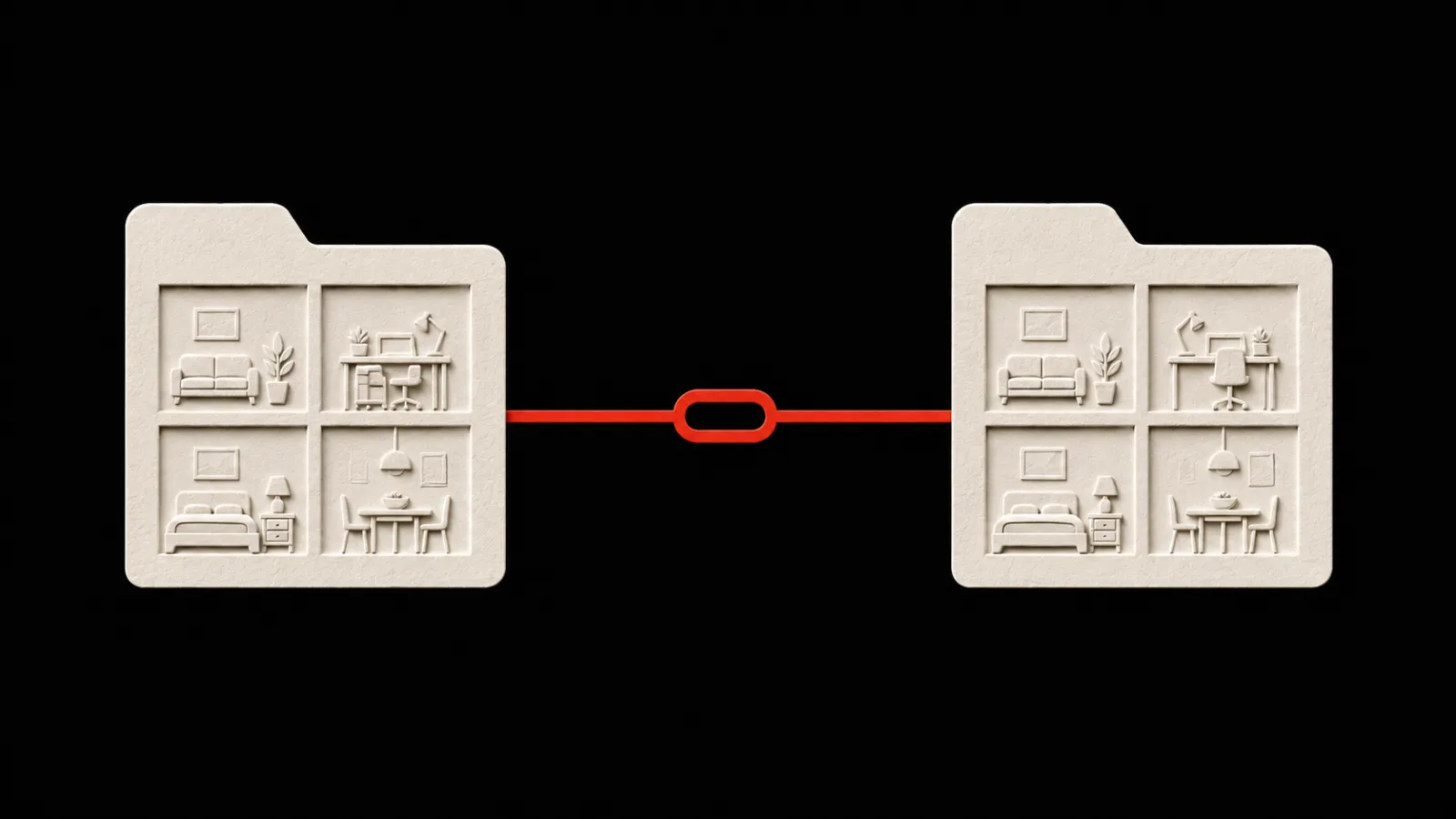
A new volunteer joins a weekend event crew. They need the Crew updates, Transport, Equipment, and Closing team Rooms before the first shift.
Send one folder link. They can preview the four Rooms, sign in, and join the complete set in one step. PingRoom adds the memberships and saves the folder together, so the same structure is waiting in their Rooms list.
This is folder sharing in PingRoom: one invitation for a related set of Rooms.
Start with a folder that has one job
Folders already keep a busy Rooms list organized. Sharing makes that organization useful when someone else needs the same set.
Use a folder for Rooms that belong together. An event crew might keep separate Rooms for transport, equipment, and shift updates because each Room has its own members and Quick Pings. The folder gives the set one clear name without collapsing those signals into one feed.
Before you share, check the folder name and the Rooms inside it. The recipient will see that folder name and a preview of every included Room.
Create one folder link
Open PingRoom in your browser, then:
- Put the related Rooms in one folder.
- Open the folder menu and choose Share folder.
- Select Create folder link.
- Check the Room preview, then choose Share or Copy link.
The same link can be sent to everyone who needs that set. Creating the link again returns the current one instead of producing a trail of duplicates.
A folder link is a snapshot. If you later add or remove a Room in your own folder, the existing link does not change. Choose Replace link when you want a new snapshot of the folder as it is now. Previous links stop working after the replacement.

Let the recipient inspect the set first
Opening the link shows a read-only preview before anyone joins. It includes the folder name and the current name, icon, and color of each Room. It does not expose individual Room invite codes, member lists, passwords, or notification history.
The recipient signs in if needed and selects Join all rooms. PingRoom then:
- joins every eligible Room in one operation;
- reuses any memberships they already have;
- saves the shared folder in their Rooms layout; and
- moves those Rooms out of their other folders so each Room still has one place.
Other folders and unrelated Rooms stay where they are. Later changes to the sender's folder do not rearrange the recipient's copy.
If any Room in the snapshot can no longer be joined, the whole operation stops. The recipient is not left with half a folder. The sender can replace the link with a current snapshot.
Treat the link like an invitation
Anyone who has the link can preview the set. When you own the Rooms, the folder invitation can include your private, public, and password-protected Rooms. Recipients join those Rooms through the folder link without entering each Room's password.
That makes the link useful, and worth handling carefully:
- Send it through a channel the intended group already controls.
- Use Replace link when the folder membership should change.
- Use Disable link when onboarding is over or the link travelled too far.
- Remove people from individual Rooms when their access should end.
Replacing or disabling a link stops future joins. It does not remove Rooms from people who already accepted the invitation.
A Room owned by someone else can be included only when it is public, has no password, and you are already a member. A folder is an organizing tool; it does not give you permission to invite people into another owner's private Room.
Use the browser flow today
Folder sharing is available in PingRoom's browser app. On iPhone, a pgr.link folder URL currently opens the browser preview instead of claiming a native universal link. The current public mobile release predates this feature, so Join in your browser is the supported path on a phone or computer for now.
Four related Rooms should not require four invitations or a second round of filing.
Open PingRoom in your browser, group the Rooms, and send one folder link.

PingRoom
Short-form communication.