PingRoom 1.5.4 preview: what’s behind the release notes
In-app invitations, shared Room administration, a searchable nearby map, camera attachments, richer notifications, and more useful Siri choices. A closer look at the work prepared for 1.5.4.
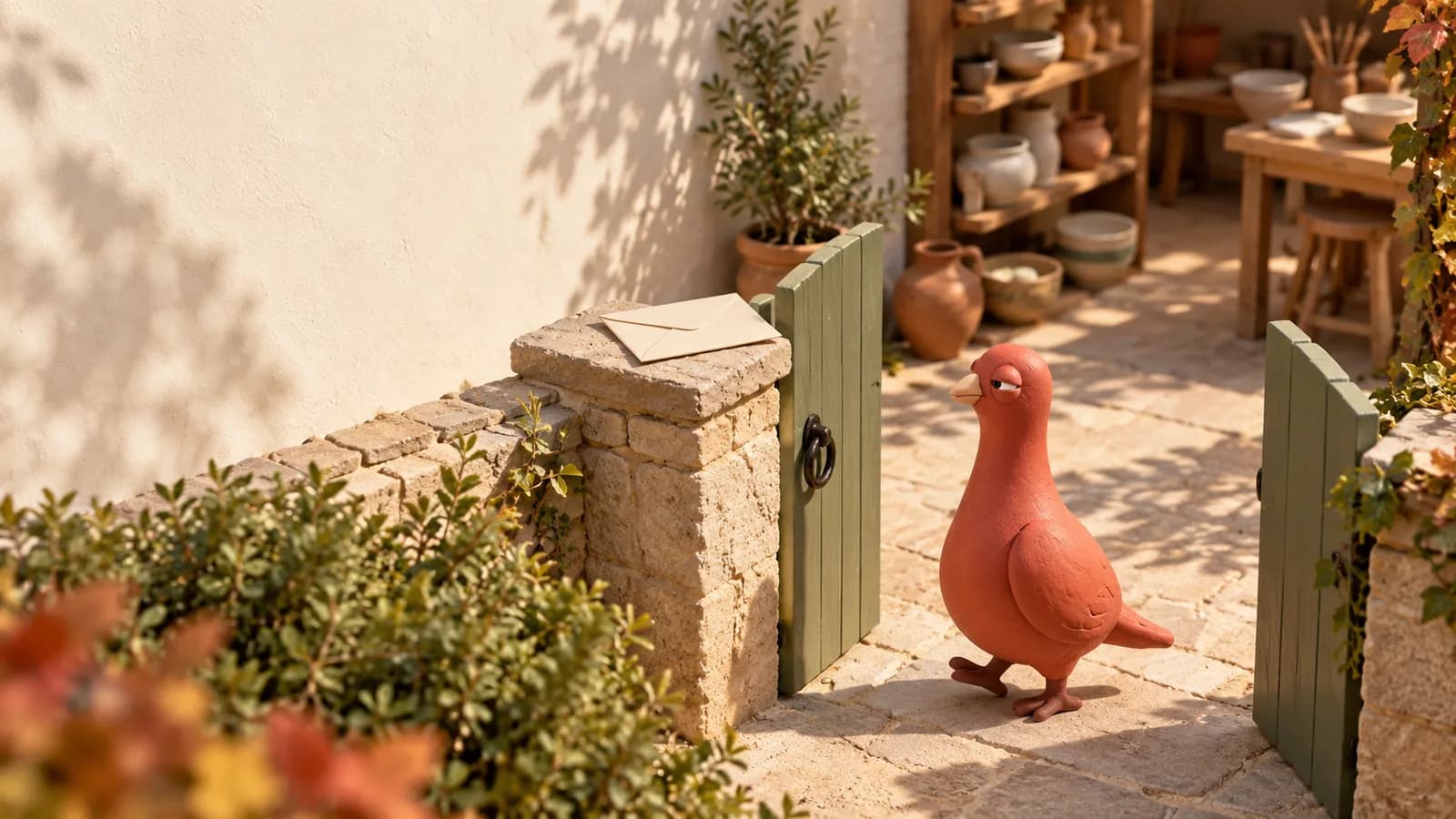
Imagine you are organizing an open day at a pottery workshop. A new helper needs the crew’s Room. Your co-organizer needs to change a Quick Ping. Visitors need to find the public Room for the venue. Later, a photo of the finished pieces will say more than Ready on its own.
The work prepared for PingRoom 1.5.4 helps with those small exchanges: getting into the right Room, sharing its upkeep, and recognizing what a Ping is about before opening it.
Release preview, October 5: iOS 1.5.4 is waiting for App Store review; the public iOS version is still 1.5.3. Android 1.5.4 builds are prepared, but we have not confirmed a public Google Play rollout. This article previews the release work, not an available-now announcement. Beta builds and the final store builds may contain different subsets of these changes.
The store notes give the short version. Here is what the additions mean in practice, including work that needs more explanation than a release-note bullet.
Receive the invitation where your Rooms already live

For the workshop’s new helper, joining starts with a choice inside PingRoom.
The native Room invitation view shows the Room, who invited you, and the private Room you already share with that person. You can inspect the invitation, then join or dismiss it. An invitation does not make you a member before you accept.
This brings the direct invitation workflow already available in the browser into the mobile app. It is for people you already know through a shared private Room, not a search tool for every PingRoom account. The Room owner sends the invitation; receiving one does not require finding a copied code in another conversation.
Shared-folder invitations take a different route. Open a shared-folder link and the app shows a preview of the folder and its Rooms before you join. For a workshop with separate crew and visitor Rooms, that makes the contents visible before someone adds the collection. Normal membership and folder limits still apply.
Links, codes, and QR joining remain useful when you are inviting someone new. The new native invitation flow adds another way in; it does not replace those routes.
On the cover, Pingo, our fictional CMO, has reached the workshop gate. The envelope has his attention. The actual invitation—and the choice to accept it—belongs to the person using PingRoom.
Let a Room admin maintain the shared setup

An owner should not have to make every wording change during an event. In the 1.5.4 work, Room admins can edit Room settings and Quick Pings from the mobile app.
For the workshop, a co-organizer with the admin role could update a saved cue from Doors open to Side entrance open, or adjust the Room’s description before visitors arrive. The next person who opens the Room sees the shared setup, rather than needing a separate explanation from its owner.
Open the Room’s settings as an owner or admin, make the change, and save it. Choose Quick Ping wording that the whole group will recognize. A useful cue describes the action or moment: Pieces ready for collection is clearer than Done when several jobs are happening.
Admin editing is not ownership transfer. It does not grant every member access to settings, extend to someone else’s Personal Room, or remove plan limits on additional Quick Ping pages.
There is also a small shortcut for your own Personal Room: opening its Quick Pings takes you straight into editing. That is a setup action, not a Ping sent to your contacts.
Find the public Room in a crowded place

The nearby map already exists in PingRoom. The 1.5.4 work makes it more useful when several public Rooms appear in the same area.
The expanded map has a searchable sheet. Search by Room name, handle, or place label, then sort by nearest, most subscribers, or name. Nearby markers group together at the current zoom instead of competing for the same spot. Open a group to browse its Rooms, then select the one you want to view.
That matters for a shared arts building. A ceramics studio, a gallery, and a weekend market might all use the same address. A counted location lets you see that more than one Room belongs there and choose the workshop, rather than treating the building as a single result. Android’s map also follows the app’s light or dark theme.
To try the workflow in a build that includes it:
- Open Discover and expand the nearby map.
- Allow location access if you want nearby distance ordering.
- Search for the venue or Room, or open a grouped marker.
- Select a Room and choose View room before deciding whether to join.
These are public Room places, not the live locations of their owners or members. If you run a venue Room, give it an appropriate public place so people know what they are finding.
Take the photo while composing the Ping

Pieces ready is useful. Pieces ready, with a photo of the collection shelf, tells someone which pieces and where to look.
The attachment sheet adds Take photo, alongside the photo library and files. You can capture the image during composition, review it, and attach it to the Ping. Camera access requires your permission, and sending file attachments requires PingRoom Pro.
The upload preparation also removes supported embedded file metadata on the device before upload. For photos, that includes metadata such as recorded capture-location information. The PNG work includes a lossless metadata-removal path; it is not a promise that every upload keeps its original dimensions or file size.
Metadata removal is not content redaction. An address visible in a photograph, a name written on a mug, or personal information in a document still needs your attention before you send it. Review both the file and its filename for the audience you chose.
The full Ping view also includes the Ping’s link and attachments. A short notification can lead to the photo or document that explains the update, with the relevant material kept alongside the Ping.
Pingo is inspecting the mug’s angle. The mug has not requested a second take. This is an illustrated aside about adding useful context, not a claim that Pingo takes photos or sends Pings for you.
Recognize the Room, the sender, and the attachment

The notification changes help you recognize who sent a private Ping or which public Room an update came from.
| Surface | What the release work adds | Why it helps |
|---|---|---|
| iPhone | Room artwork and colors, sender photos for supported private Pings, and attachment previews | Recognize the person or public Room behind the update |
| Apple Watch | Compact Room or sender identity and supported attachment previews | Get more context from a glance at your wrist |
| Android | Native messaging-style notifications with Room and sender avatars | Make the source of the Ping easier to recognize in the notification shade |
On iPhone, supported private Pings use the sender’s photo, while public-Room Pings use the Room’s identity. Room colors and contrast-aware artwork help keep that identity legible. Photo previews can show the attached image; other files can have a compact file summary rather than a picture of their contents.
For the workshop helper, the useful distinction is immediate: is this a fellow organizer, or the public workshop announcement? Is there a photo worth opening?
The presentation still depends on the device, the notification type, your notification-preview settings, and whether the media can be loaded. The Android avatar work is in a later prepared build than the Android beta currently linked on our beta page; do not expect every 1.5.4-labelled beta to look identical.
Give Siri the right words—or skip an unnecessary choice

Some workshop updates already have a button. Others need a detail that changes each time.
When Siri asks Which ping?, the updated flow can offer Custom message alongside the Room’s Quick Pings, provided that Room allows custom Pings. Choose it and Siri asks what the Ping should say. For example: Collection is at the side entrance today.
There is a separate shortcut for a Room with exactly one eligible Quick Ping. Siri can send that action without asking you to choose the only item. If the Room has no eligible Quick Pings but permits custom messages, the flow can go straight to asking for the message.
The Room’s rules still apply. Personal Rooms do not accept custom messages, and a Quick Ping that needs a location, link, or attachment directs you to the iPhone to add that detail. Siri does not invent the missing input or grant permission to send.
A few additions beyond the short notes

Decision previews and cards show the decision’s headline, so you can read the actual question being presented. A preview remains a preview; browsing one does not ask your Room to decide anything.
Public Room handles remain useful for recognizable sharing. For the workshop, a named public Room gives visitors a destination they can return to after the open day.
There is one appearance change to note: the Neomorphic alternate app icon is being retired. On iOS, people using it are moved back to the default icon when the app can apply the change.
Some of the wider work around this release belongs to connected services rather than the mobile version number. Independent incoming webhooks can already send their own content without occupying a Quick Ping preset in the browser and API. They are a Pro feature. The independent SpaceX Launches Room is a public feed you can subscribe to; it is not operated or endorsed by SpaceX. Neither should be mistaken for a feature that begins only after installing 1.5.4.
One useful exchange to try first

Start with the workshop’s simplest moment: Pieces ready for collection. Give it a recognizable Room, invite the helper who needs it, and attach a photo when that adds something useful. Let the recipient decide whether a glance is enough or whether to open the Ping.
That is the connection to short-form communication: a short exchange can still carry the context someone needs to act.
For early access, visit the PingRoom beta page and check which build is offered for your platform. The App Store listing and Google Play listing are the places to check for the public release. This preview does not promise a store approval date.
Illustrations are AI-generated editorial scenes featuring Pingo the Pigeon, PingRoom’s official mascot and fictional Chief Marketing Officer. The workshop is an example, not a customer story. The human team is responsible for product claims and decisions.

PingRoom
Short-form communication.