Quick Actions Are A Room Language
How custom buttons turn a room into a shared signal system.
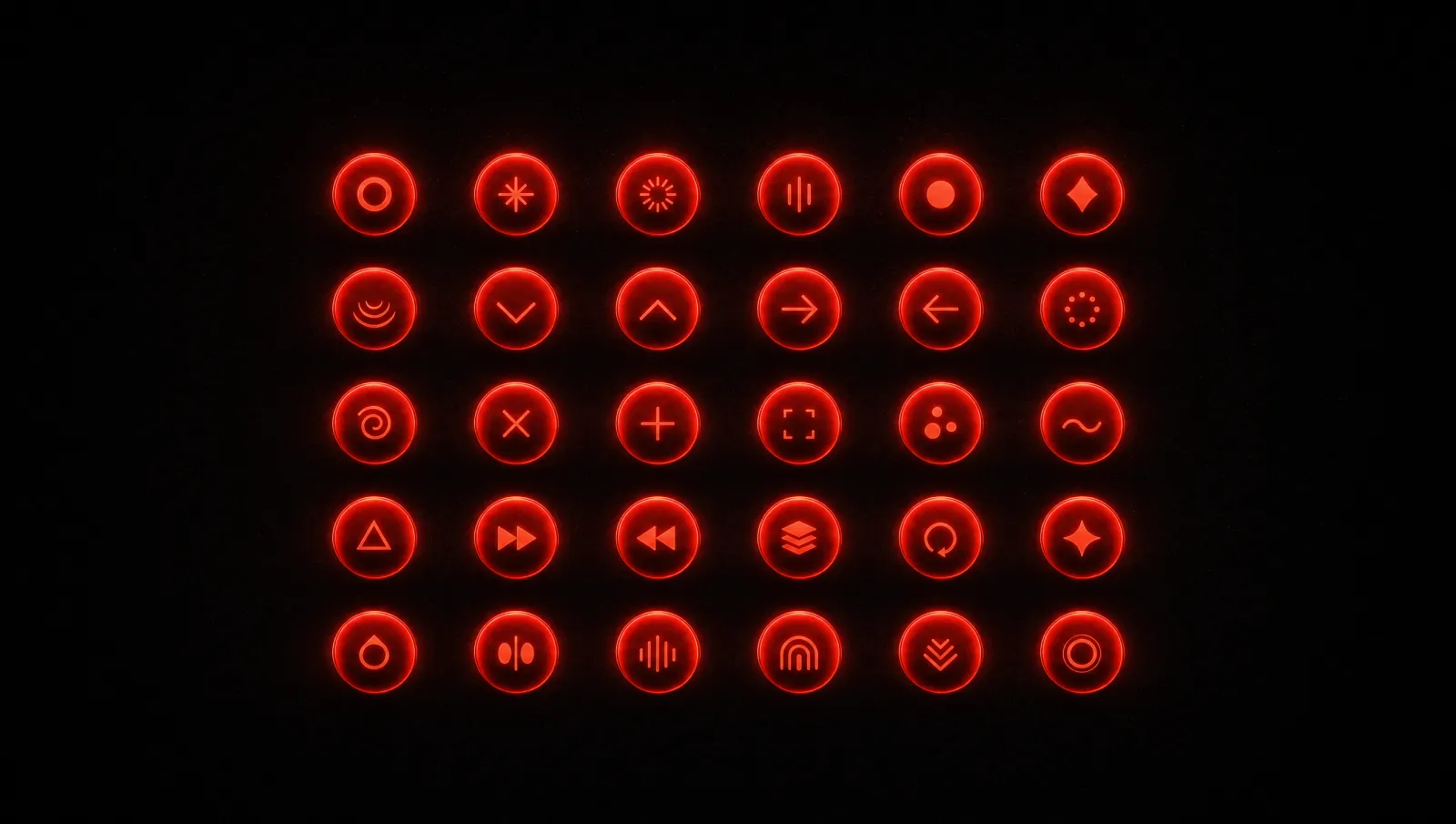
The most important interface in PingRoom is not a text box.
It is the quick-action button.
That choice says a lot about the product. A text box assumes the sender needs to compose. A quick action assumes the room already shares meaning. It turns repeated messages into one-tap signals and lets each room create its own language.
This is where PingRoom becomes personal. The same app can feel completely different in two rooms because the buttons are different.
A Room Builds Muscle Memory
When a room is used often, its actions become familiar.
A family might create buttons for "Home safe," "Dinner," "Leaving now," and "Need help." A small team might use "Deploy done," "Incident," "Review needed," and "All clear." A couple might use quiet personal signals. A group of friends might use social Pings that only make sense to them.
The button label is only part of it. The icon, sound, color, order, and room context all contribute. Over time, people do not read the button as much as recognize it.
That is the advantage of a controlled action grid. It creates speed because the meaning is prepared before the moment of urgency.
Customization With Restraint
Customization can become chaos if the system does not have taste.
PingRoom should let rooms feel personal, but the product still needs consistency. Buttons should be easy to scan. Sounds should be meaningful. Icons should support the action, not turn the interface into decoration. A room with four clear buttons is stronger than a room with twenty noisy choices.
The design system helps here. Signal red is used for the primary strike, not for every object. Pro gold marks paid-tier surfaces only. Neutral layers create calm around the action. The quick actions get to be expressive because the rest of the surface holds steady.
Actions Are Also An API Shape
Quick actions are not just for humans.
They become stable targets for automation. A webhook can trigger an action. A location boundary can trigger an action. A scheduled time can trigger an action. An Apple Watch button can trigger an action. An agent can trigger an action through scoped API access.
That is powerful because it keeps automation understandable. Instead of external systems firing vague notifications into a room, they can trigger the same named actions humans already know.
The room language stays consistent whether the sender is a person, a phone, a webhook, or an agent.
The Product Lesson
Quick actions are small on screen, but they carry the whole product philosophy.
They replace composition with intent. They turn notification delivery into shared meaning. They make the product faster without making it colder. They give every room a vocabulary.
That is the kind of design I want PingRoom to keep pursuing. Not features for the sake of a longer checklist, but primitives that become more valuable as people use them in their own lives.
Why Agents Need The Same Language
Quick actions also give agents a safe way to operate inside human context. An agent that triggers action 2 in a deploy room is not inventing a new alert meaning. It is using the room's existing vocabulary. That makes automation more legible to the people receiving it.
This is why the agent routes for actions matter. A bot can read room actions, trigger one with scope, and let the room history show the same kind of event a human would recognize. The agent becomes another participant in the room's language instead of an external system shouting into it.

Mahdi Salmanzade
Short-form communication.