How to Acknowledge an Important Notification From the Lock Screen
Require acknowledgement when a sender needs an explicit human response, and keep delivered, acknowledged, timed out, and unanswered states separate.
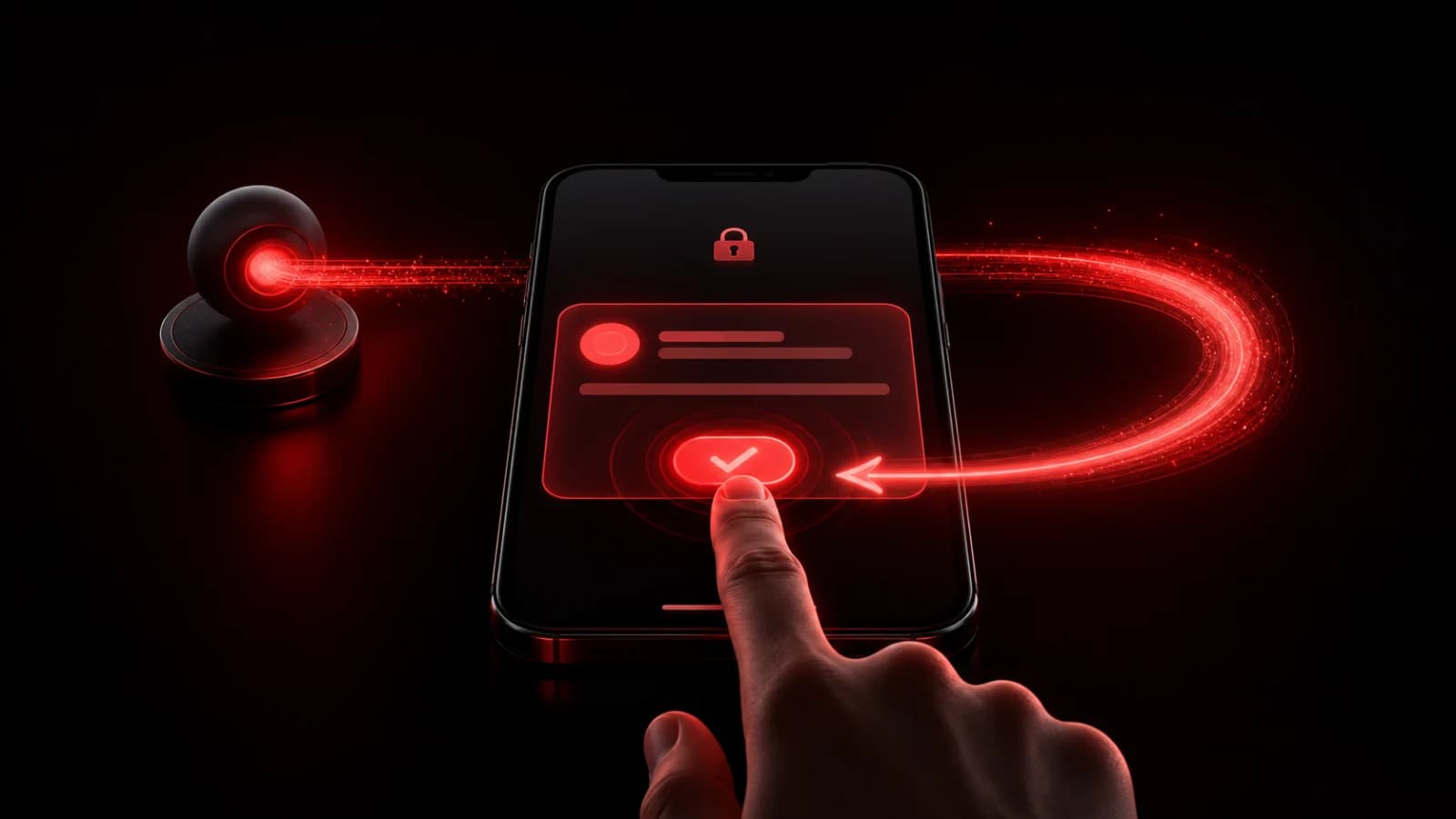
Use an acknowledgement-required Ping when “the notification was sent” is not enough. The recipient can acknowledge from the supported notification or app surface, and the room records that explicit response.
Delivery is not acknowledgement
A delivery event means the push service accepted or attempted the notification for a device. It does not prove a person read it. An acknowledgement means a person performed the confirmation action. Keep those states separate in both the wording and the response plan.
Set a reasonable acknowledgement timeout based on the task. If the timer expires, treat the result as no acknowledgement, not as rejection and certainly not as success. The sender can then follow the agreed fallback: call, reassign, or escalate through the system that owns the work.
Write the Ping so the recipient knows what acknowledging commits them to. Acknowledge you will call the customer is clearer than OK? If the person must choose between outcomes, use a Question with explicit options instead.
Account for device behavior
Lock-screen actions vary by platform, notification settings, authentication state, and operating-system version. A recipient may need to unlock or open the app. Test the workflow on supported devices rather than assuming identical behavior everywhere.
Do not expose sensitive task details in the preview. PingRoom acknowledgement is an attention primitive, not a legally binding signature, emergency-response guarantee, or replacement for a regulated audit system.
For multi-option responses, see how to ask a poll through a push notification and the Question Protocol.

PingRoom
Short-form communication.