Keep the match score in your Room
Use a Matchup Live Activity for a friendly game: name both sides, update the points, and leave the final score for your group.

Two friends are playing table tennis. The rest of the group is arriving in shifts, getting drinks, or waiting for the next game. They want to know how the match is going.
A Matchup Live Activity gives your private Room one shared score. The person who starts it enters the points as play continues. Everyone else can follow that card, and the final score stays in the Room when the activity ends.
It is a useful fit for a friendly match with someone willing to keep score.
Set up the two sides
Open your private Room and start a live update. Choose Matchup, then:
- Give the activity a short title, such as Friday table tennis.
- Enter each player’s name on the left and right.
- Set both starting scores to zero, or enter the current score if play has already begun.
- Add a middle label such as Game 1.
- Check the preview and start the live update.
Use names the Room will recognize. For a doubles game, short team names may be clearer than trying to fit every player into the label.
You can explore the format in the public Matchup example before starting a real activity.
Keep one person on score
Decide who will start the activity and update it. That person uses the controls in the Room to change the points. Updates change the existing card; each point does not create another alert.
Suppose the game reaches 8–6. Enter those scores and carry on. If the scorer entered a point on the wrong side, correct the values so the card reflects the game.
PingRoom displays the scores you supply. It does not watch the table, enforce service rules, award points, or decide who has won. Agree on the rules with the players.
That distinction also makes Matchup useful beyond table tennis. A two-team quiz host could update totals after each round, for example. The card follows the scorekeeper.
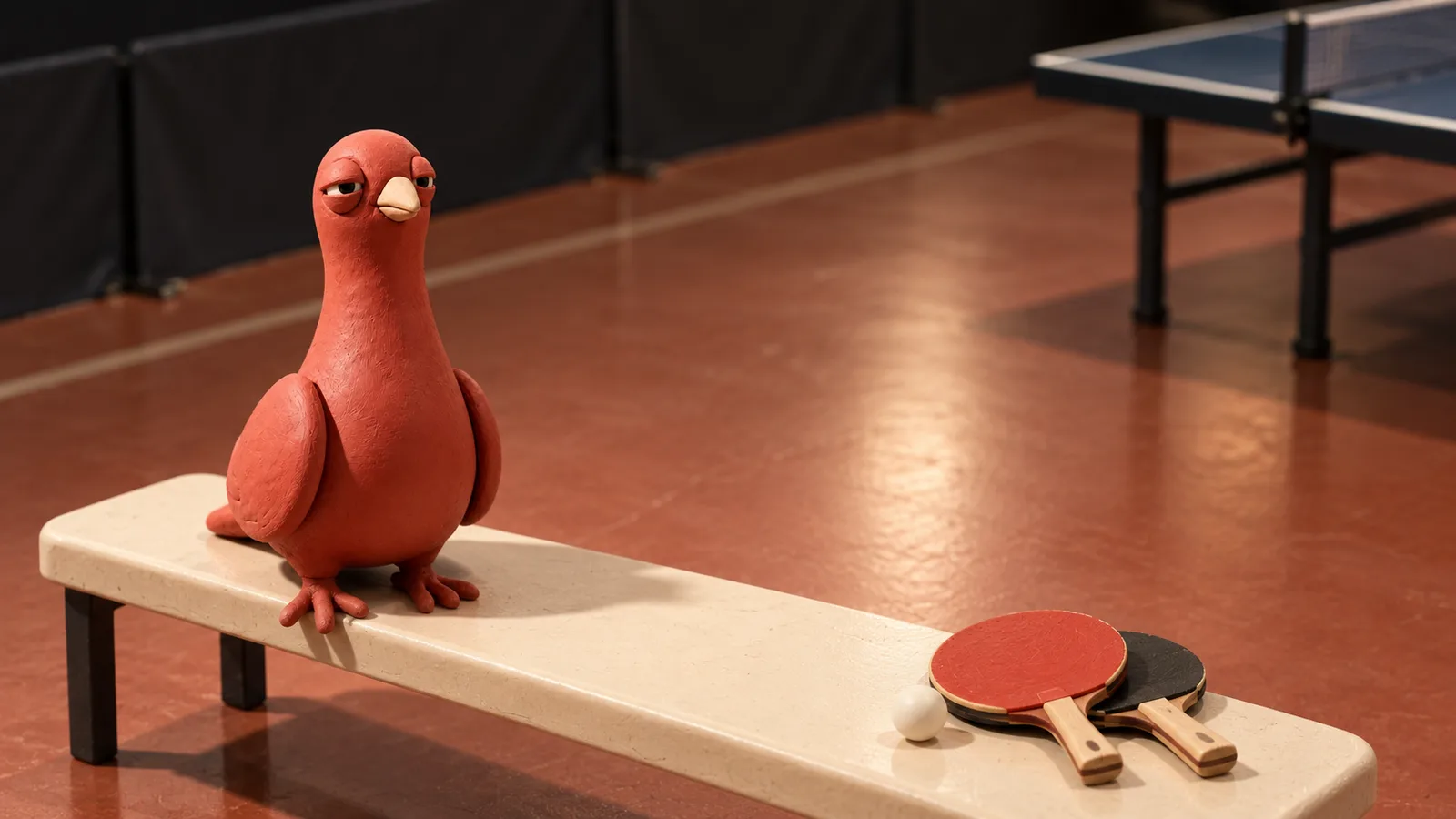
Pingo, our fictional CMO, has retired to the bench. His expression is not an official ruling on the last point.
Finish the game, keep the result
When the players agree the match is over, enter the final score and finish the activity. Reaching a particular number does not end a Matchup automatically.
The completed card leaves the result for friends who missed the game. Start a new activity for the next match so each result has its own place.
Starting Live Activities yourself is free in private Rooms. You can start up to 50 new activities per day on either plan; score updates and finishing do not use that allowance. The card is available in the Room, including on the web. Lock Screen, Dynamic Island, and Android live-update presentation depend on the device and its settings.
For the next game, choose one scorer, name the sides, and start a Matchup. The people at the table can keep playing while the rest of the Room follows along.
Illustrations are AI-generated editorial scenes featuring Pingo the Pigeon, PingRoom’s official mascot and fictional Chief Marketing Officer.

PingRoom
Short-form communication.