How to Send Notifications From a Home-Screen Widget
Place selected room actions on the home screen so a repeated family, team, or personal Ping does not require opening the app first.
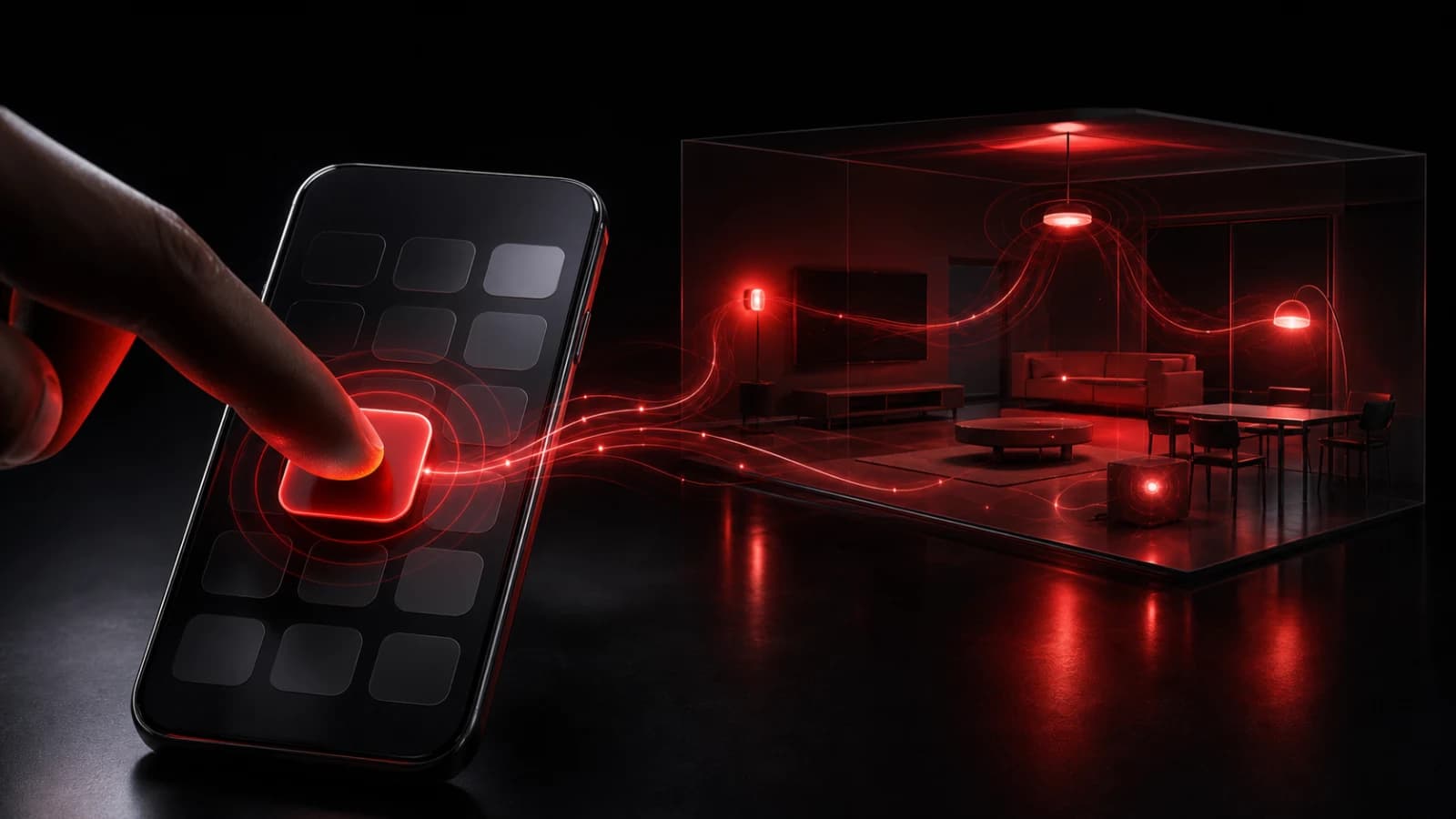
A PingRoom widget turns selected quick actions into home-screen controls. Configure the room and action in PingRoom, add the widget through the phone’s normal widget gallery, then tap the action when the event happens.
Choose widget-worthy actions
The best candidates are frequent, stable, and safe to expose on a visible screen: Home safe, At the door, Order ready, or Need pickup. For a small venue, the food-ready team-notification guide shows how to keep the cue separate from ticket and guest data. A changing or sensitive request belongs inside the app, where the sender can review more context.
Keep the widget small enough to scan and distinct enough to avoid accidental taps. Test what the operating system does after a tap—some actions can complete directly while others may open the app for authentication, confirmation, or refreshed data.
If several people use the device, remember that a home-screen control may be accessible or visible to them. Do not put private medical details, access codes, or confidential work actions in the widget label.
Keep a fallback
Widgets are refreshed and scheduled by the operating system. Their displayed state can lag behind the app, and network or authentication changes can prevent a send. Open PingRoom to verify membership, action configuration, and room history when a result is uncertain.
A widget reduces interaction cost; it does not bypass notification permission or guarantee that recipients see the resulting push. Use acknowledgement when human confirmation matters.
For the product reasoning behind this surface, read Ping From the Home Screen or compare the Apple Watch workflow. When one action belongs on a smaller locked surface, use the separate iPhone Lock Screen widget guide.

PingRoom
Short-form communication.