How to Send Group Alerts From an Apple Watch
Put a room’s most useful quick actions on the wrist so a familiar group Ping is one deliberate tap away.
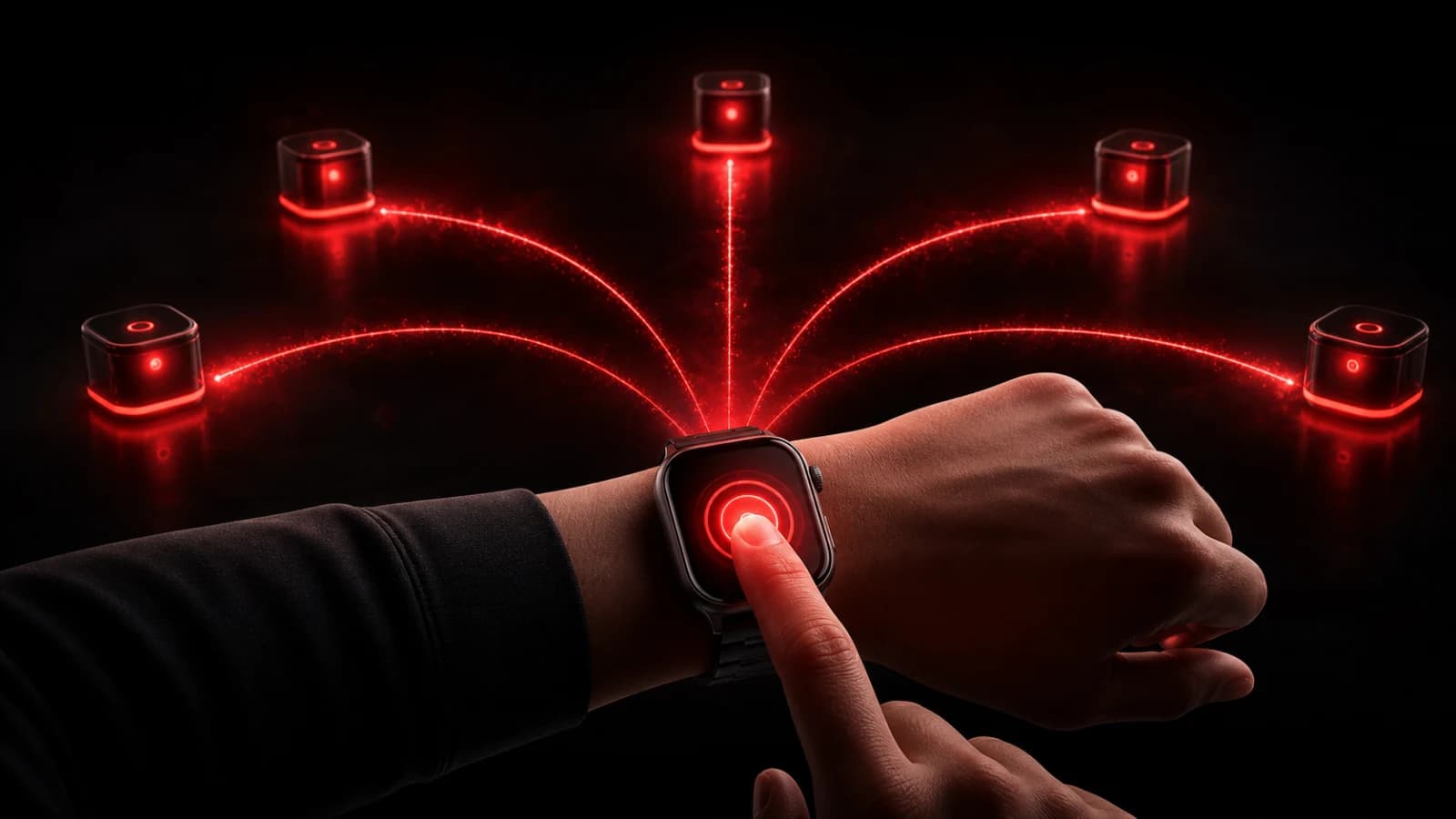
PingRoom’s Apple Watch surface is designed for the moment, not room administration. Set up the room and quick actions on the paired iPhone, then use the watch to send a familiar action such as Leaving now, Need help, or Order ready.
Prepare the room on the phone
Choose a small action set with labels that make sense at wrist size. Confirm the right members, sound, and notification settings in the phone app. Open the watch app and let it synchronize before testing the first live Ping.
On the watch, select the room and tap the action deliberately. The resulting event is the same room signal members would receive from the phone. Incoming room notifications can also appear on the wrist according to Apple’s notification-routing settings.
For a repeated no-input action, you can also put one Room's first two eligible Quick Pings in the Apple Watch Smart Stack and send from the widget without opening the watch app.
Design for a glance
Avoid long labels and near-duplicate actions. A person should be able to identify the right control quickly without scrolling through a complex workflow. Use the phone for creating rooms, editing triggers, managing members, or reviewing detailed context.
Watch behavior depends on the paired iPhone, connectivity, synchronization, battery state, and notification configuration. Test the workflow you expect to use; do not assume a watch Ping is guaranteed under every network condition.
Never operate a wearable when attention must remain on driving, machinery, or another safety-critical task. For urgent requests, establish an escalation path beyond push notifications.
Read PingRoom on Apple Watch for the design philosophy, follow the separate guide to answer a Question from Apple Watch, or see home-screen widget notifications for another system-level shortcut.

PingRoom
Short-form communication.