Webhooks Turn Rooms Into Infrastructure
How incoming and outgoing webhooks make PingRoom useful beyond the mobile app.
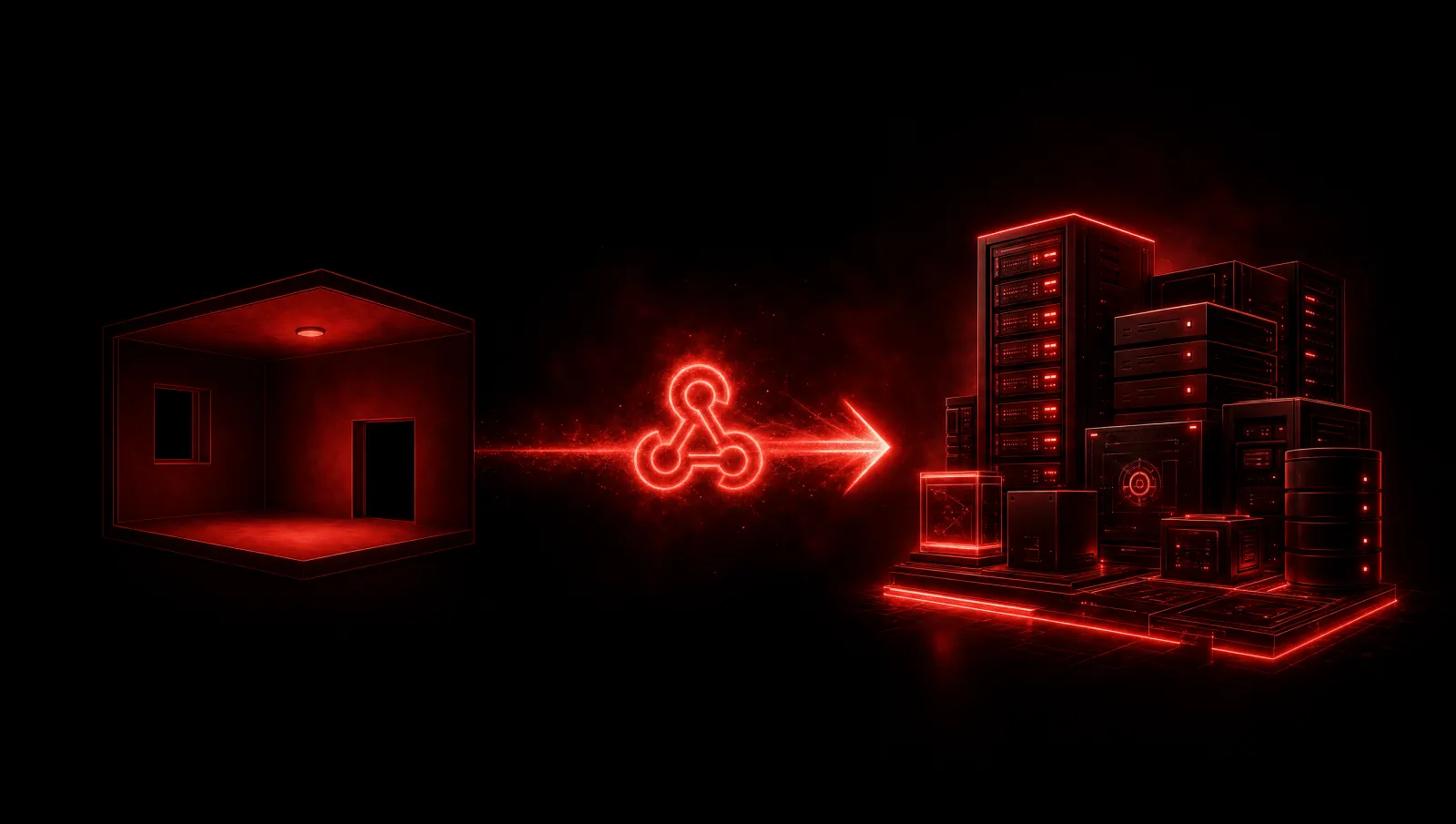
The first version of a room is human: people join, people tap, people receive Pings.
The next version is programmable.
Webhooks are where PingRoom stops being only an app and starts becoming infrastructure. Any service that can call a URL can Ping a room. Any room event can be forwarded to another system. That means PingRoom can sit between software and people without forcing either side into a heavy workflow.
Incoming Webhooks
Incoming webhooks answer a simple need: let an external event ring the room.
A deploy finishes. A payment arrives. A build fails. A delivery changes state. A smart home event fires. A monitoring system notices something. Instead of sending the event into email, Slack, or a dashboard nobody is watching, it can hit a PingRoom webhook and trigger the room directly.
The best part is that a webhook can use the room's existing language. It can choose an action, title, message, icon, color, sound, and structured data. The automation does not feel foreign because it becomes a room Ping.

Outgoing Webhooks
Outgoing webhooks make the room speak back to systems.
When a Ping happens, the room can forward that event to a configured URL with a signed payload. That is important for audit trails, automations, agent workflows, dashboards, and systems that need to react after a human or tool triggers a Ping.
The event filter matters too. A room owner should be able to decide which events leave the room. Not every Ping needs to be mirrored outward. A programmable room still needs boundaries.
The Security Details Matter
Webhooks are powerful because they connect worlds. They are also risky if treated casually.
Incoming webhook URLs are secrets. Outgoing deliveries need signing. Channel webhook URLs need host allowlists. Payload sizes need limits. Logs should not become unbounded storage for attacker-controlled data. A public room should not become a spam machine. Pro gates should be enforced server-side.
These details do not show up in the marketing headline, but they decide whether the feature is trustworthy.
The Bridge To Agents
Webhooks also create a bridge to the agent platform.
An agent can send structured Pings. A CI pipeline can notify a room. A deployment workflow can ask for approval. A webhook payload can carry data, correlation_id, and reply_to, letting machines connect events across systems. Once Pings carry structure, they become more than alerts. They become messages that software can understand.
That is the direction I care about most: not "PingRoom has an API" but "PingRoom is a push-native fabric that humans and machines can share."
The Product Shape
Webhooks should not make the product feel like enterprise software.
Inside the app, configuring a webhook should still feel like a room setting, not a SaaS console. The user is connecting a room to an event source. The mental model stays simple: when this URL is called, this room Pings.
That is the whole promise. A URL becomes a bell. A room becomes infrastructure.
Practical Starting Point
The easiest first webhook use case is still a simple incoming event: a CI job, payment system, delivery service, or internal script calls the room webhook URL with a title and message. From there, the integration can become more structured by adding data, correlation_id, and reply_to.
Outgoing webhooks complete the loop. A room can forward selected events back to another system with a signed payload. That matters for audit trails and agent workflows because the room is no longer only a destination. It becomes part of a two-way automation fabric.

Mahdi Salmanzade
Short-form communication.