How to Keep a Festival Group Together With Instant Notifications
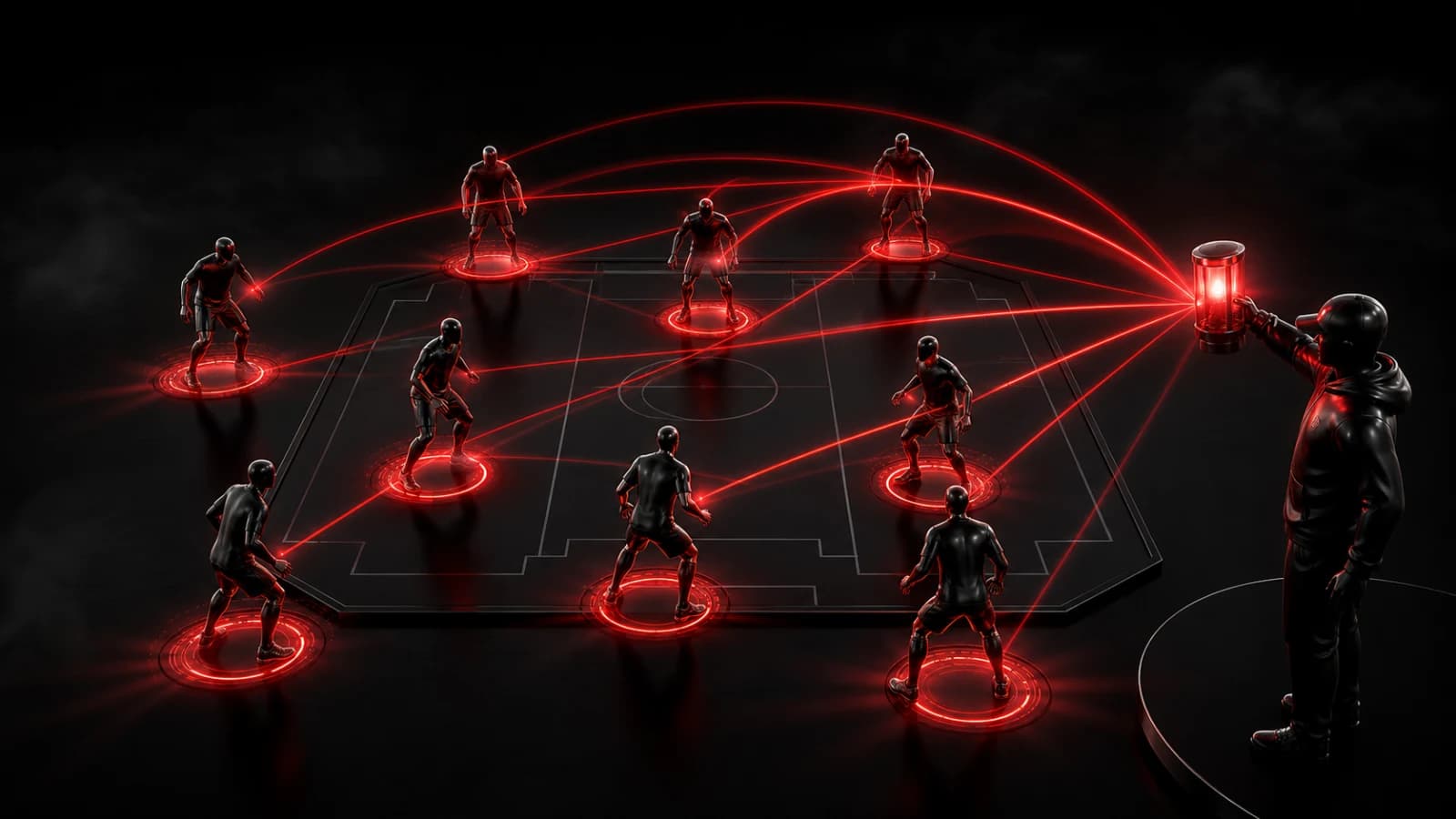
Use a small set of landmark-based Pings so a festival group can regroup without trying to follow a fast-moving chat.
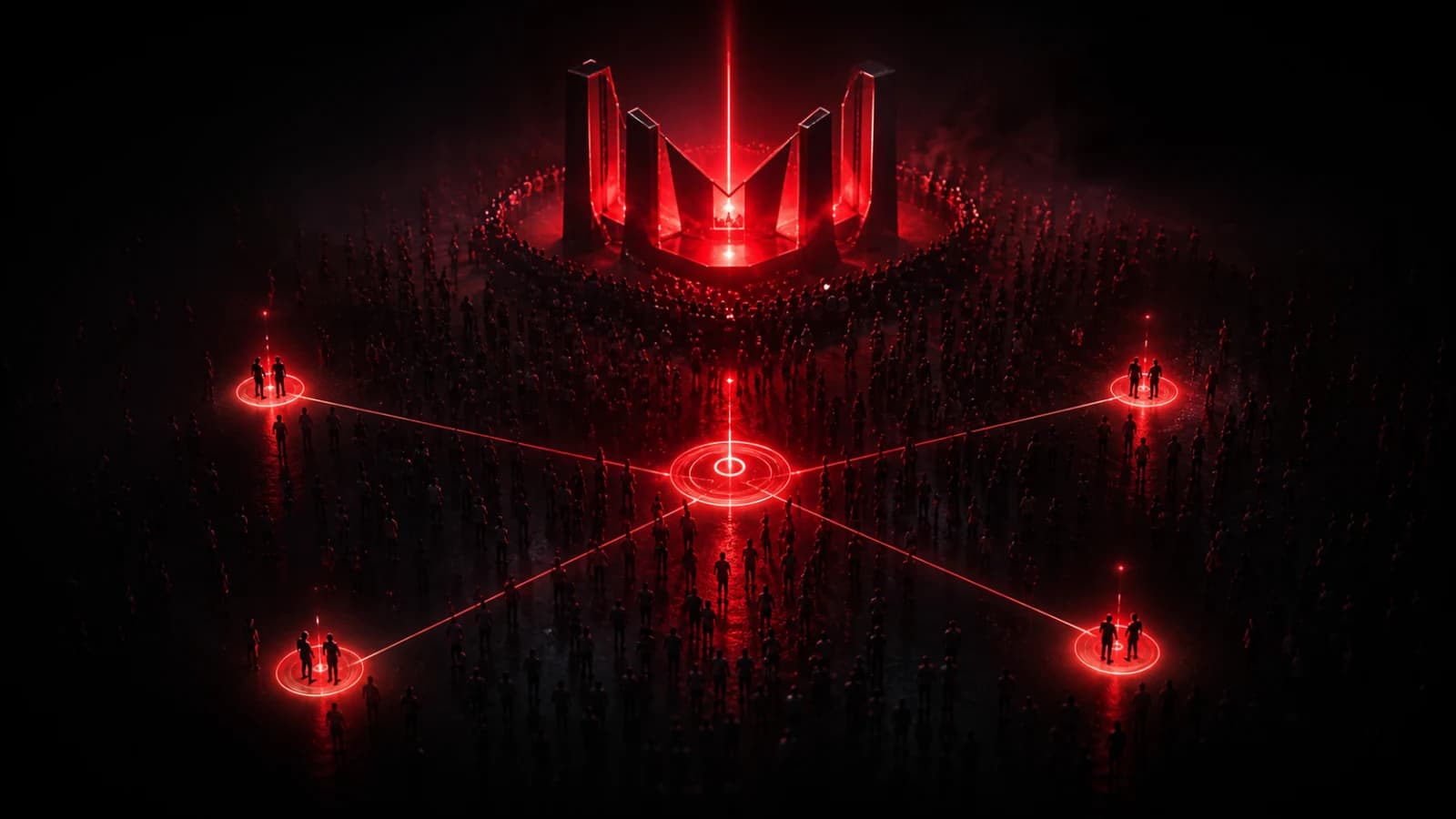
At a crowded festival, the most useful updates are usually short and repeated. Create a private room before arriving and define actions such as At meeting point, Need to regroup, Moving stages, and Leaving now.
Anchor signals to real places
“Meet here” is weak when everyone sees it at a different time. Choose a named landmark and include it in the action: At north gate or Meet at water station. Agree on a backup landmark in case an area closes.
Give the room a sound or vibration pattern that is distinct from ordinary apps, while respecting the event and nearby people. Apple Watch and lock-screen actions can help members react without holding a phone above a crowd.
Send only meaningful state changes. If every small movement becomes a Ping, the group will mute the room and miss the one that matters.
Plan for poor connectivity
Dense venues can overload mobile networks, and loud environments can hide sounds. A Ping may be delayed by connectivity, battery state, Focus mode, or notification settings. Share the meeting plan in advance and do not make the app the only way to regroup.
Keep tickets, hotel details, identification, and exact accommodation addresses out of lock-screen notifications. Remove temporary members after the event.
PingRoom works here as an attention layer: it turns a small number of agreed moments into visible group signals. It does not replace maps, emergency instructions, or direct calls when someone is genuinely missing. Browse more friends and event use cases.

PingRoom
Short-form communication.