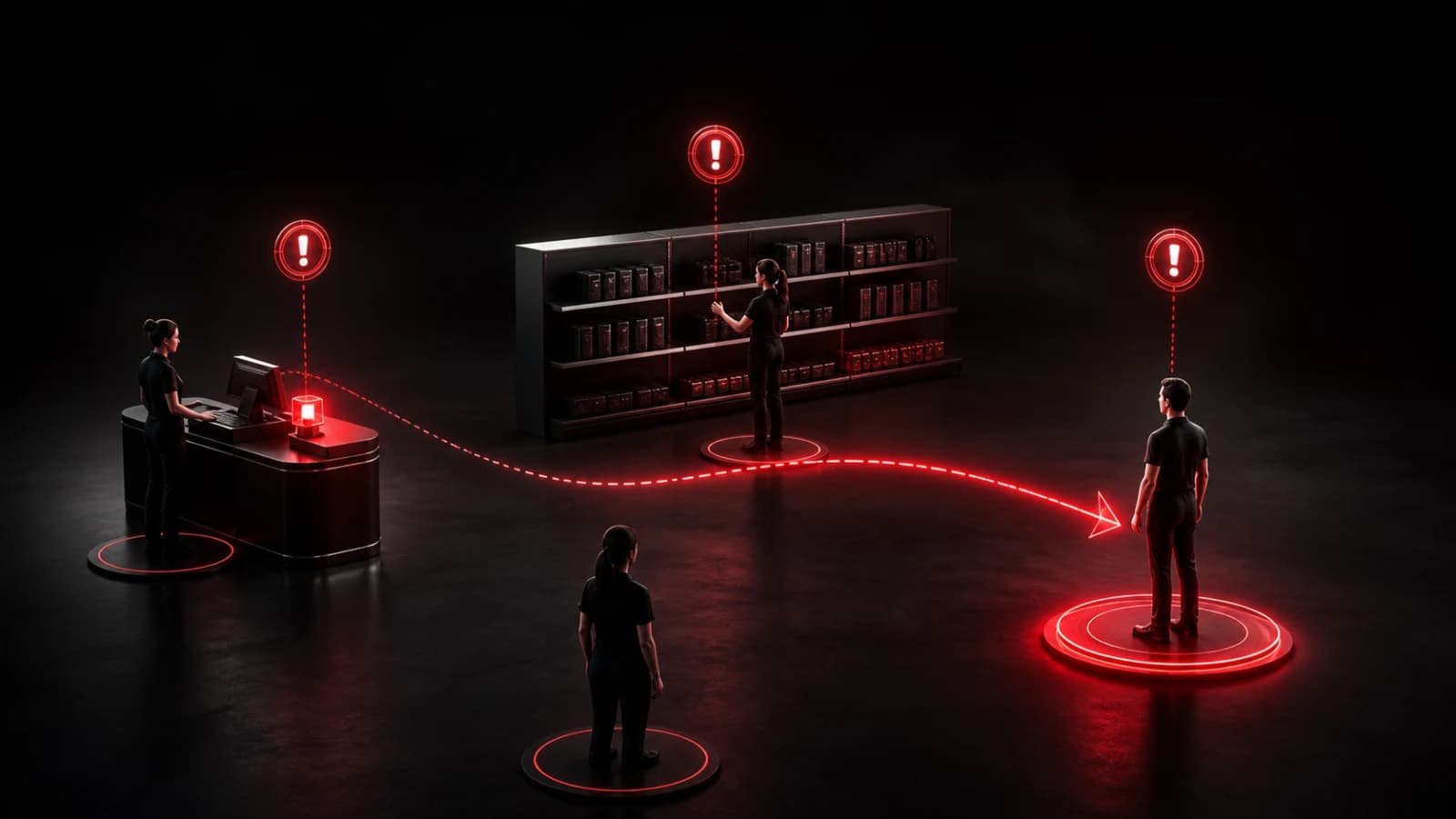
How to Send Instant Notifications Between Restaurant Staff
Use role-based room alerts such as Order up, 86 item, Need runner, and Manager needed for fast front-of-house and kitchen coordination.
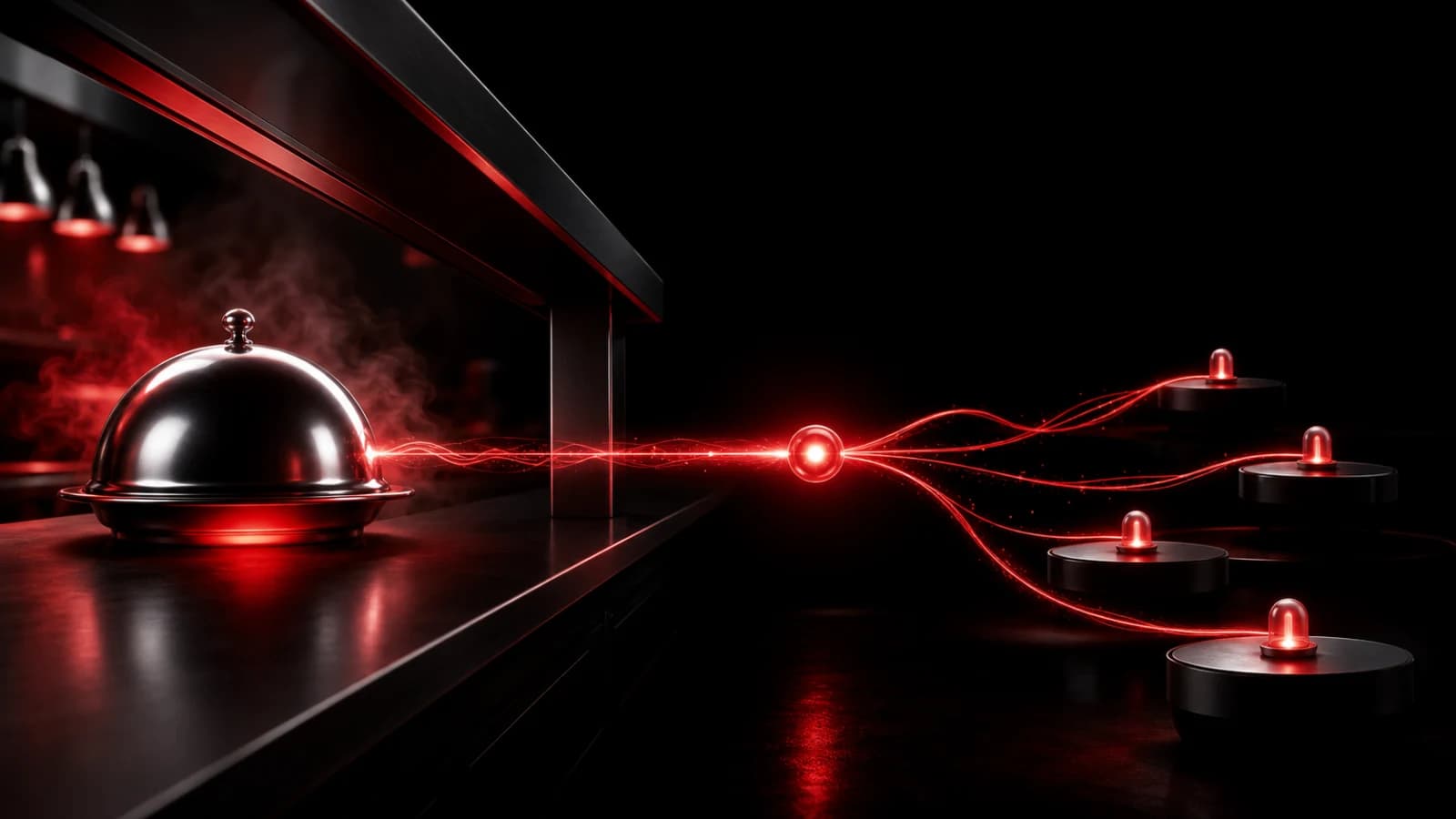
A restaurant can create a private staff room with high-frequency operational actions such as Order up, Need runner, 86 item, and Manager needed. One tap sends the same recognizable state to the subscribed staff devices.
Design rooms around roles
A single all-staff room can become noisy. Separate kitchen, floor, and manager signals when the recipient groups differ. Use distinct sounds for events that genuinely require different responses, and keep action wording consistent across shifts.
Shared devices should use staff-managed accounts and lock-screen settings appropriate for the workplace. Review room membership as employees join, change roles, or leave. Test Wi-Fi dead zones and decide what staff do if the network is unavailable.
An incoming webhook can connect a trusted operational system, but PingRoom should not be treated as the point-of-sale record. Label automated Pings clearly and deduplicate retries so one order does not ring repeatedly.
Keep sensitive data out
Do not place customer names, payment details, allergy notes, employee discipline, or door codes in notification previews. Food-allergy and safety procedures must remain in the restaurant’s approved operational system and training; a push alert alone is not a safe control.
PingRoom is useful for the moment attention must move, not for inventory, labor scheduling, or emergency response. Within that boundary, it can shorten the distance between “someone needs to know” and the right team seeing it. Browse restaurant and business use cases.

PingRoom
Short-form communication.