How Event Organizers Can Send Push Notifications to Attendees
Give attendees a joinable event channel for doors, schedule changes, venue directions, and urgent organizer updates.
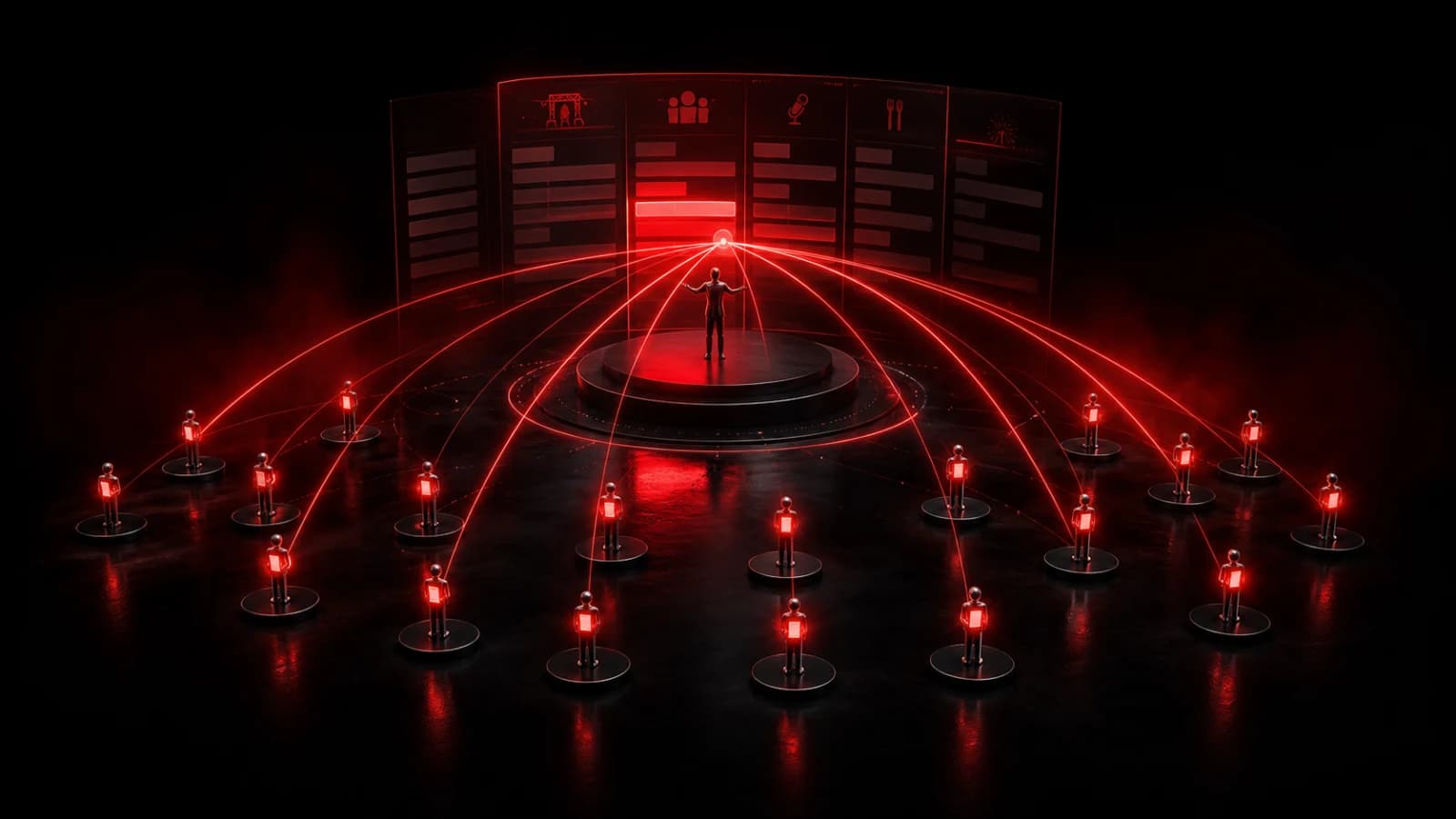
Create a PingRoom channel for the event, then promote its join link or QR code in the registration email and at the venue. Reserve it for a small set of organizer signals: Doors open, Session moved, Schedule changed, and Venue update.
Make the channel part of event operations
Assign authorized senders before doors open, then set and test who can send Pings. Give each action literal wording and test it on real devices. For a large public event, use a public room so attendees can join without being manually added; use a private room when the attendee list or event itself is sensitive.
Time triggers work for confirmed moments such as a morning opening reminder. A webhook can connect an event platform or operations system, but automated changes should still point to the official schedule. Use cooldowns so repeated upstream events do not produce a notification storm.
Include a safe link when attendees need a map, schedule, or accessibility page. The linked page should remain the source of truth, because a lock-screen preview cannot carry every detail.
Plan for scale and access
Do not expose ticket codes, private attendee data, staff credentials, or security procedures in alerts. Provide visible alternatives for people without the app or without push permission. Venue congestion and weak connectivity can delay delivery.
PingRoom does not replace emergency announcements, venue public-address systems, or official safety directions. For ordinary event changes, however, it gives organizers a direct bell that attendees can recognize immediately. Browse event use cases or see how webhooks connect external systems.
Keep attendee notices separate from private production coordination. For the crew side, use four short readiness handoffs while the run of show stays authoritative.

PingRoom
Short-form communication.