PingRoom On Apple Watch
Why the Apple Watch companion makes one-tap room signals feel even more immediate.
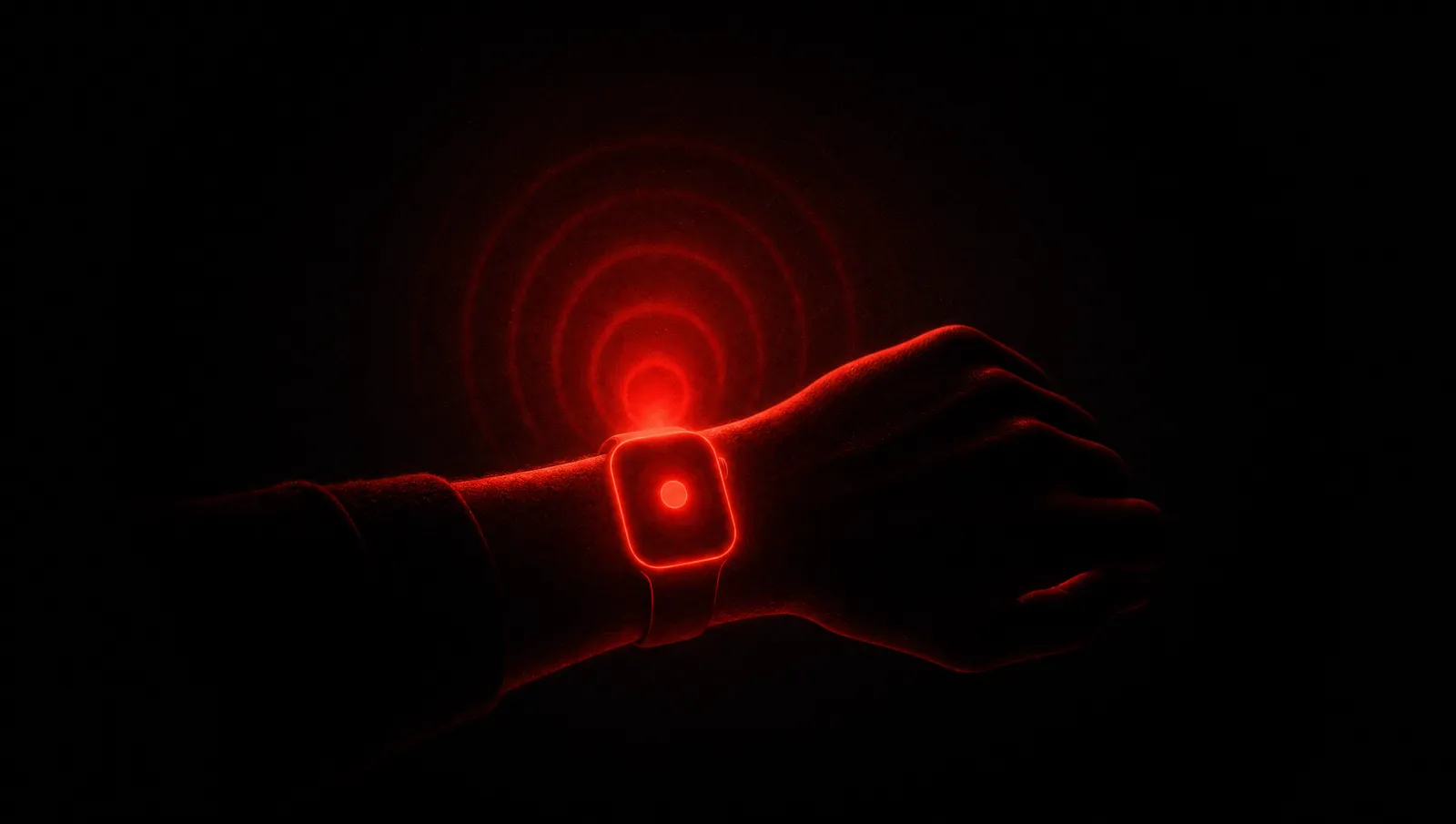
PingRoom belongs on the wrist.
The product is about fast signals, and the Apple Watch is one of the fastest personal interfaces people have. Raise wrist, tap room, send Ping. That is a natural extension of the product promise.
The watch app is not meant to recreate the whole mobile app. It should do the watch-shaped job: show rooms, expose quick actions, and let the user Ping without pulling out the phone.
The Right Scope
A watch app becomes weak when it tries to carry every feature.
PingRoom's watch scope should stay focused. Room list. Quick action buttons. Clear send feedback. Good empty states. Reliable data sync from the phone. Standard APNs mirroring for received notifications.
Creating rooms, editing actions, configuring triggers, managing members, connecting webhooks, and changing account settings belong on the phone. The watch is for moments.

The Data Bridge
The watch still needs enough data to work.
Because the watch is a separate device context, it cannot simply read the phone app's storage. The phone has to send the right room data, token, and API base URL through WatchConnectivity. The payload needs to fit within size limits, avoid unnecessary heavy data, and update when rooms change.
That kind of bridge is unglamorous but important. If the watch shows stale rooms or fails to send, the product loses trust exactly where it promised speed.
Why It Feels Right
PingRoom's interface is already based on quick actions.
That maps well to the watch. A small screen is not ideal for chat, dashboards, or complex forms. It is ideal for choosing a known action. The room context and button language do the work that a larger interface would otherwise need.
The watch also changes the emotional feel of the product. A Ping from the wrist feels immediate, almost physical. That matches the bell metaphor better than a lot of mobile-only interactions.
Part Of A Larger System
Watch support sits beside widgets, Control Center, Shortcuts, NFC, location triggers, time triggers, webhooks, and agents.
Each surface answers the same question: where might the signal need to start?
Sometimes it starts in the app. Sometimes it starts on the home screen. Sometimes it starts from an automation. Sometimes it starts from a deploy bot. Sometimes it starts from the wrist.
PingRoom should make all of those feel like the same product.
The Takeaway
The Apple Watch companion is not just an extra platform checkbox.
It is proof that PingRoom's primitive is strong. When the action is simple enough, it can move across surfaces without losing meaning. That is exactly what a real signal layer should do.
The Constraint Is The Feature
The watch forces discipline. There is no room for complex setup, long text, or multi-step configuration. That limitation is useful because it reveals the product's strongest shape: known rooms and known actions.
If a feature cannot survive that compression, it probably does not belong on the watch. If it can, it is a good candidate for the broader PingRoom surface area: widgets, shortcuts, NFC, and agent-triggered actions.

Mahdi Salmanzade
Short-form communication.