How Teachers Can Send Push Notifications to a Class
Use a moderated class channel for assignment reminders, room changes, cancellations, and resource updates that students should notice.

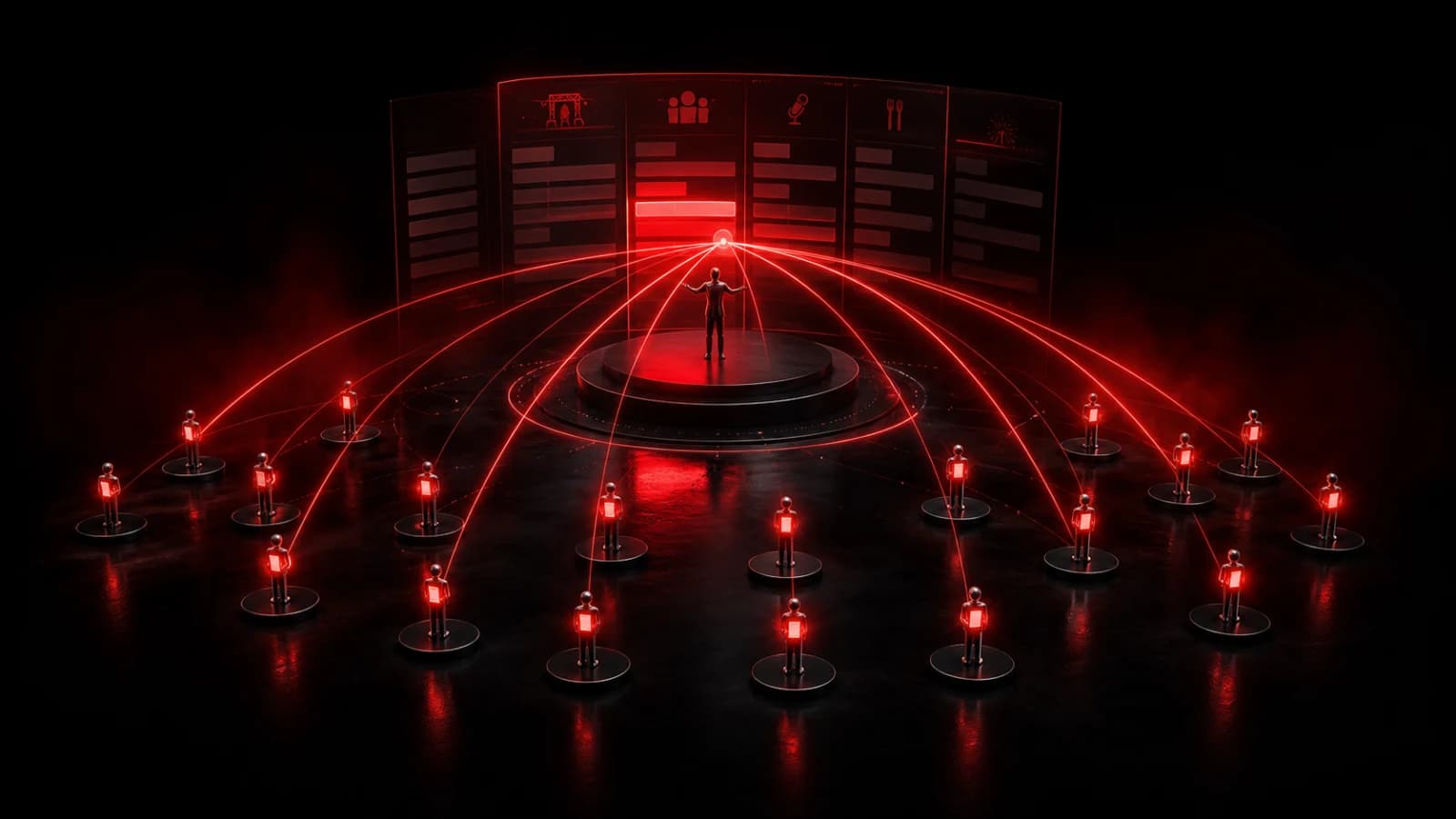
A teacher can use a private room or moderated public channel to broadcast a small number of class updates: Room changed, Class cancelled, Assignment due, and New resource. Students join once and receive the same room signal when an authorized sender acts.
Use it beside the official learning system
PingRoom should be the attention layer, not the gradebook or permanent course record. Keep the authoritative assignment, policy, and submission details in the school’s approved learning-management system, then link to that source when appropriate.
Schedule reminders only for dates that have been confirmed. For last-minute changes, use a manual Ping and update the official course page at the same time. A public channel can reduce invitation work for an open event; a private room is better when membership itself is sensitive.
Limit sending rights to teachers and approved staff. Publish simple expectations so students know that a Ping means “check the official update,” not “reply immediately at any hour.”
Protect students and boundaries
Follow the institution’s privacy, safeguarding, accessibility, and records policies. Do not put grades, accommodations, attendance details, student names, or disciplinary information in lock-screen notifications. For minors, use the school’s approved guardian and consent process.
Push delivery depends on device access, notification settings, Focus modes, and connectivity. Provide an accessible non-push way to retrieve every required announcement. PingRoom is not an emergency broadcast system.
Used with those boundaries, the class room makes important changes noticeable without replacing the systems the school already trusts. Explore school and education use cases.

PingRoom
Short-form communication.