Share a Point, Not a Trail
A custom Ping or Question can now carry one deliberately chosen place, with a quiet feed preview, a useful map sheet, and no background location trail.
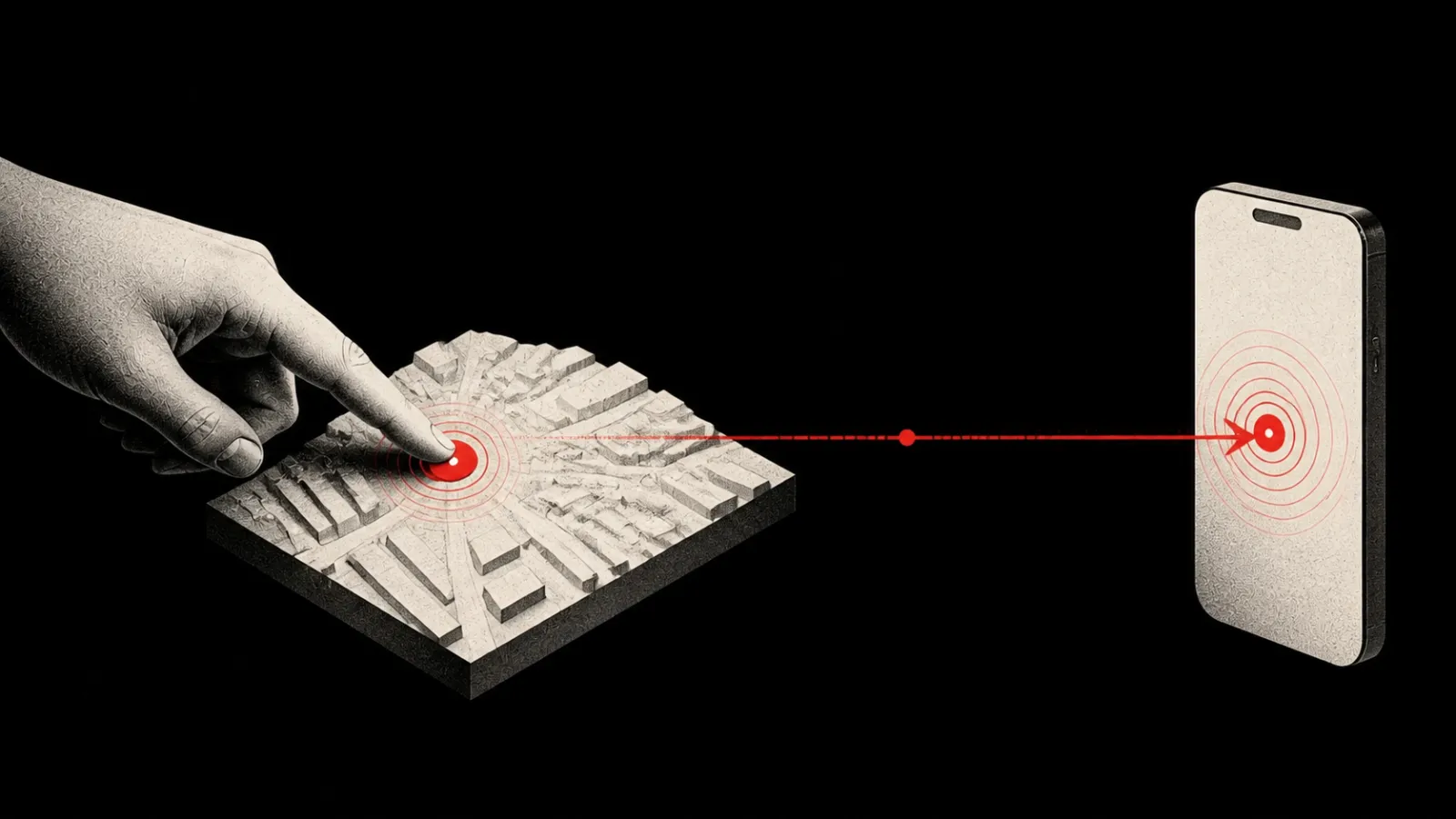
Sharing a place and sharing your movement are not the same request.
“Meet here,” “This entrance,” and “The package is beside this gate” each need one point, not an app watching where the sender goes next.
The August 23–24 source changes let a custom Ping or Question carry one deliberately chosen location. The sender confirms the point, and that point stays with the event.
This is a development update about source work across mobile, server, MCP, and SDK surfaces. It is not a claim that the feature is already in a public app release.
Choose The Point
Location is now one of the options in the custom Ping composer.
The sender can choose a place directly on the map or explicitly ask the device for its current location. If current-location access is unavailable or declined, the map remains a manual choice instead of turning the whole feature into a permission dead end.
The selected pin can be adjusted before it is attached. When reverse geocoding is available, PingRoom adds a place label and address to the coordinate pair. The sender still confirms the final point.
The composer says:
Only the point you confirm is attached to this Ping. Background location stays off.
The Event Owns The Place
The location travels inside the same structured data block as its Ping or Question. It does not become a separate map message or location session.
A Question can ask Which entrance? and carry the entrance being discussed. A custom Ping can say Pickup is here and keep the point beside the instruction. The recipient sees the place in the event's room history rather than reconstructing context from a second app.
Updating the phone's position later does not update the Ping because no continuing position stream was created.
Quiet In The Feed
Raw coordinates are useful detail, but they are poor feed copy.
The room cell therefore stays compact. It shows the place label or Shared location, plus the address when one is available. It does not print latitude and longitude into every Ping card.
Tapping the tile opens a dedicated location sheet with the map, selected pin, label, address, and coordinates. The room stays easy to scan while the exact coordinates remain available in the sheet.
If the native map component is unavailable, the sheet still shows the location details.
Open It Where It Works
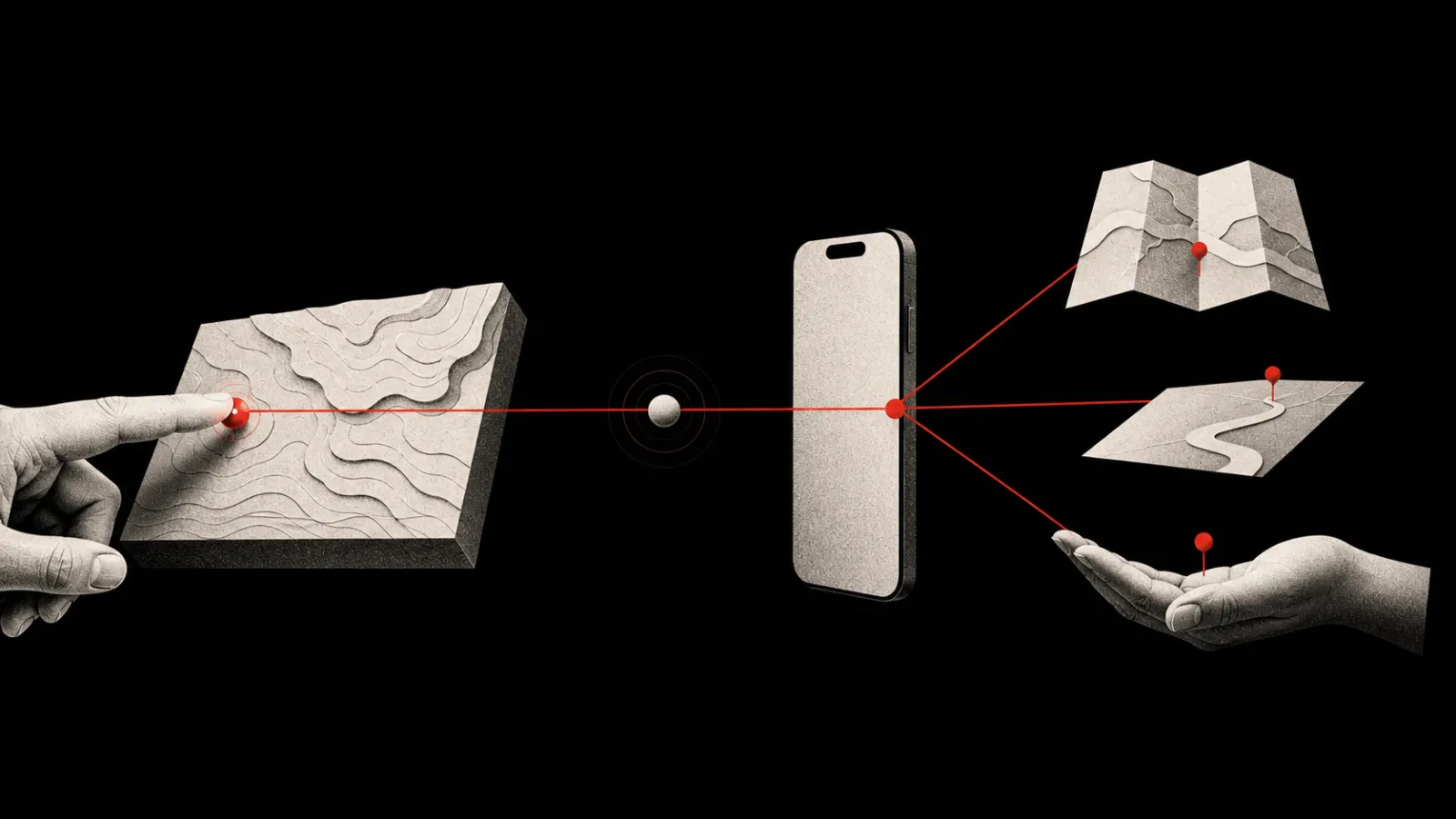
The detail sheet offers installed map apps through native handoffs: Apple Maps where supported, plus Google Maps or Waze when detected. The native share sheet remains available, and its text includes the place label, address, coordinate pair, and a browser-safe Google Maps URL.
The Same Shape For People And Tools
Webhooks and MCP tools can send the same data.location block used by the mobile composer. The SDK provides helpers for constructing and reading it. The server validates that latitude and longitude are finite and within geographic bounds, while optional labels and addresses are trimmed and capped before they reach a notification surface.
The shared shape is small:
{
  "location": {
    "latitude": 25.2048,
    "longitude": 55.2708,
    "label": "North entrance",
    "address": "Example address"
  }
}
The numbers identify the point. The optional copy explains why a person should care about it.
Sharing Is Not A Trigger
PingRoom already has location-based automation for sending when a device enters or leaves a saved place. That is a different feature with a different permission model.
A location trigger may need background and precise location access so the operating system can detect a boundary while the app is closed. A location attached to a Ping needs only the point the sender chooses for that event. Selecting current location is an explicit one-time request; choosing a point manually needs no movement history at all.
Keeping them separate prevents a map attachment from becoming passive tracking.
Share the place. Leave the trail behind.

PingRoom
Short-form communication.