Seven Live Activities, One Source of Truth
How PingRoom’s seven Live Activity templates gained faster, production-faithful previews without creating a second design that could drift from the real widget.
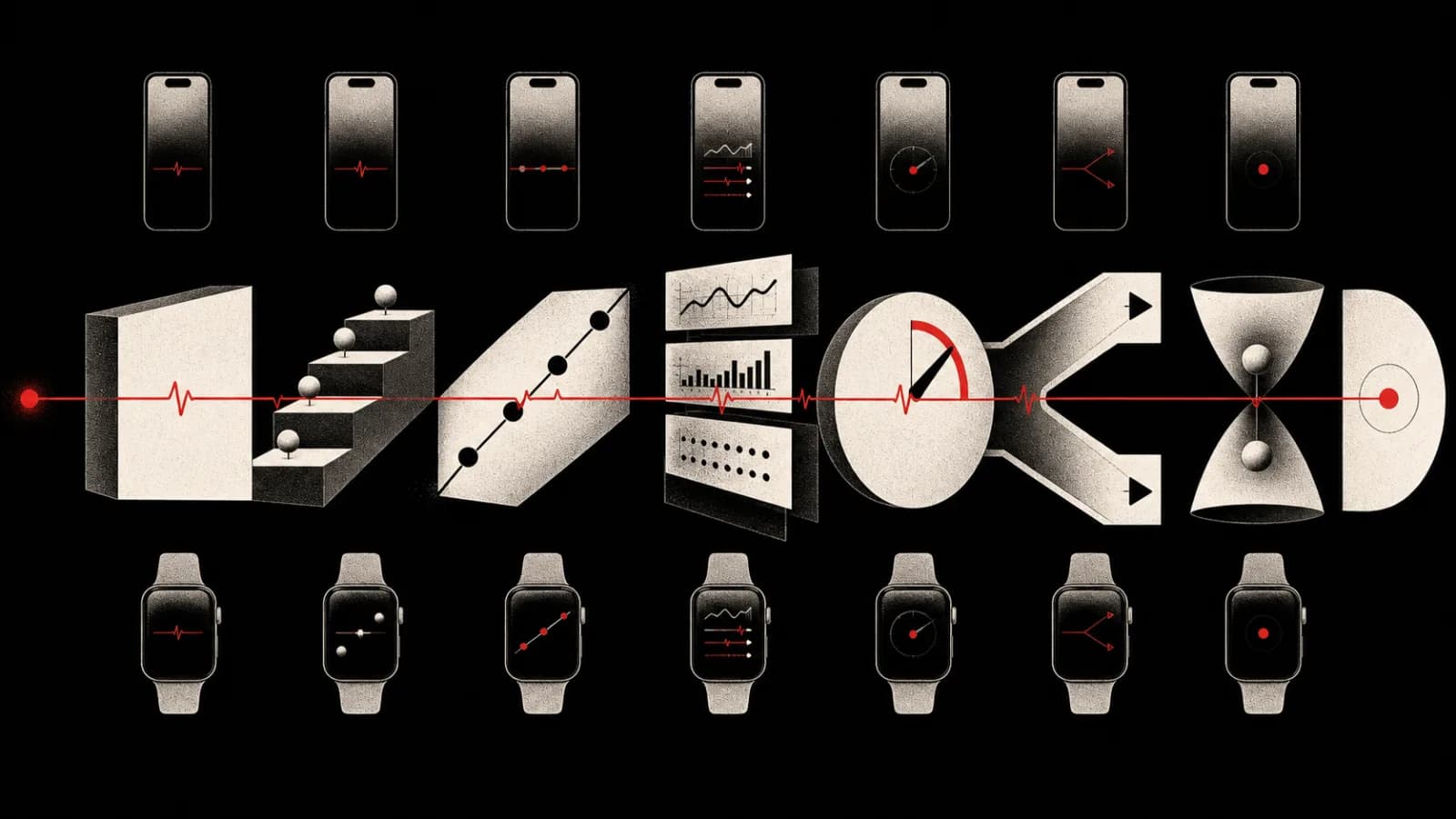
Live Activities are small surfaces with a large consistency problem.
PingRoom has seven templates. Each one has to hold together on the Lock Screen, in expanded, compact, and minimal Dynamic Island presentations, and inside the room. A spacing change that helps a score can crush a countdown. Extra preview padding can hide a cramped widget, while a hand-built mock can drift away from the product.
The August 14 mobile work added faster Live Activity previews generated from the production widget code.
This article describes source and build changes. It does not claim that a new public app version shipped on August 14.
Seven Shapes, One Lifecycle
The template set is closed:
- Status for a changing state expressed mainly in words
- Steps for a known sequence
- Progress for measurable completion
- Metrics for a small group of live values
- Countdown for a deadline
- Decision for a bounded choice that needs an answer
- Matchup for two sides that must be compared
The underlying wire identifier for Decision remains question for compatibility, but the product label changed from Question to Decision. That separates a Live Activity presentation from PingRoom’s broader, first-class Question protocol. The prompt asks what needs a decision, the choices can connect to the canonical first-response-wins flow, and VoiceOver now announces “Decision needed” on the smallest Apple surface.
For a full guide to when each shape is useful, see all seven PingRoom Live Activity types.
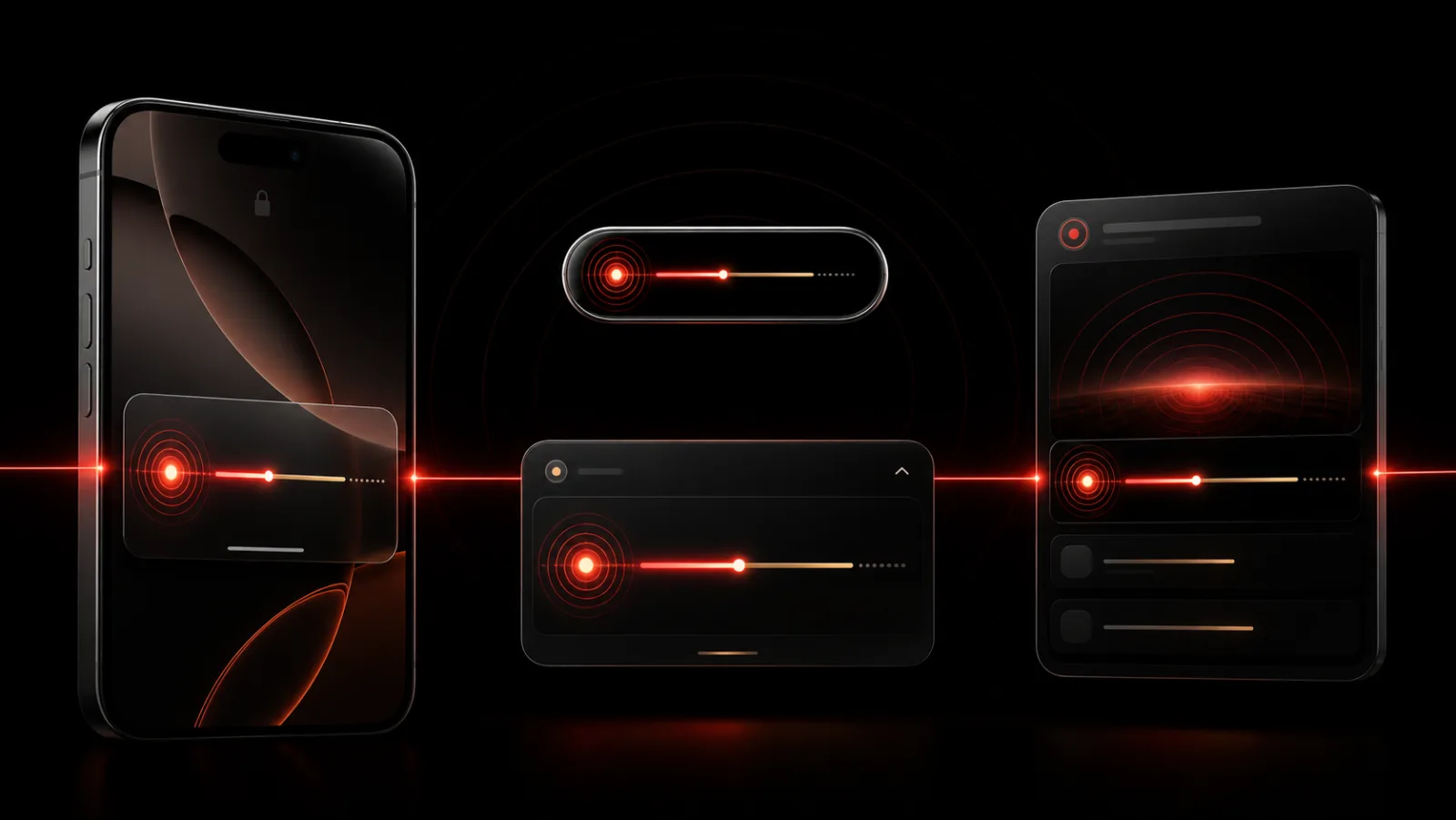
Preview The Template You Are Changing
The production widget previews were split into one Swift file per template. Open MatchupPreviews and Xcode can show Matchup on the Lock Screen, expanded island, compact island, and minimal island. Open Countdown and the same four surfaces use countdown fixture data.
A single provider containing every combination makes the surface under review hard to find and expensive for the canvas to resolve. Per-template files expose each of the seven information shapes across four Apple presentations, using one set of fixture rules.
The previews also moved to Swift’s #Preview macros. In this project’s synchronized target layout, older named preview providers could compile yet fail discovery in Xcode’s JIT preview executor. Macro registration removes that brittle type-name lookup, so the canvas can locate the preview declared in the file that is open.
The fixtures include nominal and edge-case states: a three-step release, a 64 percent upload with an estimated finish, three metrics, a deadline, a two-choice decision, and Matchup labels long enough to expose compression problems. The August 14 work used that matrix to correct Matchup spacing and keep both sides readable without losing the lower inset when every optional region is occupied.
Fast Previews Must Still Be Honest
Previewing the actual widget extension can pull the entire application build graph behind it: React Native, Hermes, native dependencies, and the host app before Xcode draws one Live Activity. That build path makes small spacing changes slow to inspect.
The standalone design lab is a Swift package that depends only on the iOS SDK. Excluding the application stack shortens the preview build path.
A separate lab can drift when it contains hand-copied SwiftUI: miss one production edit and the preview no longer matches the widget. The preview becomes easier to polish than the widget, and the team begins approving a design that users never receive.
A sync script mechanically mirrors the real widget-target files into the lab and marks the output as generated. Layout, colors, typography, spacing, room medallions, template resolution, and terminal-state styling still originate in production code. Design fixes belong in the widget; the lab only shortens the inspection loop.
ActivityKit’s real context has no public initializer, so the lab substitutes a small preview context containing the three values the design reads: attributes, state, and staleness. It omits declarations that require a running widget extension rather than translating the source into a lookalike.
A One-To-One Rule For The Canvas
The lab harnesses add no design padding, spacing, or styling.
An earlier preview wrapped a view that already owned its Lock Screen insets with additional outer padding. It looked roomier than the actual activity even though nothing had failed.
Now the Lock Screen harness renders the same outer container returned by the production Activity configuration. If spacing is wrong, the production layout value changes and the mirror is regenerated. The preview does not nudge the result into place.
The lab does not assemble a pretend Dynamic Island around the sensor cutout because the system owns that composition. It shows each region at its real size. Answer intents are stubbed because they cannot execute in a canvas. Timer fixtures are snapshots. System blur, vibrancy, StandBy behavior, and final island insets still require a simulator or physical device.
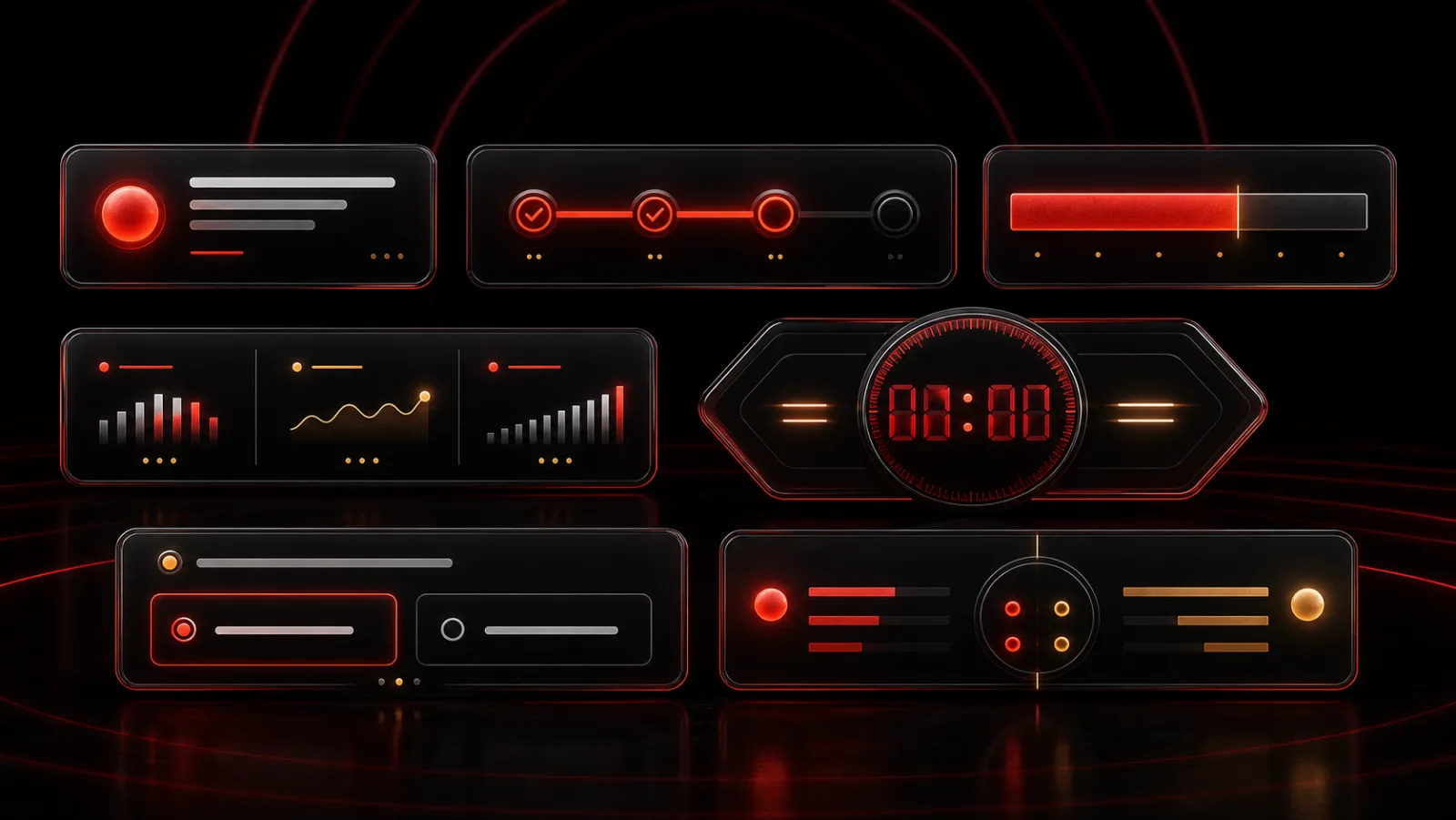
The Same Meaning Inside The Room
PingRoom’s in-room live card uses the same resolution rules as the widget: the same closed template set, the same fallback to Status for an unknown identifier, and the same terminal meanings for Done, Failed, Acknowledged, Answered, Expired, and Cancelled.
That shared meaning matters more than pixel identity. The Lock Screen should not say Answered while the room says Running. A one-item step list should not look like a valid tracker on one surface and a generic status on another. An unknown producer value should fall back safely instead of leaving an empty card.
The Live Activities producer guide remains the contract for starting, updating, and resolving a stream. The August 14 preview work makes it faster to check whether that contract still reads clearly at a glance.
All seven templates use one production source. The lab makes them faster to inspect without becoming a second implementation that can drift from the widget.

PingRoom
Short-form communication.