How to Send Server-Down Alerts to Your Phone
Connect a monitor to a PingRoom webhook and send separate Down and Recovered events with service, environment, and incident context.
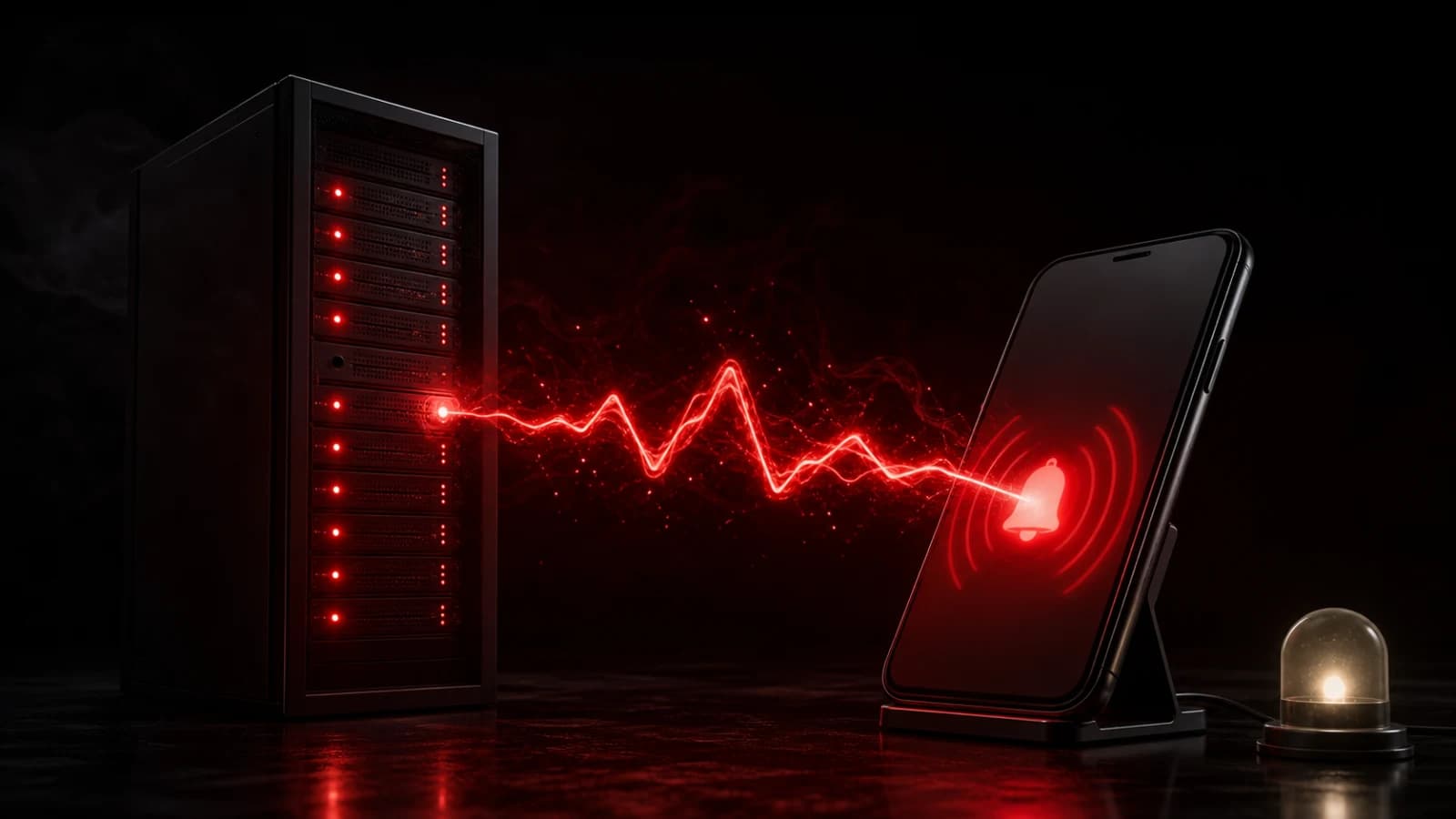
Create an on-call room, add an incoming webhook, and configure your monitoring service to POST when a check changes from healthy to down. Send a second, clearly labeled event when the service recovers.
Include decision-ready context
The lock-screen message should identify the service, environment, and state: API production — down is more useful than Alert fired. Put non-secret diagnostic context—check name, region, incident URL, and event ID—in structured data or a safe linked page.
Use different actions or sounds for Down and Recovered so responders do not mistake recovery for another failure. Deduplicate repeated failing checks and set a cooldown. A single incident should remain one incident even if the monitor retries its webhook.
For multiple services, create rooms by owning team or severity. Sending every warning to every engineer produces alert fatigue and muted rooms.
Keep the incident system authoritative
PingRoom can wake the right person, but it is not a monitoring engine, incident timeline, or guaranteed pager. Device settings, connectivity, webhook delivery, and push providers can introduce delay. Keep the monitor’s native escalation, redundancy, and status history for critical systems.
Never include credentials, request headers, customer data, full stack traces, or private dashboard tokens in a notification. The webhook URL itself is secret and belongs in the monitor’s credential store.
For the generic request format, see webhook to push notification. If Uptime Kuma is your monitor, follow the current Down and recovered recipe. Use structured Pings when a responder or agent needs correlation data.

PingRoom
Short-form communication.