How Retail Teams Can Send Fast Staff Alerts
Create focused store-room actions for Register backup, Customer help, Restock, and Manager needed without flooding a staff chat.
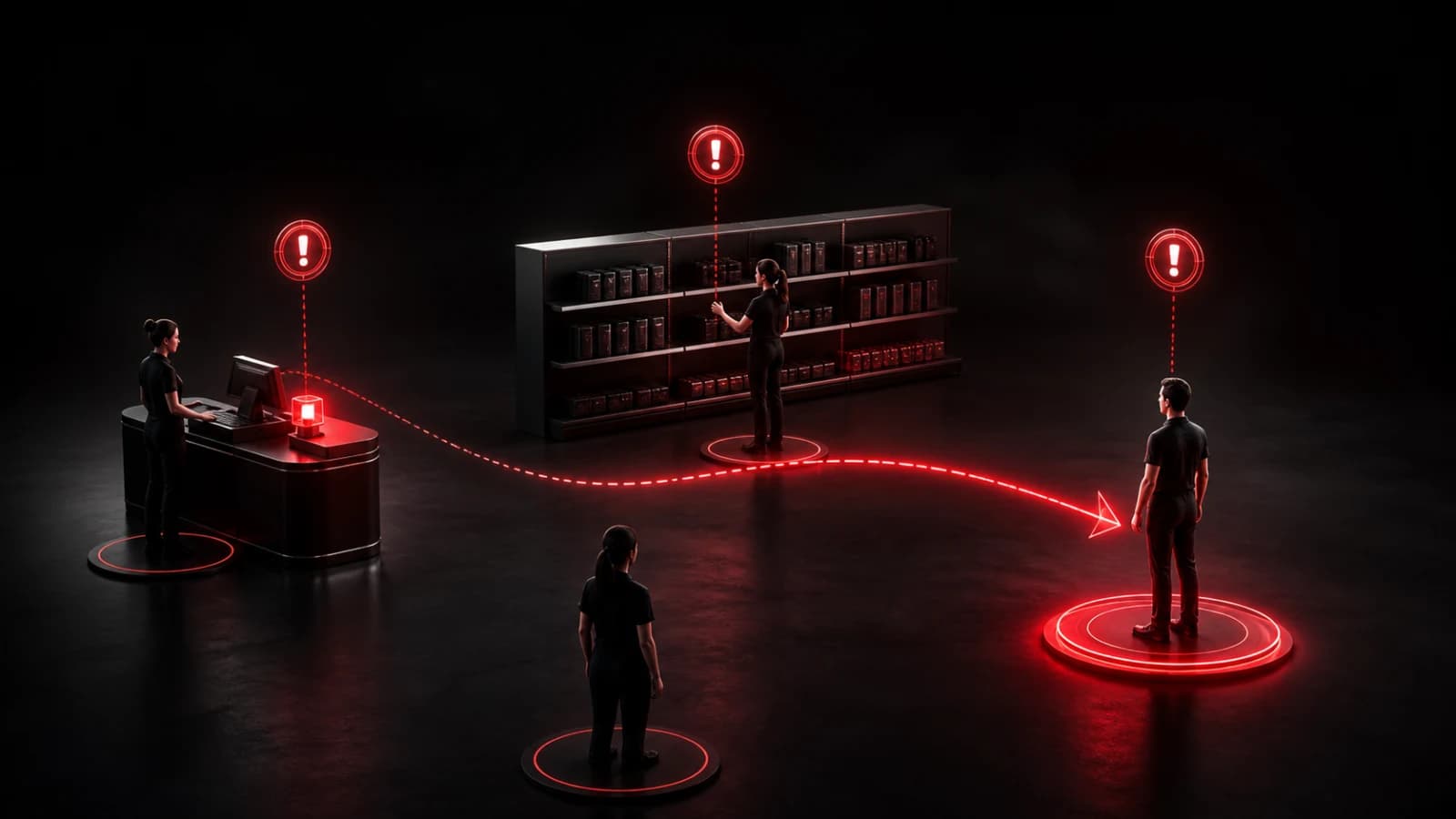
For a retail floor, use a private room to signal a few recurring needs: Register backup, Customer help, Restock needed, and Manager needed. Each action should tell the recipient which role must move, without exposing customer details.
Match rooms to the store
A small shop may need one room. A larger location can separate front register, stockroom, and management so employees receive only relevant alerts. Give shift leads administrative access and remove former staff promptly.
Include a zone in the action when it changes the response: Customer help — fitting rooms is more useful than a generic request. Do not create dozens of buttons; choose the four most repeated moments and use the normal staff channel for exceptions.
Test notifications on store Wi-Fi and on the actual managed devices. Define a fallback for dead zones, flat batteries, or disabled notification permission. Shared devices should be locked down according to company policy.
Do not turn previews into records
Keep customer names, payment information, suspected-theft accusations, employee performance details, alarm codes, and access instructions out of Pings. Use the company’s approved systems for transactions, incident records, scheduling, and emergencies.
PingRoom can make a routine request noticeable; it cannot verify that a trained employee responded or replace a safety procedure. For teams that need a simple attention layer, that narrow job is the advantage. Explore more retail and business use cases.

PingRoom
Short-form communication.