How to Resend a Recent Ping on iPhone
Find a Custom Ping you sent in the same Room, send it again from Recent, and know when to start a fresh draft.

On iPhone with PingRoom 1.6.2, open the same Room and swipe past its Quick Ping pages to Recent. Tap an eligible Custom Ping there to send it again. A regular Ping sends straight from the tile, so check the wording and destination before you tap.
Find your Recent page
- Sign in on the iPhone you used to send the original Ping. Choose a private Room where your account can send Custom Pings.
- Swipe across the Ping tiles until you reach Recent, after any saved Quick Ping pages.
- Choose the message that still applies. Then check for the new Ping in the Room.
Recent keeps up to four eligible Custom Pings you sent in that Room on that device. It appears once you’ve successfully sent one. To try it on Free, send a plain Custom Ping with agreed test wording, then resend it while another member is checking the Room.
An urgent Ping asks for confirmation before it goes out again. Photo and file sends require Pro, and a resend with a file needs the copy on that device. Review the original details before repeating a location, link, or confirmation request.
Resend the words only when they still fit
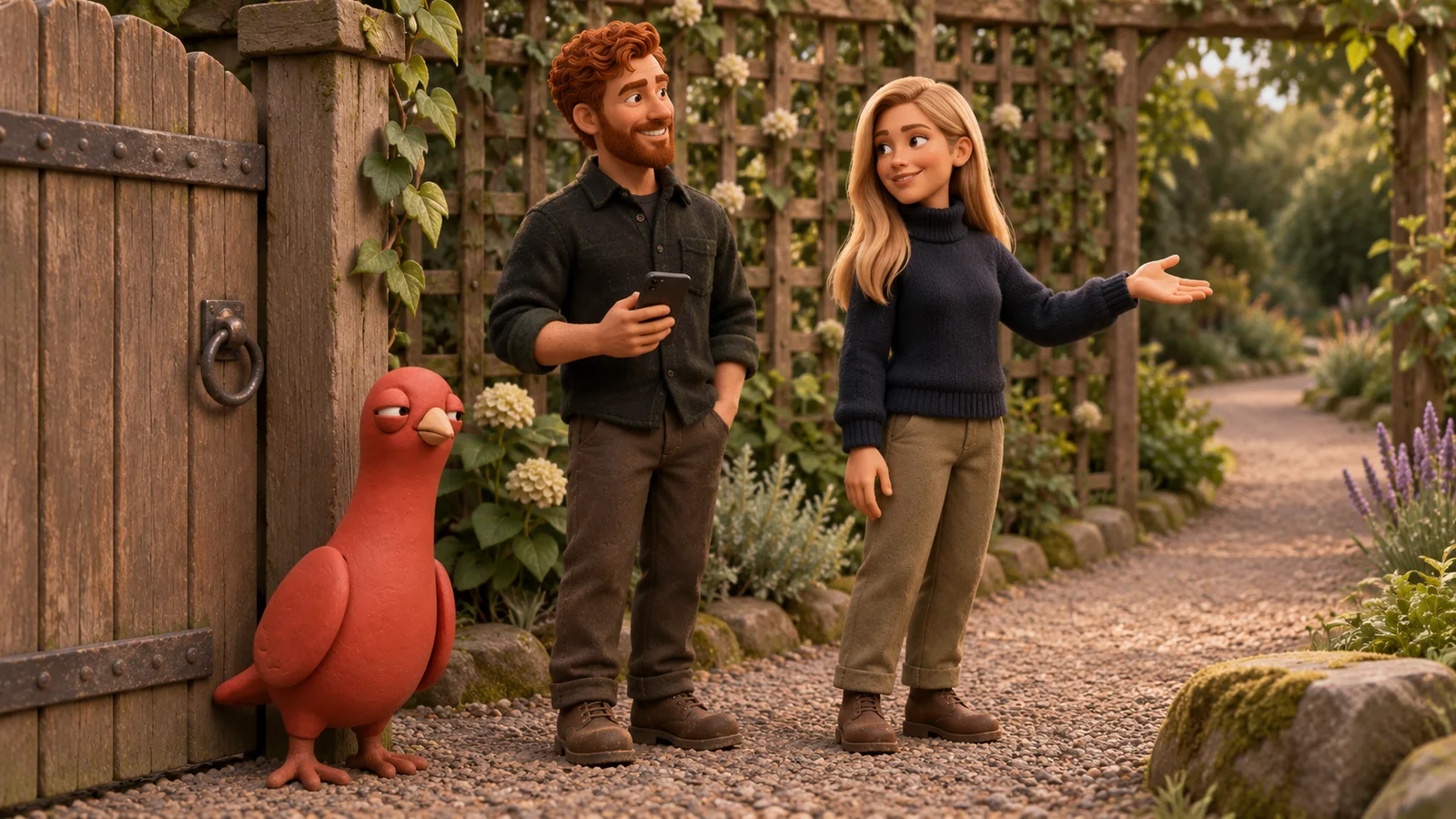
Imagine two community garden volunteers taking turns putting out a produce crate. Yesterday’s Ping said Empty crate is inside the side gate. Today you put the empty crate in the same place, so that tile in Recent is ready to use.
The next day, the side gate is closed. Write a fresh Ping: Empty crate is by the main path today. Pingo the Pigeon, our fictional Chief Marketing Officer, has chosen to inspect the closed gate in person. A habit is easier to change when the new instruction names the right place.
If only the map link still applies, start a new draft and reuse the link from the attachment picker. If Crate ready becomes a standing cue everyone can use, ask the Room owner or an admin to make it a saved Quick Ping.
Open PingRoom on iPhone and try Recent with one text-only update that’s still true.
The garden handoff is fictional. AI-generated illustrations feature PingRoom’s official mascot Pingo and approved fictional PingRoom avatars.

PingRoom
Short-form communication.