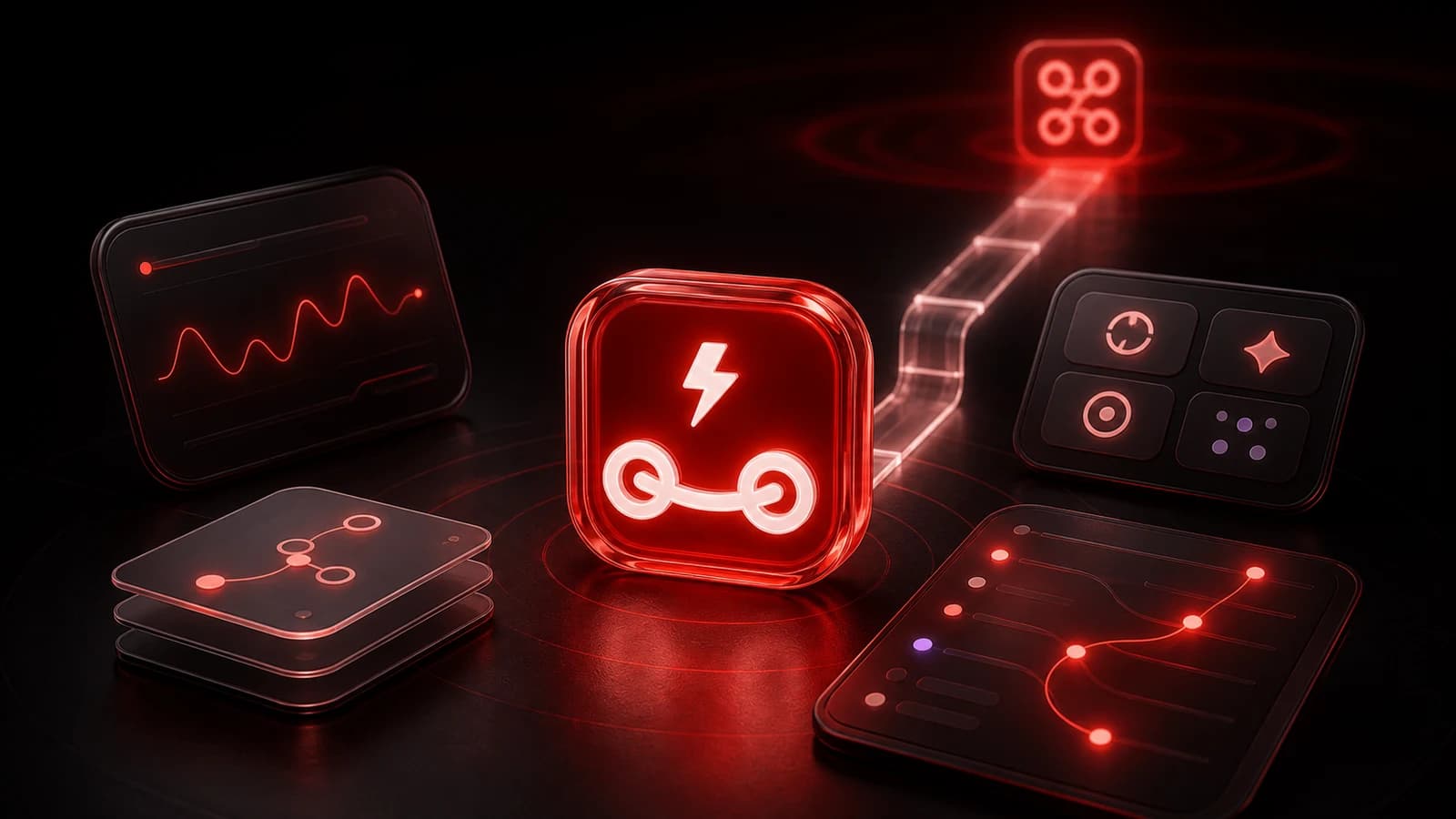
We’re Building PingRoom Agents for Shipaton 2026
PingRoom has joined RevenueCat’s Shipaton. During the challenge, we’re building a mobile flow for describing a task, reviewing its plan, testing it, and seeing the result in PingRoom.
We’re in.
PingRoom has joined Shipaton 2026, RevenueCat’s global hackathon for mobile builders. From August 1 through September 30, we’re turning the current PingRoom Agents foundation into its first public mobile release, sharing the work, and learning from people using it.
The September 30 deadline forces us to choose a small v1 and finish it.
What PingRoom Agents Is
The split we are building toward is simple: PingRoom is where events happen. PingRoom Agents is where those events become actions.
PingRoom handles rooms, people, Pings, Questions, broadcasts, Live Activities, and human responses. PingRoom Agents will automate work around them: what starts a run, which conditions apply, which connections it can use, what it does, and what happened.
Each agent definition has five parts:
- Intent: what you want to happen
- Trigger: what wakes the agent
- Conditions: the optional rules that decide whether it should act
- Actions: what it does next
- Connections: the accounts and capabilities it is allowed to use
We’re building creation around requests like, “Ping my Sales room when a new order is over $100.” PingRoom Agents will fill in the structure and ask for any missing details.
Creation Should Feel Like A Request
We do not want to begin with a workflow canvas, dozens of connectors, or a wall of configuration.
The first screen should ask one question:
What would you like me to handle?
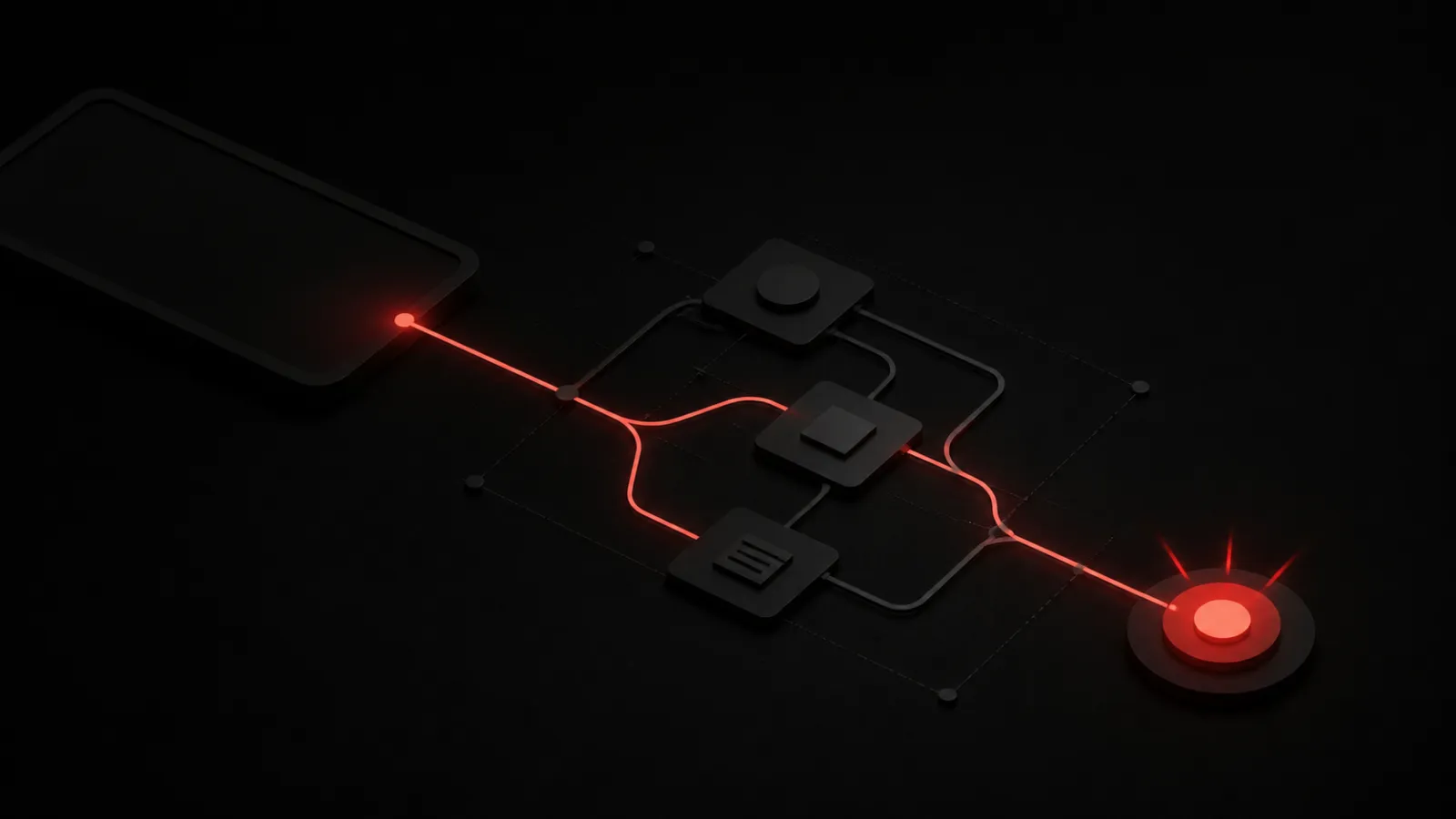
If information is missing, the builder will ask for it. If the agent needs a connection, it will ask when that need is clear. Before activation, it will show the trigger, conditions, actions, and destination in plain language, then let the user run a test.
We’ll use conversation for creation, a structured view for inspection, and both for editing. Results will arrive in PingRoom.
What Already Works
PingRoom Agents already has a separate app. Today, you can sign in with PingRoom, create and version agent definitions, connect an OpenAI-compatible model, run manual tasks on a durable queue, follow the execution timeline, cancel a run, and respond when an agent sends a Question, approval request, or private Handoff.
The execution timeline shows what happened during a run. Questions, approval requests, and private Handoffs let a person respond when the agent needs input.
Today, managed runs are model-only. Conversational creation, scheduled and external triggers, managed PingRoom tools, device execution, and richer actions are Shipaton targets, not shipped features.
What We’re Targeting For Shipaton
The v1 target is:
- Create an agent by describing an outcome in normal language
- Start with a small trigger set: schedules, PingRoom events, and incoming webhooks
- Send a Ping, call an endpoint, ask AI, or run a user-installed Apple Shortcut
- Request connections only when the requested agent needs them
- Show a readable activity log for every execution
- Test the agent before activation
- Integrate RevenueCat and test onboarding, pricing, retention, and purchase flows
Gmail and Live Activity actions are candidates, not v1 commitments. The v1 priority is one useful agent that works end to end, not a large connector catalog.
The First-Minute Test
We’re measuring time to first successful agent execution.
A new user should be able to open PingRoom Agents, continue with PingRoom, describe one task, approve the generated plan, watch a test succeed, and receive the result in PingRoom. The moment the Ping arrives is the proof—not the moment a configuration is saved.
We’ll share build updates, mistakes, product decisions, and numbers through September 30. You can see the current PingRoom agent platform or read how the standalone Agents app began.

Mahdi Salmanzade
Short-form communication.