How to Notify Your Family When Dinner Is Ready
Use one shared family room and a Dinner’s ready action so the whole household gets the same clear notification at once.
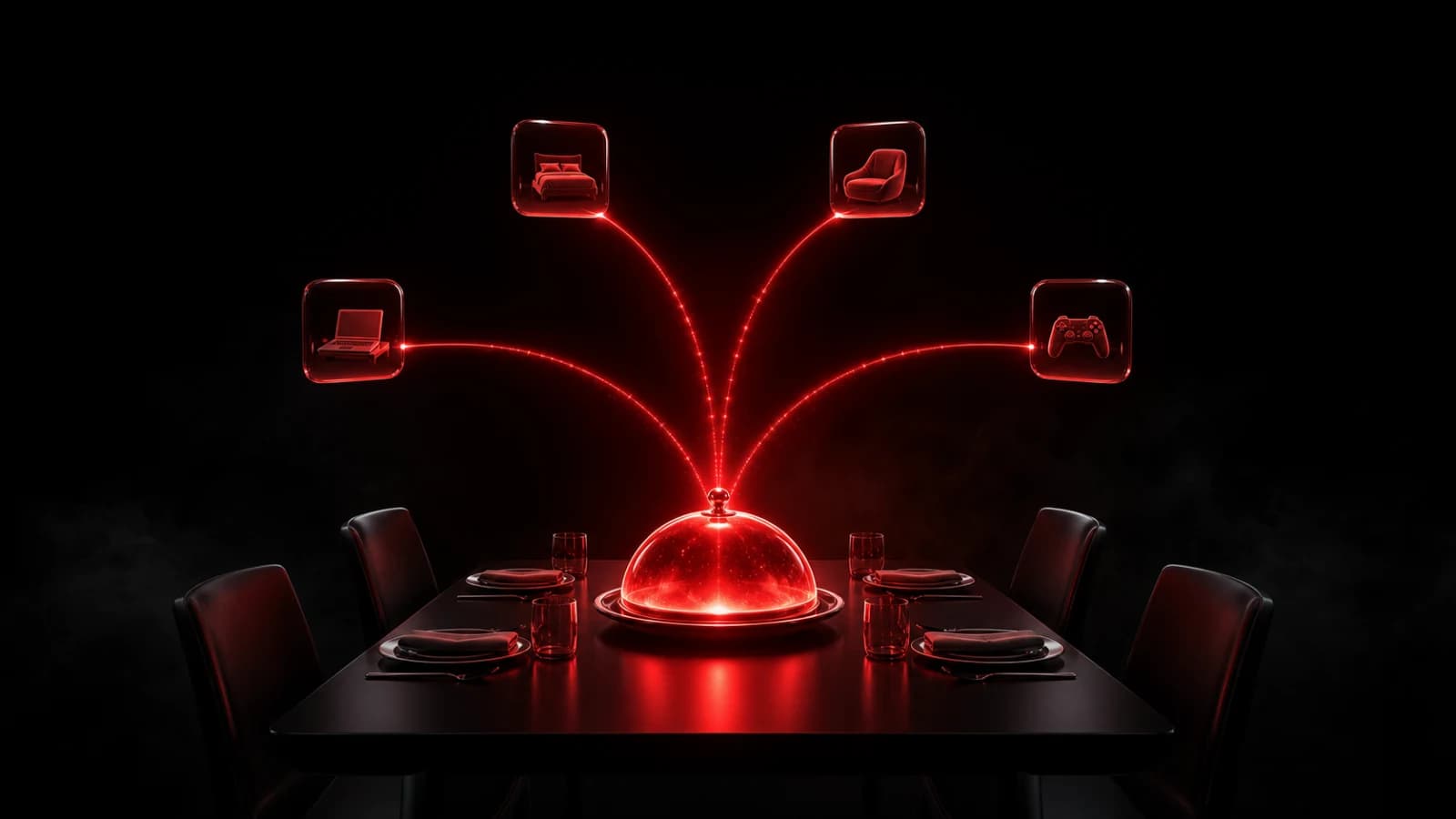
The simplest way to notify everyone that dinner is ready is to create one family room with a Dinner’s ready quick action. When the meal is on the table, one tap sends the same push notification to every family member in the room.
Build the room around household moments
Call the room something everyone recognizes, such as Home or Family. Invite the household with its room code, then use actions that describe recurring moments:
- Dinner’s ready
- Leaving in five
- Package at the door
- Need help
The dinner signal should not need extra explanation. A clear label, a familiar icon, and a distinct sound make it understandable even when someone only glances at a lock screen or watch.
Manual and scheduled dinner signals solve different problems
A manual action is best when dinner time changes. Whoever finishes cooking taps when the food is actually ready. If your household eats at a dependable time, a time trigger can send a recurring reminder instead.
Do not schedule “Dinner’s ready” if it will often be wrong. A reminder like Dinner in 15 minutes is safer for automation; keep Dinner’s ready as the human-confirmed action.
Keep it useful
Agree that this room is for household signals, not general conversation. That protects the notification from becoming background noise. Family members can still use their normal chat for recipes, plans, and discussion.
If someone does not receive the Ping, check that they joined the correct room, allowed notifications, and did not mute the room. Device Focus settings can also delay or silence alerts.
The Family Coordination room pattern shows how dinner, pickups, and daily reminders can share one small Room language. For the broader choice between family chat, a plain Ping, a Question, and a confirmation request, read the quiet family group chat alternative.
If the household also needs quiet cues between floors, the call-family-downstairs setup compares a short phone/watch signal with Apple, Google, and Amazon voice intercoms.

PingRoom
Short-form communication.