How to Send a Mailchimp Campaign-Sent Alert to a Shared Room
Verify one Mailchimp campaign-finished webhook, discard campaign and audience data, and queue fixed, replay-safe copy for a shared PingRoom Room.

Use Mailchimp's own mobile push when the people who need the update already use the Mailchimp account. When a separate, stable group only needs to know that one campaign finished sending, connect Mailchimp's signed campaign webhook to a small relay and send fixed copy to a private PingRoom Room.
The workflow in this guide sends Mailchimp campaign finished — Check Mailchimp for the campaign record. It does not forward the subject, audience, recipients, contact fields, report data, send counts, or campaign ID.
Mailchimp remains the source of truth. A campaign-finished event does not prove that every recipient received, opened, read, or acted on the email. This is a webhook recipe you configure, not a native Mailchimp integration.
Start with Mailchimp's own notification
Mailchimp's mobile push settings include a Sent Campaign notification. That is the smaller choice when the intended recipients are Mailchimp account users.
| Need | Better starting point |
|---|---|
| An account user needs the normal campaign update | Mailchimp mobile push |
| A stable, opt-in group needs one shared short signal | Signed Mailchimp webhook → PingRoom Room |
| Someone needs the subject, audience, report, or delivery detail | Open the campaign in Mailchimp |
| The team needs approvals or a marketing workflow | Keep the established marketing system |
Do not create a second channel merely because a webhook exists. Add the Room only when the shared audience and next action are clear.
Prepare one audience webhook and one private Room
Mailchimp's current webhook setup guide says webhooks require a Standard or Premium plan. Create an audience webhook, choose Email campaign sending, and enable only the source types your team actually uses. The callback needs a public HTTPS URL with a trusted certificate.
When Mailchimp shows the signing secret, save it immediately in server-side secret storage. Mailchimp shows it once. Do not put it in source control, a browser bundle, logs, or the PingRoom request.
In PingRoom, create a private Room for the people who need the shared signal. The Room owner needs PingRoom Pro for incoming webhooks. Open Settings → Connections → From another app, add an incoming webhook, leave Quick Ping on Custom message, and store its complete URL as PINGROOM_WEBHOOK_URL in the relay.
The incoming-webhook walkthrough covers the PingRoom setup. The webhook reference carries the current fields, limits, cooldown, idempotency behavior, and responses.
Verify the raw request before reading it
Mailchimp sends audience webhook bodies as application/x-www-form-urlencoded. Its developer webhook guide documents signed deliveries in X-Mailchimp-Signature:
- Read the exact request bytes without decoding the form.
- Parse the header's timestamp and
v1signature. - Reject timestamps more than five minutes from the server clock.
- Compute HMAC-SHA256 over
timestamp + "." + rawBodywith the saved signing secret. - Compare the expected and supplied signatures with a timing-safe function.
- Only then decode the form and accept
type=campaign.
Do not place a body parser in front of signature verification. Re-encoding form fields can change the bytes and make a valid signature impossible to reproduce.
Queue only a digest, then send fixed copy
This compact Node example leaves HTTP framework plumbing to your deployment. acceptMailchimpCampaign receives the untouched body and header, verifies them, and inserts one opaque key into a durable idempotent queue.
import { createHash, createHmac, timingSafeEqual } from "node:crypto";

const MAX_BODY_BYTES = 256_000;
const MAX_AGE_SECONDS = 300;

function parseSignature(header) {
  const fields = new Map(
    String(header)
      .split(",")
      .map((part) => part.trim().split("=", 2)),
  );
  const timestamp = fields.get("t");
  const signature = fields.get("v1");
  if (
    !/^\d{10}$/.test(timestamp ?? "") ||
    !/^[a-f0-9]{64}$/.test(signature ?? "")
  ) {
    throw new Error("Invalid Mailchimp signature header");
  }
  return { timestamp, signature };
}

function verifyMailchimp(rawBody, header, secret, nowSeconds) {
  const { timestamp, signature } = parseSignature(header);
  if (Math.abs(nowSeconds - Number(timestamp)) > MAX_AGE_SECONDS) {
    throw new Error("Expired Mailchimp signature");
  }
  const expected = createHmac("sha256", secret)
    .update(`${timestamp}.`)
    .update(rawBody)
    .digest();
  const supplied = Buffer.from(signature, "hex");
  if (
    expected.length !== supplied.length ||
    !timingSafeEqual(expected, supplied)
  ) {
    throw new Error("Invalid Mailchimp signature");
  }
}

export async function acceptMailchimpCampaign({
  rawBody,
  signature,
  secret,
  nowSeconds,
  queue,
}) {
  if (
    !Buffer.isBuffer(rawBody) ||
    rawBody.length === 0 ||
    rawBody.length > MAX_BODY_BYTES
  ) {
    throw new Error("Invalid Mailchimp body");
  }
  verifyMailchimp(rawBody, signature, secret, nowSeconds);

  const form = new URLSearchParams(rawBody.toString("utf8"));
  if (form.get("type") !== "campaign") return { ignored: true };

  const digest = createHash("sha256").update(rawBody).digest("hex");
  const eventKey = `mailchimp-campaign:${digest}`;
  await queue.insertOnce({ eventKey });
  return { accepted: true, eventKey };
}
The queue row contains no decoded Mailchimp values. A worker later uses eventKey as the PingRoom Idempotency-Key and sends one constant body:
{
  "action": null,
  "title": "Mailchimp campaign finished",
  "message": "Check Mailchimp for the campaign record."
}
Hashing the raw body is not encryption and does not make it safe to retain the source payload. The privacy boundary is that the relay does not log or enqueue that payload and forwards only fixed copy.
The digest handles an exact retry with the same body. It does not establish a universal campaign identity across changed deliveries, and this guide does not claim exactly-once delivery. If your observed Mailchimp payload and contract provide a stable campaign identifier you are prepared to retain, document that field and migration separately before changing the key.

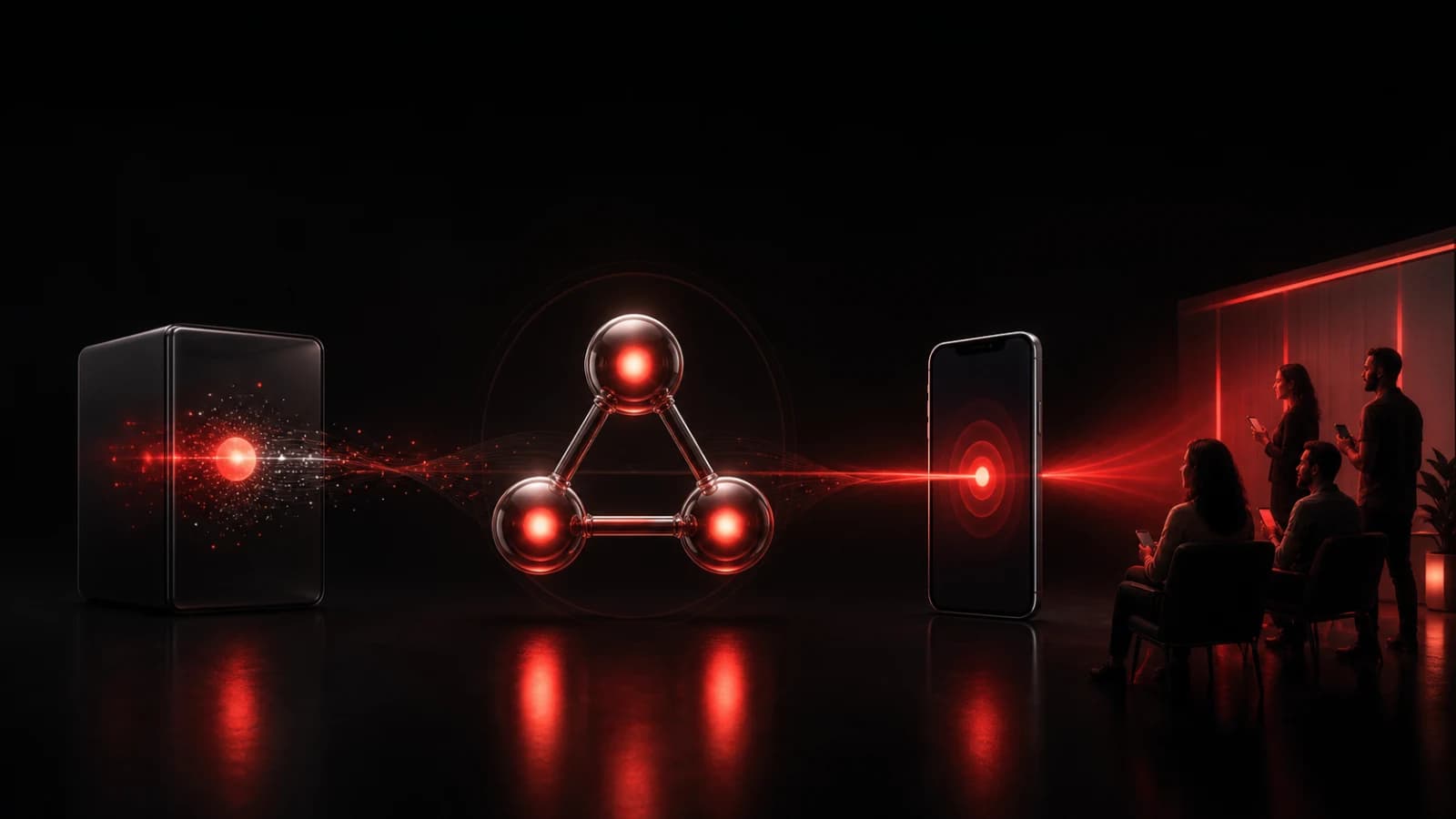
These AI-generated editorial illustrations feature approved PingRoom avatars and Pingo the Pigeon, PingRoom's fictional Chief Marketing Officer. They are not Mailchimp or PingRoom screenshots and do not depict customers.
Pingo is supervising the duplicate tray with the patience of someone who has already received the same announcement twice. He cannot read a campaign, enter a private Room, or send a Ping. People choose the webhook, recipients, fixed copy, and operating policy.
Return quickly and keep failures visible
Mailchimp's developer guide says a callback that is unavailable or takes more than ten seconds can be retried, with attempts spread over 75 minutes. Insert into a durable queue before returning success. Do not wait for PingRoom or a phone to display the alert inside the Mailchimp request.
If queue insertion fails, return a non-success response so the failure remains visible to Mailchimp. If the worker cannot reach PingRoom, retry the same fixed body with the same eventKey. Never turn a downstream error into a claim that the campaign failed.
An HTTP success from PingRoom means the Ping was accepted. Connectivity, Room mutes, notification permissions, Focus settings, and operating-system policy still affect what appears on each phone.
Rehearse six boundaries
Before connecting a real audience, use harmless fixtures and verify:
- A correctly signed
campaignform queues one opaque key. - The exact same signed body queues no second item.
- A wrong signature and a timestamp outside five minutes are rejected.
- A signed non-campaign event is acknowledged as ignored.
- Logs and the PingRoom request contain none of the form's campaign, audience, subject, contact, or report values.
- A PingRoom failure keeps the queue item retryable with the same key and fixed body.
For this article, we ran those boundaries with signed Mailchimp-shaped form bodies, an in-memory idempotent queue, and a local PingRoom contract mock. No live Mailchimp account, campaign, public relay, PingRoom Room, phone, or customer data was used.
When the rehearsal passes, open PingRoom, create the private destination Room, and enable only the Mailchimp campaign event that deserves shared attention. Keep campaign review and evidence in Mailchimp.
Mailchimp is a trademark of its owner. PingRoom is not affiliated with or endorsed by Mailchimp.

PingRoom
Short-form communication.