How to Send Buildkite Build Success Alerts to Your Team's Phones
Verify Buildkite's signed build.finished webhook, filter one pipeline and passed state, and send fixed privacy-minimal copy to a shared PingRoom Room.

To send one Buildkite build-success alert to a small team's phones, subscribe a Pipeline webhook to build.finished, choose Buildkite's signed-header mode, verify the timestamped raw body in a relay, and forward only the selected pipeline's passed state to a PingRoom incoming webhook. Use the Buildkite build ID for retry identity. Leave the branch, commit, message, sender, URL, and logs in Buildkite.
This is a webhook recipe, not a native Buildkite integration. The destination Room owner needs PingRoom Pro.
Check Buildkite's own notification options first
Buildkite supports email, Slack, PagerDuty, GitHub status/checks, and webhook notifications. Use those when they already reach the right person or incident system.
| Need | Better starting point |
|---|---|
| A developer needs build details, logs, or a rerun | Buildkite |
| The engineering team already follows a Slack channel | Buildkite's Slack notification service |
| A failed build needs established paging or escalation | The team's incident path |
| One selected pass should reach a separate bounded group of phones | Signed Buildkite webhook → relay → PingRoom Room |
| People need proof that a deployment is healthy or approved | Deployment checks and the system of record |
The relay below sends only a finished build whose state is passed and whose blocked flag is not true. A passed build is not proof that a deployment is reachable, dependencies are healthy, or a release is approved.
Create a bounded destination Room
Create or choose a private PingRoom Room for the stable group that needs this signal. Open Settings → Connections → From another app, add a webhook named Buildkite pass, choose Custom message, and copy the full URL.
The incoming-webhook setup guide covers the Room-side steps. The webhook reference documents current fields, limits, idempotency behavior, and errors.
Store these four values in protected server configuration:
BUILDKITE_WEBHOOK_SECRET: the token from the Buildkite webhook service;BUILDKITE_PIPELINE_ID: the exact pipeline UUID allowed to send;PINGROOM_WEBHOOK_URL: the complete secret PingRoom webhook URL;PINGROOM_PIPELINE_LABEL: short reviewed copy such asMobile release.
Do not place either secret in browser code, source control, screenshots, build logs, or the Ping itself.
Verify the timestamped raw body
Buildkite's stronger X-Buildkite-Signature mode sends timestamp=… and signature=…. The expected HMAC-SHA256 input is the timestamp, a period, and the exact raw request body. Verify those bytes before parsing JSON, then reject a valid signature outside a short replay window. This recipe uses five minutes, matching Buildkite's example window.
The dependency-free handler uses Web Crypto. Pass the platform request and environment bindings to handleBuildkiteWebhook.
const MAX_BODY_BYTES = 256_000;
const MAX_SIGNATURE_AGE_SECONDS = 300;
const HEX_SHA256 = /^[a-f0-9]{64}$/i;
const UUID =
  /^[a-f0-9]{8}-[a-f0-9]{4}-[1-8][a-f0-9]{3}-[89ab][a-f0-9]{3}-[a-f0-9]{12}$/i;

function reply(status, body = null) {
  if (body === null) return new Response(null, { status });
  return Response.json(body, { status });
}

function parseSignatureHeader(header) {
  if (!header) return null;
  const values = new Map();

  for (const part of header.split(",")) {
    const [rawKey, ...rawValue] = part.split("=");
    const key = rawKey?.trim();
    const value = rawValue.join("=").trim();
    if (!key || !value || values.has(key)) return null;
    values.set(key, value);
  }

  const timestamp = values.get("timestamp");
  const signature = values.get("signature");
  if (!/^\d{10}$/.test(timestamp ?? "") || !HEX_SHA256.test(signature ?? "")) {
    return null;
  }

  return { timestamp, signature: signature.toLowerCase() };
}

function fromHex(value) {
  return Uint8Array.from(value.match(/../g), (byte) =>
    Number.parseInt(byte, 16),
  );
}

async function verifyBuildkiteSignature(header, rawBody, secret, nowSeconds) {
  const parsed = parseSignatureHeader(header);
  if (!parsed) return false;

  const age = Math.abs(nowSeconds - Number(parsed.timestamp));
  if (!Number.isFinite(age) || age > MAX_SIGNATURE_AGE_SECONDS) return false;

  const key = await crypto.subtle.importKey(
    "raw",
    new TextEncoder().encode(secret),
    { name: "HMAC", hash: "SHA-256" },
    false,
    ["verify"],
  );

  const signedMessage = `${parsed.timestamp}.${rawBody}`;
  return crypto.subtle.verify(
    "HMAC",
    key,
    fromHex(parsed.signature),
    new TextEncoder().encode(signedMessage),
  );
}

export async function handleBuildkiteWebhook(
  request,
  env,
  fetchImpl = fetch,
  nowSeconds = Math.floor(Date.now() / 1000),
) {
  if (request.method !== "POST") {
    return reply(405, { error: "method_not_allowed" });
  }

  const {
    BUILDKITE_WEBHOOK_SECRET,
    BUILDKITE_PIPELINE_ID,
    PINGROOM_WEBHOOK_URL,
    PINGROOM_PIPELINE_LABEL,
  } = env;

  if (
    !BUILDKITE_WEBHOOK_SECRET ||
    !UUID.test(BUILDKITE_PIPELINE_ID ?? "") ||
    !PINGROOM_WEBHOOK_URL?.startsWith("https://") ||
    !PINGROOM_PIPELINE_LABEL ||
    PINGROOM_PIPELINE_LABEL.length > 48
  ) {
    return reply(500, { error: "server_configuration_error" });
  }

  const declaredLength = Number(request.headers.get("content-length") ?? 0);
  if (declaredLength > MAX_BODY_BYTES) {
    return reply(413, { error: "body_too_large" });
  }

  const rawBody = await request.text();
  if (new TextEncoder().encode(rawBody).byteLength > MAX_BODY_BYTES) {
    return reply(413, { error: "body_too_large" });
  }

  if (
    !(await verifyBuildkiteSignature(
      request.headers.get("x-buildkite-signature"),
      rawBody,
      BUILDKITE_WEBHOOK_SECRET,
      nowSeconds,
    ))
  ) {
    return reply(401, { error: "invalid_or_stale_signature" });
  }

  let event;
  try {
    event = JSON.parse(rawBody);
  } catch {
    return reply(400, { error: "invalid_json" });
  }

  if (
    request.headers.get("x-buildkite-event") !== "build.finished" ||
    event.event !== "build.finished"
  ) {
    return reply(204);
  }

  if (!UUID.test(String(event.build?.id ?? ""))) {
    return reply(400, { error: "invalid_build_id" });
  }

  if (
    event.pipeline?.id !== BUILDKITE_PIPELINE_ID ||
    event.build?.state !== "passed" ||
    event.build?.blocked === true
  ) {
    return reply(204);
  }

  const eventKey = `buildkite-${event.build.id}`;
  const payload = {
    title: "Buildkite build passed",
    message: `${PINGROOM_PIPELINE_LABEL} passed. Check Buildkite before acting.`,
    correlation_id: eventKey,
  };

  try {
    const response = await fetchImpl(PINGROOM_WEBHOOK_URL, {
      method: "POST",
      headers: {
        Accept: "application/json",
        "Content-Type": "application/json",
        "Idempotency-Key": eventKey,
      },
      body: JSON.stringify(payload),
      signal: AbortSignal.timeout(8_000),
    });

    if (!response.ok) {
      return reply(503, { error: "pingroom_rejected" });
    }

    const accepted = await response.json().catch(() => null);
    if (accepted?.success !== true) {
      return reply(503, { error: "pingroom_invalid_response" });
    }

    return reply(200, { ok: true });
  } catch {
    return reply(503, { error: "pingroom_unavailable" });
  }
}
The handler ignores the branch, commit, build message, sender, pipeline name and slug, provider URL, jobs, and logs. PINGROOM_PIPELINE_LABEL is reviewed server configuration, not provider-supplied text. Use neutral copy such as Selected build if even the pipeline label is sensitive.
Add the Buildkite webhook
- In Buildkite's global navigation, open Settings → Notification Services.
- Select Add Webhook Notification, add a description, and enter the relay's public HTTPS URL.
- Leave TLS certificate verification enabled.
- Under Token, choose the signed
X-Buildkite-Signatureheader and copy the same token intoBUILDKITE_WEBHOOK_SECRET. - Select only Build finished.
- Select the intended pipeline. Add a branch filter as another narrow boundary when one branch owns the signal.
- Save, then use the webhook's recent-request log to inspect a harmless delivery.
Buildkite includes the event identifier in both X-Buildkite-Event and the JSON event field. The relay requires both to equal build.finished, then checks the pipeline UUID, state: "passed", and blocked !== true.
Keep success narrow and retry-safe
| Relay outcome | HTTP result | Meaning |
|---|---|---|
| Signed selected pipeline pass accepted | 200 | PingRoom accepted the fixed event |
| Another event, pipeline, state, or blocked build | 204 | No Ping is needed |
| Invalid or stale signature | 401 | The request is not trusted |
| Invalid build ID or malformed JSON | 400 | The event cannot be mapped safely |
| PingRoom rejects, times out, or returns bad JSON | 503 | The handoff failed and remains visible |
The relay maps the Buildkite build UUID to both correlation_id and Idempotency-Key. Reprocessing the same build therefore produces the same request identity and exact body. That is useful for retries, but it is not a substitute for a durable queue when the notification must survive process failure.

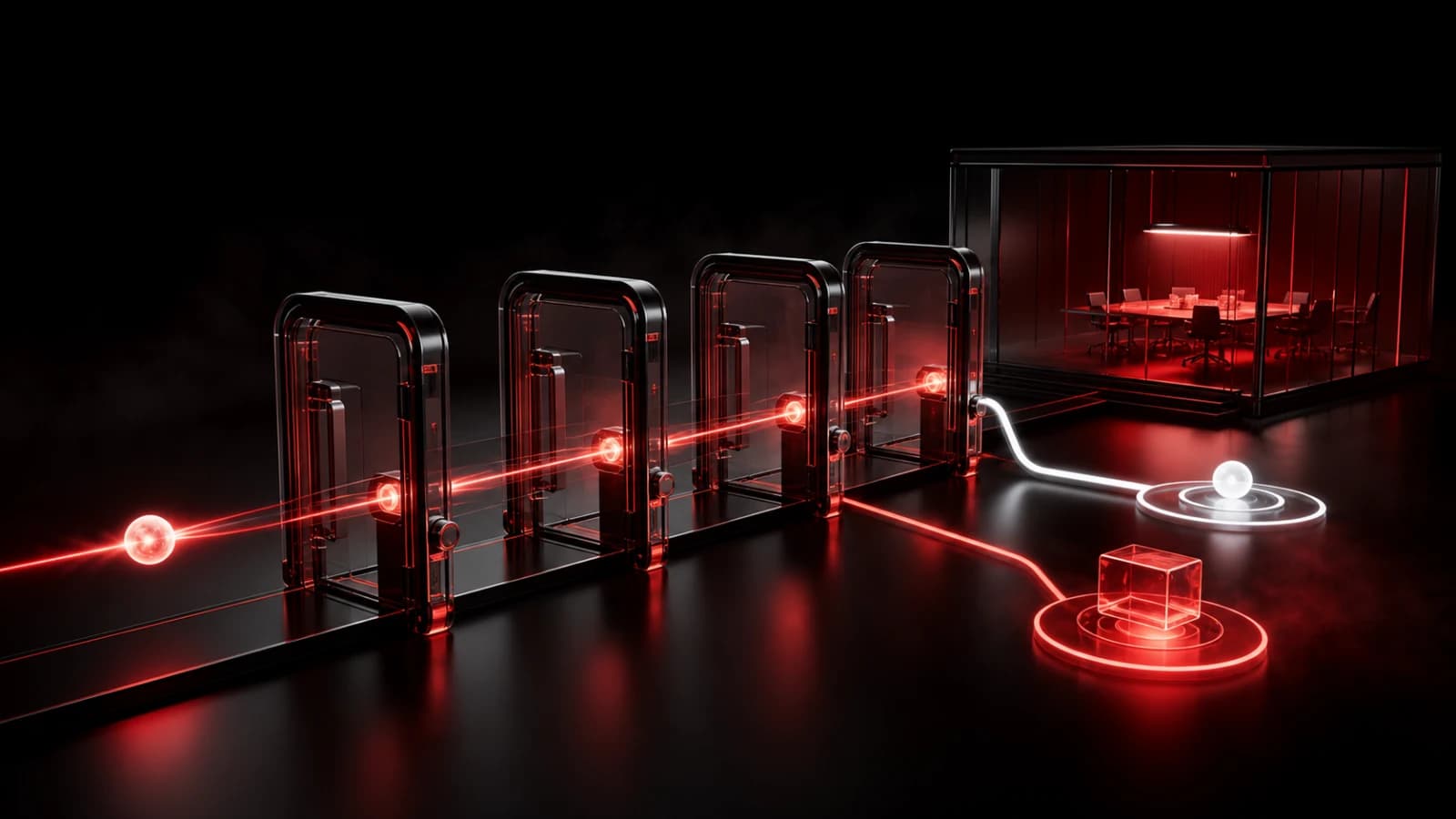
These AI-generated editorial illustrations feature approved PingRoom avatars and Pingo the Pigeon, PingRoom's fictional Chief Marketing Officer. They are not Buildkite or PingRoom screenshots and do not depict customers.
Pingo the Pigeon is quietly guarding the divider in this example. He has no Buildkite account, private-Room access, credentials, or authority to send Pings. People choose the pipeline, Room, copy, filters, and response procedure.
Test the boundary before relying on it
Use locally signed fixtures first, then one harmless Buildkite build:
- Sign a selected passed-build fixture and confirm one fixed Ping is accepted.
- Replay the same build UUID and confirm the request uses the same key and body.
- Change the pipeline UUID and confirm the relay returns
204without calling PingRoom. - Change
statetofailedand confirm no success Ping is sent. - Set
blocked: trueand confirm it is ignored. - Change the event header and body to
pingand confirm it is ignored. - Send a signature older than five minutes and confirm the relay returns
401. - Alter the body after signing and confirm the relay returns
401. - Make PingRoom return
429and confirm the relay returns503. - Confirm the downstream body contains no branch, commit, message, URL, sender, or provider pipeline name.
For this article, we imported the exact handler above and ran it against locally signed Buildkite-style fixtures with a stateful PingRoom mock. Nine cases covered acceptance, exact replay, filters, stale and invalid signatures, and downstream rejection. No live Buildkite organization, PingRoom Room, phone, or network request was used.
If one Buildkite pass deserves a separate shared signal, create the destination Room and webhook, deploy the relay, and run every check with non-sensitive data. Use the broader CI/CD guide before adding more build states.
Buildkite is a trademark of Buildkite Pty Ltd. PingRoom is not affiliated with or endorsed by Buildkite.

PingRoom
Short-form communication.