How to Create Location-Based Notifications With Geofencing
Choose an entry or exit boundary on the phone, connect it to a room action, and notify the group without uploading continuous location history.
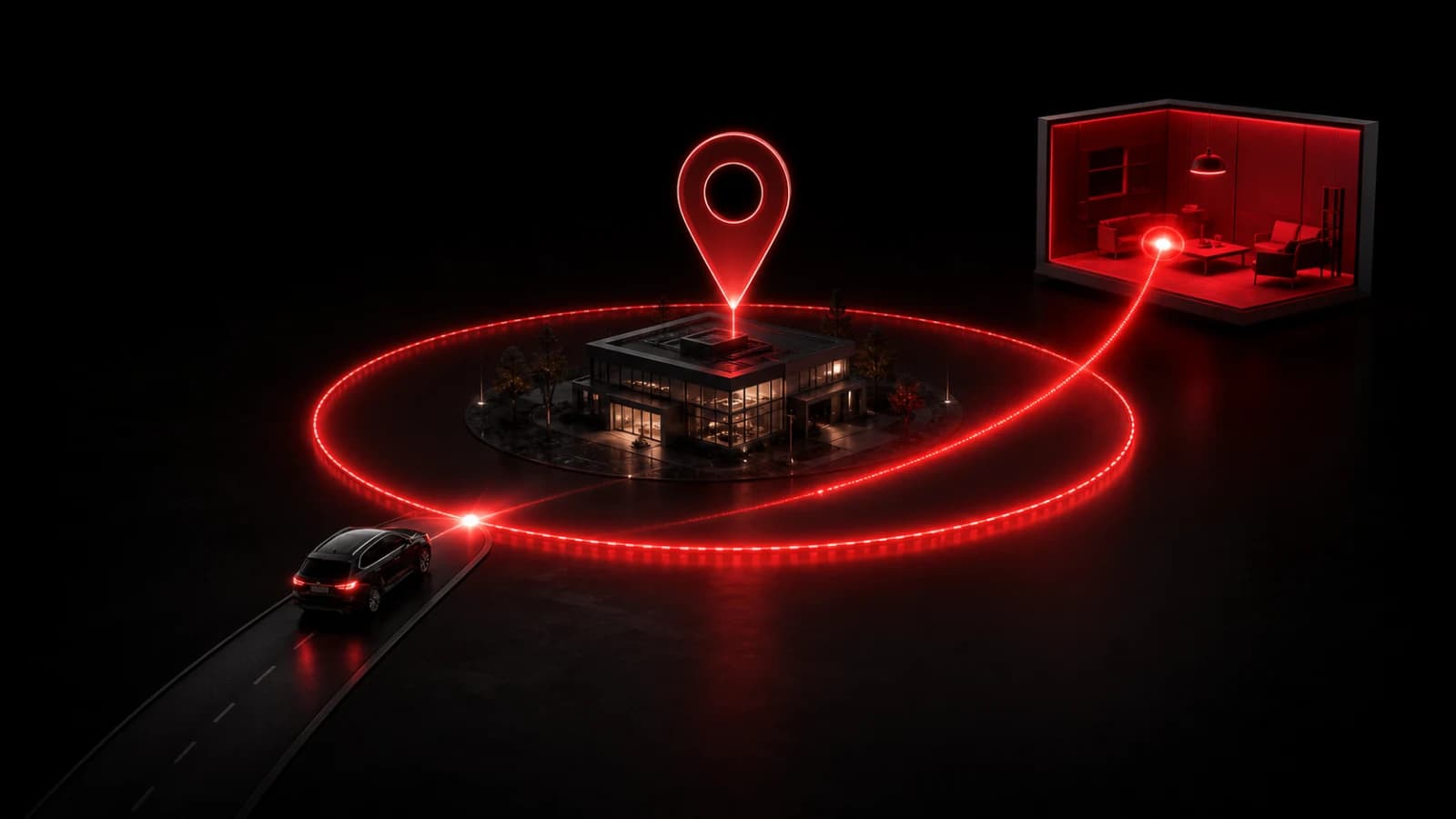
A PingRoom location trigger connects a geographic entry or exit event to one room action. The phone’s operating system monitors the boundary on the device; when it fires, PingRoom sends the chosen action to the room.
Build the trigger
- Create or choose the destination room.
- Add a literal action such as Arrived at office or Left school.
- Create a location trigger and select entry or exit.
- Place the boundary and choose a radius that tolerates normal location variation.
- Grant the required background-location permission and test the result.
Only the resulting trigger event needs to reach PingRoom. The server does not require a continuous path of your coordinates to make the feature work.
Expect mobile constraints
iOS and Android control background geofencing. Permission changes, battery optimization, weak GPS signals, device restarts, and connectivity can delay or prevent an event. Operating systems may also limit how many boundaries an app can monitor.
Keep a manual version of the same room action as a fallback. Use labels that reveal no more location detail than recipients need, especially when previews appear on a locked phone.
Geofencing is useful for convenience and routine coordination. It is not live tracking, proof of presence, employee surveillance, or an emergency-location service. Obtain consent from the person whose device will monitor the boundary and follow applicable workplace or local privacy rules.
For a concrete family pattern, see automatic arrival notifications without live sharing and the deeper privacy architecture.

PingRoom
Short-form communication.