How to Send a GitHub Pull Request Ready-for-Review Alert to Your Team's Phones
Trigger one privacy-minimal shared Room alert when a GitHub draft pull request becomes ready for review, without running untrusted pull-request code.

Use GitHub's own notifications when the right reviewers are already assigned. When one selected repository needs a deliberate shared signal, a small GitHub Actions workflow can send one privacy-minimal PingRoom alert as a draft pull request becomes ready for review.
The workflow below listens only for GitHub's ready_for_review activity. It does not check out, build, source, evaluate, or execute pull-request code. Its phone copy contains a fixed repository label and the pull-request number—never the title, body, author, branch, diff, or commit text.
This is a webhook recipe, not a native GitHub integration. “Ready for review” means the author changed the pull request out of draft; it does not mean the change is approved, conflict-free, passing checks, or ready to merge.
Choose the smallest notification path
GitHub can push direct mentions, assignments, and review requests through GitHub Mobile. Marking a draft ready for review can also request reviews from CODEOWNERS. Those native tools should be the default when review ownership is already accurate.
| Need | Better starting point |
|---|---|
| One assigned reviewer needs an alert | GitHub review requests and GitHub Mobile |
| A team needs one shared cue for a selected repository | GitHub Actions → PingRoom incoming webhook |
| People need the diff, checks, comments, or merge controls | Open the pull request in GitHub |
| The change needs approval enforcement | Use GitHub branch protection and review rules |
A shared Room is useful when a small review group rotates responsibility or watches one handoff together. It should not turn every pull-request update into another interruption.
Create the Room and protect its URL
Create or choose a private PingRoom Room for the people who share review attention. The Room owner needs PingRoom Pro for incoming webhooks.
Open Settings → Connections → From another app, add an incoming webhook, leave Quick Ping on Custom message, and copy the complete URL. The incoming-webhook walkthrough covers setup; the webhook reference carries the current field limits and responses.
In GitHub, open the repository's Settings → Secrets and variables → Actions and add a repository secret named PINGROOM_WEBHOOK_URL. Treat the whole URL as a credential. Do not put it in the workflow, an issue, a pull-request comment, an artifact, or a log. If it leaks, regenerate it in PingRoom and replace the secret.
Add the ready-for-review workflow
Save this file on the repository's default branch as .github/workflows/notify-review-room.yml. Replace Selected repository with a short, non-sensitive label that your Room will recognize.
name: Notify shared review Room

on:
  pull_request_target:
    types: [ready_for_review]

permissions: {}

jobs:
  notify:
    runs-on: ubuntu-latest
    env:
      PINGROOM_WEBHOOK_URL: ${{ secrets.PINGROOM_WEBHOOK_URL }}
      REPOSITORY_LABEL: "Selected repository"
      REPOSITORY: ${{ github.repository }}
      PR_NUMBER: ${{ github.event.pull_request.number }}
      PR_NODE_ID: ${{ github.event.pull_request.node_id }}
      RUN_ID: ${{ github.run_id }}
      SERVER_URL: ${{ github.server_url }}
    steps:
      - name: Send ready-for-review alert
        continue-on-error: true
        shell: bash
        run: |
          node <<'NODE'
          async function main() {
            const webhookUrl = process.env.PINGROOM_WEBHOOK_URL;
            const repository = process.env.REPOSITORY;
            const repositoryLabel = process.env.REPOSITORY_LABEL;
            const prNumber = String(process.env.PR_NUMBER ?? "");
            const prNodeId = process.env.PR_NODE_ID;
            const runId = String(process.env.RUN_ID ?? "");
            const serverUrl = process.env.SERVER_URL;

            if (!webhookUrl) throw new Error("Missing PINGROOM_WEBHOOK_URL");
            if (!/^[A-Za-z0-9_.-]+\/[A-Za-z0-9_.-]+$/.test(repository ?? "")) {
              throw new Error("Invalid repository identity");
            }
            if (!repositoryLabel || repositoryLabel.length > 80) {
              throw new Error("Invalid REPOSITORY_LABEL");
            }
            if (!/^[1-9]\d*$/.test(prNumber)) {
              throw new Error("Invalid pull request number");
            }
            if (!prNodeId || !/^\d+$/.test(runId)) {
              throw new Error("Invalid event identity");
            }
            if (!/^https:\/\/[A-Za-z0-9.-]+$/.test(serverUrl ?? "")) {
              throw new Error("Invalid GitHub server URL");
            }

            const pullRequestUrl = `${serverUrl}/${repository}/pull/${prNumber}`;
            const eventId = `github-pr-ready:${repository}:${prNodeId}:${runId}`;
            const payload = {
              action: null,
              title: "Pull request ready for review",
              message: `${repositoryLabel} · PR #${prNumber}`,
              data: {
                repository,
                pull_request_number: Number(prNumber),
                pull_request_url: pullRequestUrl,
              },
              correlation_id: eventId,
            };

            const response = await fetch(webhookUrl, {
              method: "POST",
              headers: {
                Accept: "application/json",
                "Content-Type": "application/json",
                "Idempotency-Key": eventId,
              },
              body: JSON.stringify(payload),
              signal: AbortSignal.timeout(10000),
            });

            if (!response.ok) {
              throw new Error(`PingRoom returned HTTP ${response.status}`);
            }
            const accepted = await response.json();
            if (accepted.success !== true) {
              throw new Error("PingRoom did not accept the alert");
            }
            console.log(`PingRoom accepted ${accepted.notification_id}`);
          }

          main().catch((error) => {
            console.error(error.message);
            process.exit(1);
          });
          NODE
GitHub documents ready_for_review as a pull_request and pull_request_target activity type. This recipe uses pull_request_target so the workflow definition and secret stay in the trusted base repository context.
That event carries an important security warning: code from a pull request may be untrusted. Keep this job exactly in the no-checkout shape above. Do not add actions/checkout, run a PR script, install dependencies from the PR, source files, evaluate PR fields, or build the proposed change. permissions: {} removes the job's GitHub token permissions because this request does not need them.
GitHub's current pull_request_target security guide also documents event-policy controls for public repositories. Review the repository or organization policy and its insights before adopting this event. If the policy blocks it, do not weaken the policy casually; keep GitHub's native review notifications or have an administrator approve this narrow no-checkout use.
Keep the phone copy privacy-minimal
The workflow forwards only values needed to identify the handoff:
- a safe repository label written on the trusted default branch;
- GitHub's numeric pull-request number;
- a pull-request URL constructed from GitHub-owned context;
- an event identity built from the repository, PR node id, and workflow run id.
It deliberately excludes PR-supplied prose. A title that is fine inside an authorized repository can be too revealing on a lock screen. The pull-request link returns authorized people to GitHub, where permissions and current state remain the source of truth.

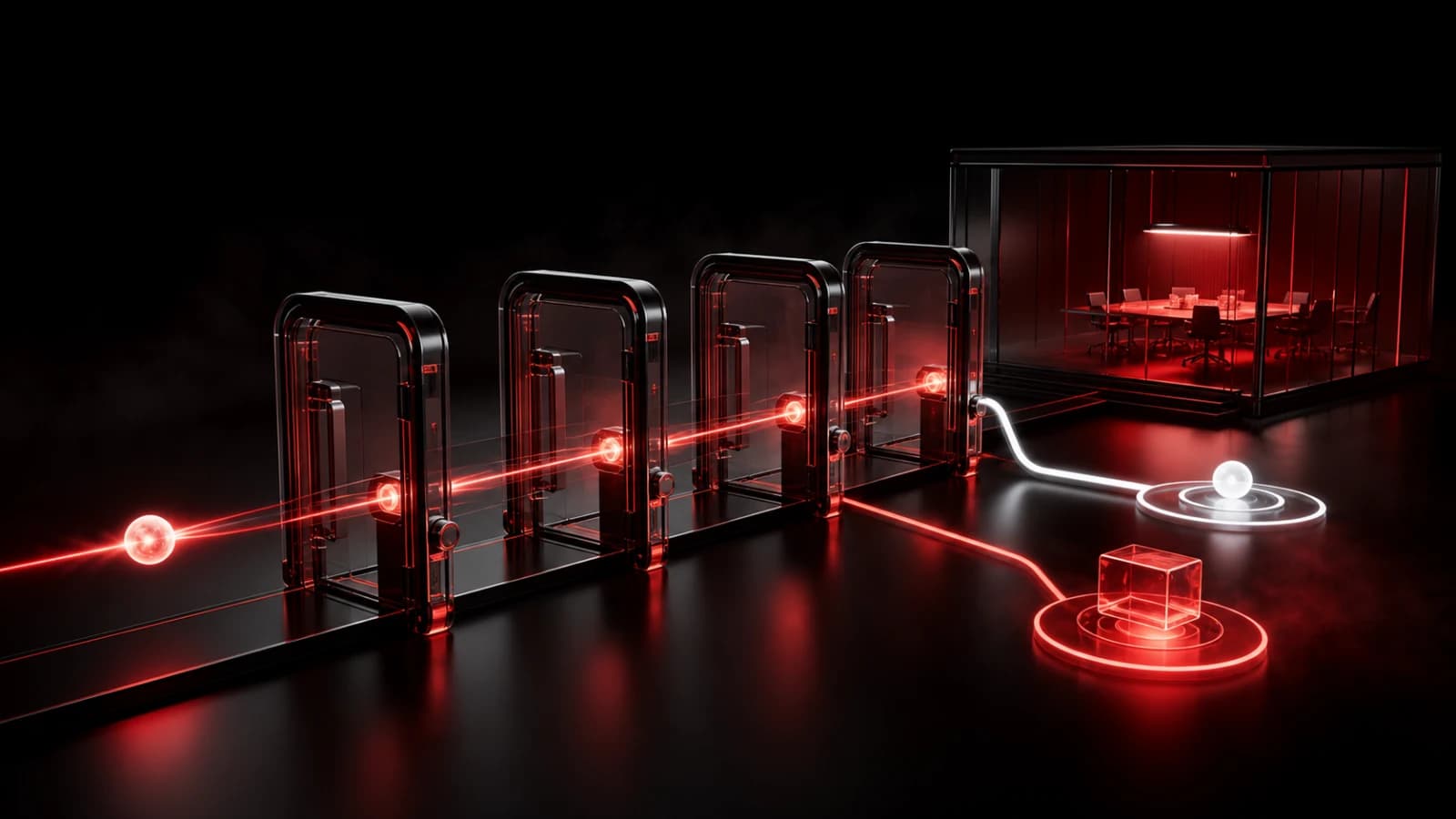
These AI-generated editorial illustrations feature approved PingRoom avatars and Pingo the Pigeon, PingRoom's fictional Chief Marketing Officer. They are not GitHub or PingRoom screenshots and do not depict customers.
Pingo is watching the duplicate token, not operating the gate. He has no repository access, private-Room access, or authority to send a Ping. The repository owner chooses the workflow, destination, recipients, and failure policy.
Give retries one stable identity
GitHub's run_id stays stable when the same workflow run is re-run. Combined with the repository and PR node id, it gives an exact retry the same correlation_id and Idempotency-Key.
If the first request succeeds but the runner loses the response, an identical retry can return the original accepted result instead of creating another Ping. Do not reuse that key with different copy: PingRoom rejects a changed request body as a conflict. If the pull request returns to draft and later becomes ready again, GitHub starts a new workflow run and the new transition receives a new identity.
continue-on-error: true keeps a notification problem from changing repository checks or merge eligibility. This alert is an attention cue, not an approval gate. If your review policy must block a merge, enforce that policy in GitHub.
Test the boundary before relying on it
Use a harmless draft pull request and check these cases:
- Marking the draft ready produces one Pull request ready for review alert.
- Re-running the same workflow returns the same accepted notification rather than a duplicate.
- Returning the pull request to draft and marking it ready again produces one new alert.
- A missing or rejected webhook affects only the non-blocking notification step.
- The phone alert contains no pull-request title, body, author, branch, diff, or commit text.
For this article, we extracted the exact embedded Node request and ran it against a stateful local mock of PingRoom's documented contract. The check covered acceptance, exact replay, a changed-body conflict, a fresh transition identity, HTTP rejection, malformed JSON, missing configuration, headers, field limits, safe URL construction, and excluded PR fields. We also inspected the workflow for the exact event filter, empty permissions, and absence of checkout or PR-code execution. No live GitHub repository, PingRoom Room, phone, or notification receipt was used.
An HTTP 200 with success: true means PingRoom accepted and queued the Ping. Connectivity, device permissions, Focus settings, Room mutes, and operating-system policy still decide what appears on each phone. Silence does not prove that a pull request stayed in draft or that no review is needed; check GitHub.
If one ready-for-review transition deserves shared attention, create the destination Room and webhook, add the secret, and test the workflow with non-sensitive data. For terminal build results, use the separate GitHub Actions result recipe; for broader release states, start with the CI/CD notification guide.
GitHub is a trademark of GitHub, Inc. PingRoom is not affiliated with or endorsed by GitHub.

PingRoom
Short-form communication.