How to Send GitHub Actions Results to Your Phone
Add one terminal notification job to a GitHub Actions workflow and send its result to a shared PingRoom Room without exposing the webhook URL.

Use GitHub’s own notifications when only the person who started a workflow needs its status. When one selected result should reach a shared group, add a final GitHub Actions job that reads the build result and posts one short event to a PingRoom Room.
The workflow below reports success, failure, or cancellation after one named build job. GitHub remains the source of truth for logs and run state. PingRoom carries the small update that changes what people do next.
This is a webhook recipe, not a native GitHub integration.
Check GitHub’s notifications first
GitHub can already send email or web notifications for workflow runs you trigger, including a failure-only option. GitHub Mobile also supports workflow-run push notifications and links back to run details.
Start with the smaller path:
| Need | Better starting point |
|---|---|
| You need the result of a run you triggered | GitHub’s own workflow notifications |
| A team needs one selected build result in a shared attention channel | GitHub Actions → PingRoom incoming webhook |
| Someone needs logs, annotations, artifacts, or rerun controls | Open the run in GitHub |
| A production incident needs paging, escalation, and on-call ownership | Keep the established incident-response system |
Do not forward every step. A terminal result is useful; a stream of ordinary check output becomes background noise.
Create the Room and protect its URL
Create or choose a private PingRoom Room for the people who need the result. The Room owner needs PingRoom Pro for incoming webhooks.
Open Settings → Connections → From another app, add a webhook, leave Quick Ping on Custom message, and copy the full URL. The incoming-webhook guide explains the setup, while the webhook reference carries the current request limits and error responses.
In GitHub, open the repository’s Settings → Secrets and variables → Actions and add a repository secret named PINGROOM_WEBHOOK_URL. GitHub’s secret guidance recommends passing secrets through an environment variable instead of placing them in a command.
The webhook URL is a credential. Do not put it in the workflow file, an issue, a pull-request comment, an artifact, or a log. If it leaks, regenerate it in PingRoom and replace the GitHub secret.
Add one terminal notification job
This example assumes the existing job is named build and runs on GitHub’s ubuntu-latest image. Add notify beside it under jobs:
notify:
  name: Notify PingRoom
  needs: build
  if: ${{ always() && needs.build.result != 'skipped' }}
  runs-on: ubuntu-latest
  permissions: {}
  env:
    PINGROOM_WEBHOOK_URL: ${{ secrets.PINGROOM_WEBHOOK_URL }}
    RESULT: ${{ needs.build.result }}
    REPOSITORY: ${{ github.repository }}
    RUN_ID: ${{ github.run_id }}
    RUN_ATTEMPT: ${{ github.run_attempt }}
    SERVER_URL: ${{ github.server_url }}
  steps:
    - name: Send terminal result
      continue-on-error: true
      shell: bash
      run: |
        node <<'NODE'
        async function main() {
          const result = process.env.RESULT;
          const titles = {
            success: "GitHub Actions passed",
            failure: "GitHub Actions failed",
            cancelled: "GitHub Actions cancelled",
          };
          const runUrl = `${process.env.SERVER_URL}/${process.env.REPOSITORY}/actions/runs/${process.env.RUN_ID}`;
          const eventId = `github-actions:${process.env.REPOSITORY}:${process.env.RUN_ID}:${process.env.RUN_ATTEMPT}`;
          const payload = {
            action: null,
            title: titles[result] ?? "GitHub Actions finished",
            message: `${process.env.REPOSITORY.slice(0, 90)} · attempt ${process.env.RUN_ATTEMPT}`,
            data: {
              repository: process.env.REPOSITORY,
              result,
              run_url: runUrl,
            },
            correlation_id: eventId,
          };

          const response = await fetch(process.env.PINGROOM_WEBHOOK_URL, {
            method: "POST",
            headers: {
              Accept: "application/json",
              "Content-Type": "application/json",
              "Idempotency-Key": eventId,
            },
            body: JSON.stringify(payload),
            signal: AbortSignal.timeout(10000),
          });

          if (!response.ok) {
            throw new Error(`PingRoom returned HTTP ${response.status}`);
          }
          const accepted = await response.json();
          if (accepted.success !== true) {
            throw new Error("PingRoom did not accept the result");
          }
          console.log(`PingRoom accepted ${accepted.notification_id}`);
        }

        main().catch((error) => {
          console.error(error.message);
          process.exit(1);
        });
        NODE
GitHub’s needs context exposes the direct dependency’s result as success, failure, cancelled, or skipped. always() lets the notification job run after a failed dependency. The condition deliberately ignores a skipped build.
continue-on-error: true keeps a notification outage from changing a successful build into a failed workflow. Remove that line only if your team has deliberately chosen notification delivery as a workflow gate. Even then, keep the build result in GitHub and keep critical paging elsewhere.
Give one run attempt one identity
The recipe uses the repository, workflow run id, and run attempt to create one event identity. GitHub increments run_attempt when someone reruns the workflow. PingRoom receives the same value as both correlation_id and Idempotency-Key.
That matters when the request succeeds but the runner loses the response. An identical retry with the same key and body can return the original accepted result instead of creating another Ping. A rerun receives a new attempt number and therefore a new event identity.
Do not reuse the key with different copy. PingRoom returns a conflict when one idempotency key arrives with a different request body.

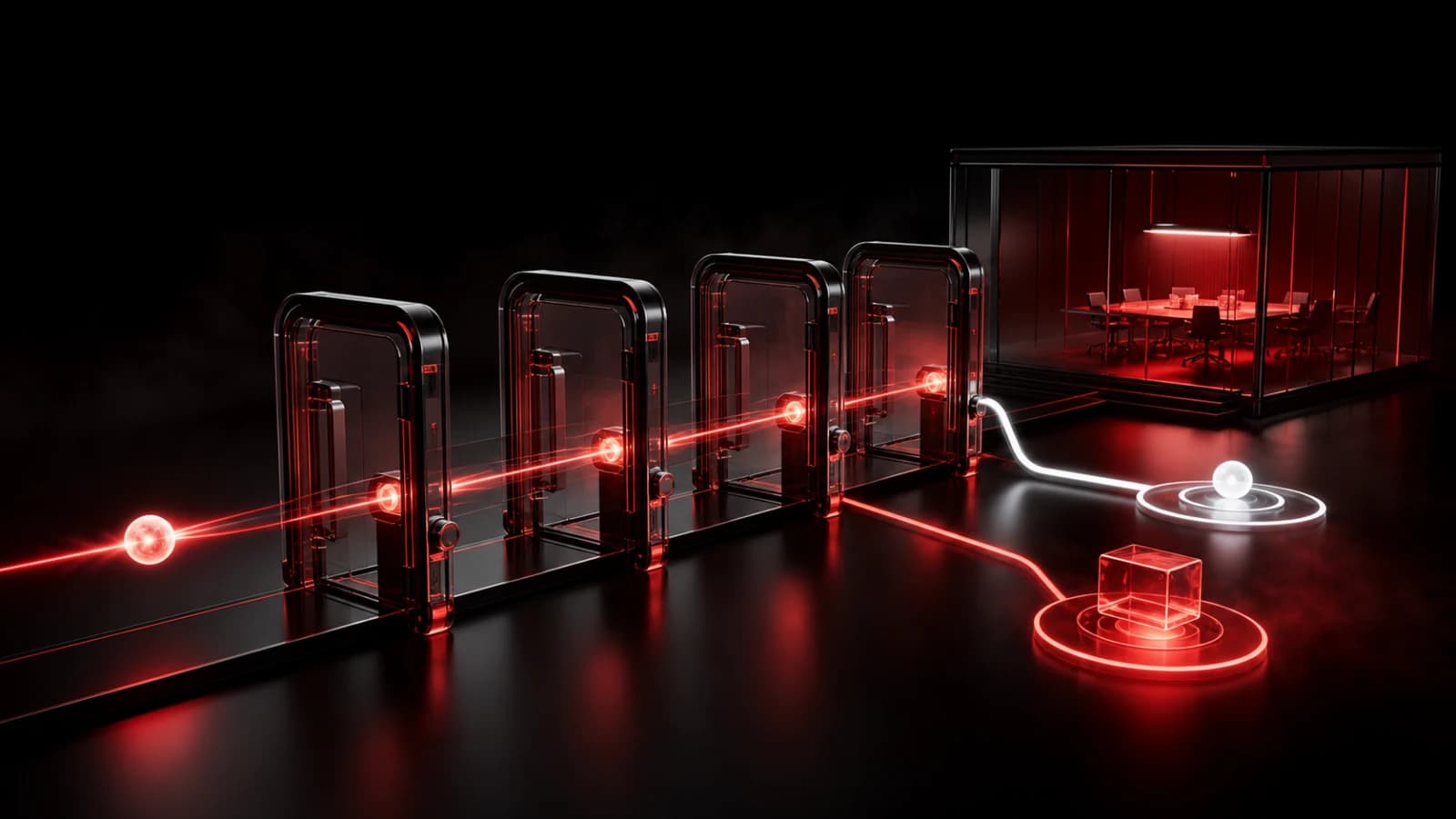
These AI-generated editorial illustrations feature approved PingRoom avatars and Pingo the Pigeon, PingRoom’s fictional Chief Marketing Officer. They are not GitHub or PingRoom screenshots and do not depict customers.
Pingo has no repository access, private-Room access, or authority to send a build result. In the illustration, he is watching one finished token cross the workbench while an identical retry waits beside it. The repository owner chooses the workflow, Room, recipients, and failure policy.
Keep untrusted code away from the secret
GitHub does not pass ordinary Actions secrets to workflows triggered from forks, and Dependabot-triggered workflows cannot use them. Preserve that boundary. Do not switch to pull_request_target just to make this webhook available to untrusted pull-request code.
For a public repository, a safe default is to send the shared result only from trusted events such as a push to the default branch, or from a separate workflow that never checks out untrusted code. Review repository and organization Actions policies before widening access.
Keep sensitive values out of the Ping:
- no source, diffs, logs, commit messages, secret names, or environment dumps;
- no customer names, private issue titles, or internal incident detail;
- no claim that a successful Ping proves the build, deploy, or device display.
The short title tells people what happened. The safe run URL sends authorized GitHub users back to the system that owns the evidence.
Test four cases before relying on it
Use a harmless repository or branch and check:
- A successful
buildproduces GitHub Actions passed. - A controlled failing step produces GitHub Actions failed without hiding the original job failure.
- A rerun uses a new attempt number and creates a new terminal update.
- A workflow without the secret fails only the notification step under this non-blocking policy.
For this article, we ran the exact embedded Node request against a local mock of PingRoom’s documented contract. The check covered success, failure, cancellation, exact replay returning the original notification id, a changed body receiving HTTP 409, field limits, headers, and the run-attempt key. It did not use a live GitHub repository, PingRoom Room, phone, or notification receipt.
Workflow cancellation is a special case: GitHub may stop pending work before this job can send. Check the Actions tab when no terminal Ping arrives. Silence is not proof that a run succeeded, failed, or never started.
An HTTP 200 with success: true means PingRoom accepted and queued the Ping. Connectivity, notification permissions, Focus settings, Room mutes, and operating-system policy still decide what appears on each phone.
If one terminal GitHub Actions result deserves a shared signal, create the destination Room and webhook, add the secret, and test the workflow with non-sensitive data. Keep the broader CI/CD pattern for choosing which events deserve attention.
GitHub is a trademark of GitHub, Inc. PingRoom is not affiliated with or endorsed by GitHub.

PingRoom
Short-form communication.