Find the public Rooms close to you
PingRoom 1.5.3 beta lets a public Room add a place, while Discover can narrow the list by city or a 50 km Near me search.

A running club in another country can be interesting. The one meeting two streets away can change your Saturday.
PingRoom 1.5.3 beta gives public Rooms an optional place and adds location filters to Discover. A Room owner can attach a city, venue, or other public place. Someone browsing can then choose a city or ask for Rooms near their current location.
As of September 18, this is a beta feature, not a public App Store or Google Play release claim. PingRoom’s official beta page lists version 1.5.3 on both tracks: iOS TestFlight build 137 and Android beta build 60.
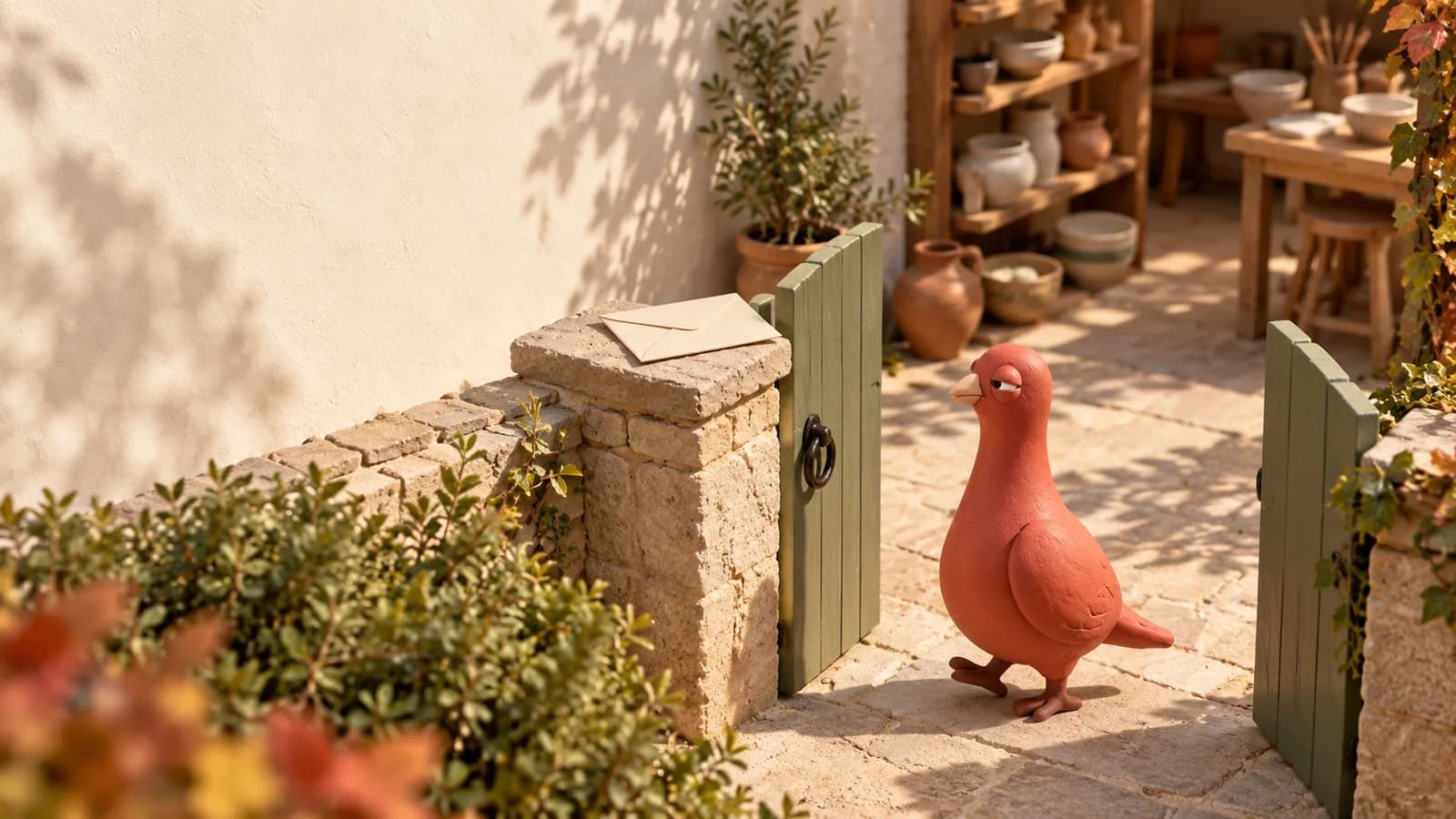
On the cover: Pingo the Pigeon™, our official mascot and fictional CMO, has found the nearest community hall in a tabletop neighborhood. AI-generated editorial artwork using approved Pingo references; not a map, app screen, or customer scene.
Add a place to a public Room
In the 1.5.3 beta, create or edit a public Room and use its location field to search for a place. Review the resolved name before saving it.
A useful label answers where the Room is relevant:
- Downtown Dubai for a neighborhood notice Room;
- Zabeel Park for a running group;
- Dubai World Trade Centre for an event update Room.
These are examples, not current Room listings or customer stories.
The place becomes part of the public Room’s discovery and preview information. Choose the level of detail deliberately. A city, district, park, or public venue is usually more appropriate than a private home address.
Only the Room owner can change this location. If the Room becomes private, PingRoom removes its public location metadata.
Choose city or Near me
Open Discover and choose the location filter that fits the search.
| Filter | What you provide | What PingRoom does |
|---|---|---|
| Choose city | A place name you type | Finds public Rooms whose saved place matches the search |
| Near me | Foreground location permission | Finds public Rooms within a 50 km starting radius |
| Anywhere | No location filter | Returns to the broader public Room directory |
You can combine the location filter with a Room name or category. That makes searches such as a nearby sports Room or a market Room in a chosen city possible without scanning the entire directory.

Pingo’s illustrated version uses three wooden distance rings and one physical marker. The real product uses a list, not a generated map. His fictional CMO title does not give him access to your location, account, or private Rooms.
The two location paths have different privacy boundaries
Choose city does not ask for your device’s current location permission. You type the place you want to browse.
Near me asks for foreground location access when you choose it. PingRoom uses the current coordinates in that discovery request so the server can compare them with public Room locations and return nearby results. It is not a live-location feed, a background trail, or a record of where you travel.
You remain in control of the device permission. Apple explains how to control location information shared with iPhone apps, and Google documents how to manage Android app location permissions.
The Room side is intentionally public. A saved public Room location can be returned in discovery and preview data. Do not add a place you do not want associated with that Room.
Start broad enough to be useful
The first Near me search uses a 50 km radius. That is broad enough for many city communities without pretending that “nearby” means the same thing everywhere.
If the useful group is tied to a known venue, search for that city or place instead. If location is irrelevant, return to Anywhere. The filter should reduce the checking loop, not create another one.
The outcome is simple: a public Room can say where it belongs, and the person looking for it can start with places that are actually within reach.

PingRoom
Short-form communication.