How to Send Medication Reminders to a Family Room
Use scheduled Pings for the reminder and simple follow-up actions for Taken, Snooze, or Need refill—without turning PingRoom into a medical record.
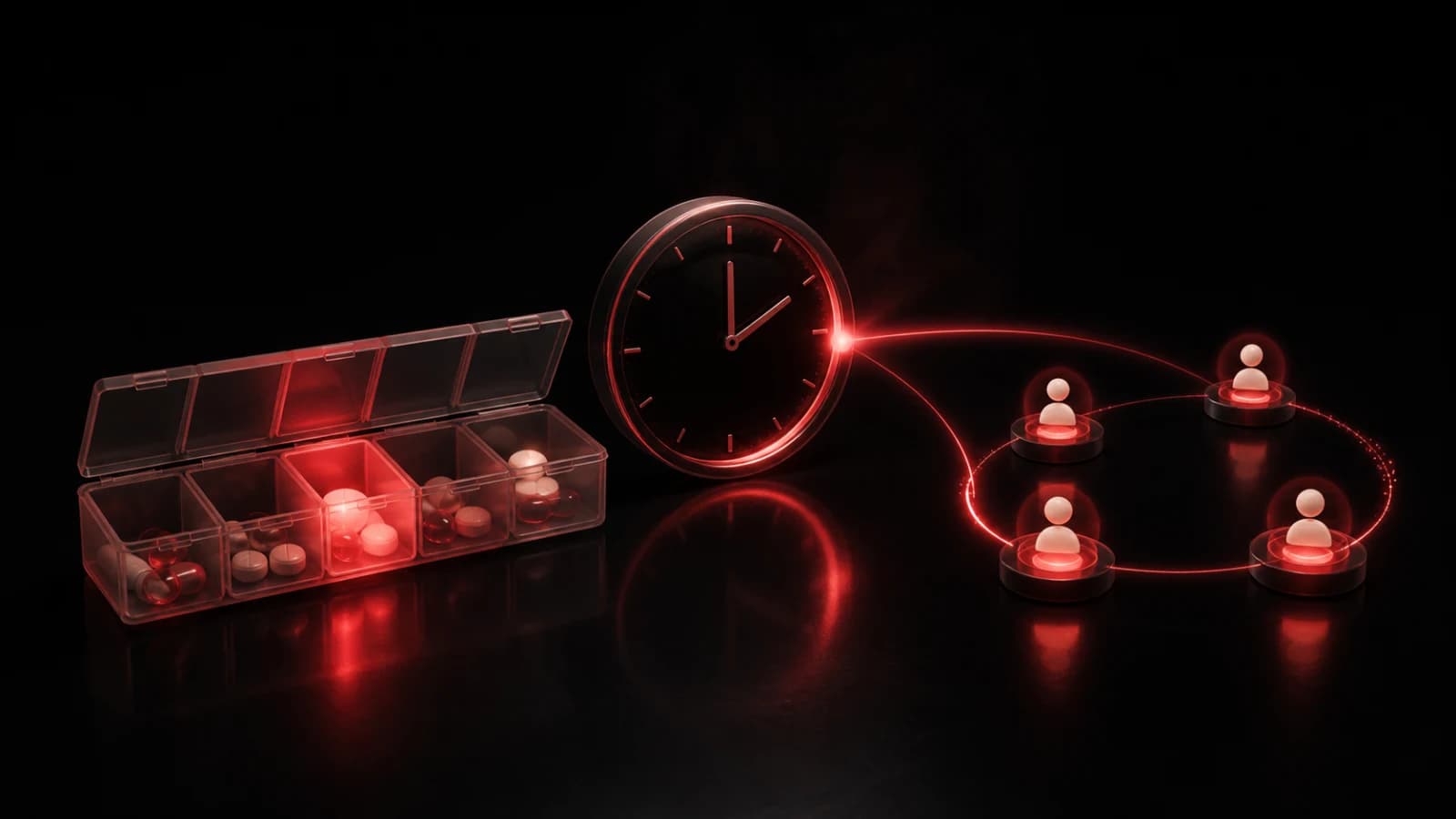
PingRoom can remind a trusted family room at a particular time and give members a fast way to report the next step. Create a private room, add actions such as Taken, Snooze, and Need refill, then create a one-off or recurring time trigger for the reminder.
Build a reminder people can interpret
Name the room for the routine rather than exposing a diagnosis. Confirm the correct schedule with the prescribing professional or the medication’s official instructions; PingRoom does not determine timing or dosage.
For a recurring schedule, check the selected timezone and test the first event. Use Taken only as a voluntary status signal, not as clinical proof. If one person is responsible for follow-up, agree on that responsibility before enabling notifications for a larger group.
Use a Question when you need a bounded response from one person, such as Taken or Need help. Questions support predefined options and, when invited, a short typed answer of up to 60 characters. They are not a medical conversation. For changing symptoms, side effects, or dosing questions, contact a qualified healthcare professional through the appropriate channel.
Protect health information
Lock-screen notifications can be visible to other people. Keep medication names, diagnoses, and personal notes out of titles and quick actions unless everyone involved has deliberately accepted that exposure. Room history is useful for coordination, but it is not a regulated medication administration record.
Scheduled Pings depend on notification permission, connectivity, device state, and room settings. They should not be the only control for time-critical medication. Maintain the reminder method recommended by the care team.
Learn more about scheduled room Pings and Questions as a bounded response protocol.

PingRoom
Short-form communication.