How to Send a Cloudflare Workers Build Success to Your Team's Phones
Use Workers Builds Event Subscriptions, one Queue consumer, and a privacy-minimal PingRoom webhook call for one selected successful build.

To send one selected Cloudflare Workers build success to a small shared group, subscribe a Cloudflare Queue to build.succeeded, filter the event in a Worker, and send fixed copy to a PingRoom Room. Keep Cloudflare build history as the detailed record.
The important word is build. A successful Workers Build means Cloudflare completed the build. It does not, by itself, prove that the version is the active production deployment, that the service is healthy, or that someone acted on the alert.
This is a webhook recipe, not a native Cloudflare integration. It forwards no repository, commit, author, branch, URL, or log data to PingRoom.
Decide whether build success is the right moment
Cloudflare's Workers Builds overview separates building a version from deploying it. A successful production-branch build creates a version; that version becomes active only when the project is configured to deploy it.
Use the source that owns the state you actually care about:
| Question | Better source |
|---|---|
| Did Cloudflare finish this build? | Workers Builds history and build.succeeded |
| Is this version the active deployment? | Cloudflare deployment state |
| Is the service healthy after release? | Your health checks and incident tooling |
| Should a small shared group notice one selected build finish? | Event Subscription → Queue consumer → PingRoom |
The last row is this recipe. It is a low-volume attention path, not a deployment audit or pager replacement.
Create the Room and keep its URL secret
Create or choose a private Room for the people who should receive the signal. The Room owner needs PingRoom Pro to add an incoming webhook.
Open Settings → Connections → From another app, add an incoming webhook, and copy the full URL. The incoming-webhook walkthrough explains the Room setup; the webhook reference carries the current request limits, cooldown, idempotency behavior, and response contract.
The URL is a credential. Store it as a Worker secret, never in wrangler.toml, source control, logs, or client code:
npx wrangler secret put PINGROOM_WEBHOOK_URL
Add only the non-secret selectors as Worker variables:
# wrangler.toml
name = "workers-build-to-pingroom"
main = "src/index.js"
compatibility_date = "2026-10-30"

[vars]
CLOUDFLARE_WORKER_NAME = "selected-worker"
CLOUDFLARE_BRANCH = "main"

[[queues.consumers]]
queue = "workers-build-events"
max_batch_size = 1
max_batch_timeout = 5
max_retries = 5
Use your real Worker name and exact branch. The one-message batch keeps the consumer easy to reason about; it does not override PingRoom's default five-second Room cooldown. If successful builds can arrive in bursts, aggregate them or choose a quieter boundary instead of multiplying webhook URLs.
Filter the event before calling PingRoom
Put this in src/index.js:
// cloudflare-build-handler-start
const BUILD_SUCCEEDED = "cf.workersBuilds.worker.build.succeeded";
const UUID =
  /^[0-9a-f]{8}-[0-9a-f]{4}-[1-8][0-9a-f]{3}-[89ab][0-9a-f]{3}-[0-9a-f]{12}$/i;

function destinationFrom(value) {
  try {
    const url = new URL(value);
    if (
      url.protocol !== "https:" ||
      url.hostname !== "api.pingroom.io" ||
      !url.pathname.startsWith("/api/webhooks/")
    ) {
      return null;
    }
    return url;
  } catch {
    return null;
  }
}

function selectedBuild(event, env) {
  return (
    event?.type === BUILD_SUCCEEDED &&
    event?.source?.type === "workersBuilds.worker" &&
    event?.source?.workerName === env.CLOUDFLARE_WORKER_NAME &&
    event?.payload?.status === "success" &&
    event?.payload?.buildOutcome === "success" &&
    event?.payload?.buildTriggerMetadata?.branch === env.CLOUDFLARE_BRANCH &&
    UUID.test(event?.payload?.buildUuid ?? "")
  );
}

export async function handleBuildBatch(batch, env, fetcher = fetch) {
  const destination = destinationFrom(env.PINGROOM_WEBHOOK_URL);

  if (!destination) {
    throw new Error("PINGROOM_WEBHOOK_URL is missing or invalid");
  }

  for (const message of batch.messages) {
    const event = message.body;

    if (!selectedBuild(event, env)) {
      message.ack();
      continue;
    }

    const replayKey = `cf-workers-build:${event.payload.buildUuid}`;
    const body = JSON.stringify({
      action: null,
      title: "Worker build succeeded",
      message: "The selected Cloudflare Workers build completed successfully.",
      correlation_id: replayKey,
    });

    let response;
    try {
      response = await fetcher(destination, {
        method: "POST",
        headers: {
          Accept: "application/json",
          "Content-Type": "application/json",
          "Idempotency-Key": replayKey,
        },
        body,
        redirect: "error",
        signal: AbortSignal.timeout(8000),
      });
    } catch {
      message.retry({ delaySeconds: 60 });
      continue;
    }

    if (response.ok) {
      try {
        const accepted = await response.json();
        if (accepted.success === true) {
          message.ack();
          continue;
        }
      } catch {
        // A malformed success response is safe to retry with the same key and body.
      }
      message.retry({ delaySeconds: 60 });
      continue;
    }

    if (response.status === 429 || response.status >= 500) {
      message.retry({ delaySeconds: 60 });
      continue;
    }

    console.error("PingRoom rejected build alert", {
      status: response.status,
      buildUuid: event.payload.buildUuid,
    });
    message.ack();
  }
}

export default {
  async queue(batch, env) {
    await handleBuildBatch(batch, env);
  },
};
// cloudflare-build-handler-end
Cloudflare's event schema provides the event type, source, Worker name, build UUID, status, outcome, and branch used by the gates above. Everything else stays in Cloudflare.
The consumer validates the secret destination before processing. It acknowledges irrelevant events, retries network errors, rate limits, malformed success responses, and server errors, and stops retrying permanent 4xx responses. Its log contains only the response status and build UUID—not the secret URL or build payload.
Subscribe the Queue to successful builds
Deploy the consumer, then open Cloudflare Dashboard → Queues → workers-build-events → Subscriptions → Subscribe to events. Choose Workers Builds as the source and subscribe only to Worker build succeeded. Cloudflare's subscription-management guide documents the current dashboard flow.
The Event Subscription sends matching account events to the Queue. The Worker still checks the event type, Worker name, branch, status, and outcome because routing narrowly at both boundaries makes the behavior reviewable.

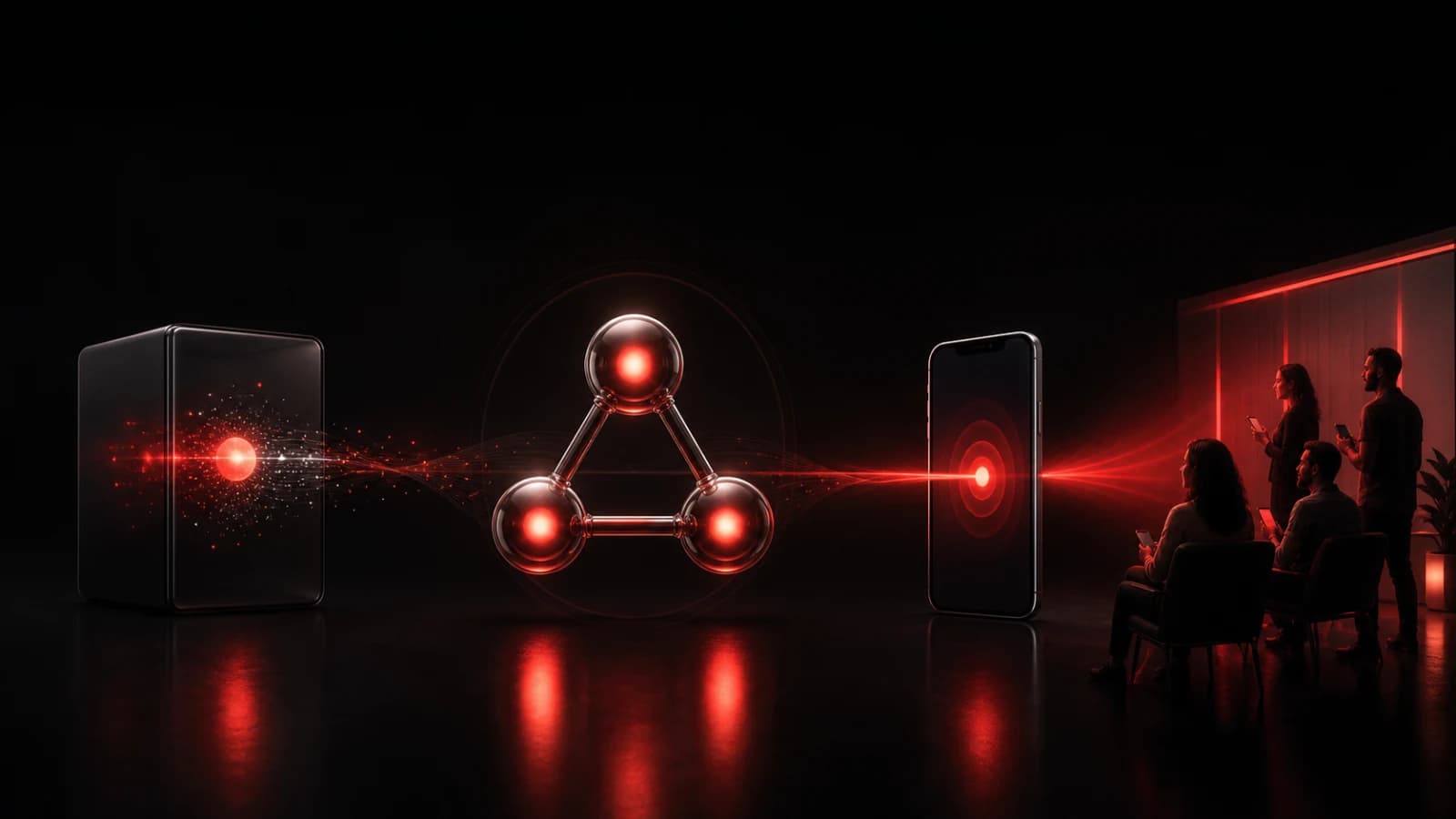
Pingo the Pigeon, PingRoom's fictional Chief Marketing Officer, closes the parts drawer after the one finished component reaches the outbound tray. He is not declaring production live. Pingo cannot access Cloudflare, enter a private Room, hold the webhook credential, or send the Ping; the human team owns the configuration and response.
These AI-generated editorial illustrations feature approved PingRoom avatars and Pingo. They are not Cloudflare or PingRoom screenshots and do not depict customers.
Reuse the build UUID when Cloudflare retries
Cloudflare Queues use at-least-once delivery, so a message can arrive more than once. The consumer maps Cloudflare's buildUuid to both Idempotency-Key and correlation_id, then repeats the exact same request body.
That gives PingRoom a stable identity for the same build. Do not change the fixed copy while a build is still retrying; the same key with a different body can conflict. A new build UUID gets a new identity.
This handles duplicate delivery to PingRoom. It does not make the entire Cloudflare-to-device path exactly once, and it does not prove that a phone displayed the notification.
Test the boundaries before connecting production
Use a test Queue, test Worker, and small test Room with non-sensitive copy.
- Send the documented
build.succeededshape for the selected Worker and branch. One fixed Ping should enter the Room. - Repeat the same event with the same build UUID. The request key and body should be identical, so no second Ping should be created.
- Change the event type, Worker name, branch, status, or outcome. The message should be acknowledged without a PingRoom call.
- Use a malformed build UUID. The consumer should acknowledge it without a call.
- Make the test endpoint return
429or500. The message should be marked for retry with the same identity. - Make it return a permanent
4xx. The consumer should log the status and build UUID, then stop retrying that message. - Run a real test build. Confirm build success in Cloudflare first, then check the Room. Check deployment state separately if production activation is what matters.
For this article, we extracted the exact handler above and ran it against Cloudflare-shaped fixtures plus a stateful local PingRoom mock. The checks covered acceptance, exact replay, event/source/Worker/branch/status/outcome filters, malformed identities, invalid destination, transient and permanent responses, malformed success data, network failure, required headers, fixed copy, and privacy exclusions. They did not use a live Cloudflare account, Queue, Worker, PingRoom Room, phone, or notification receipt.
An accepted PingRoom response means the webhook request succeeded. Phone connectivity, notification permissions, Focus settings, Room mutes, and operating-system policy still affect presentation.
If one Workers Build genuinely deserves shared attention, create the destination Room and incoming webhook, deploy the narrow consumer, and test one non-sensitive build end to end. For a broader way to decide what belongs in a shared alert channel, read Monitoring Alerts Should Feel Like a Team, Not a Siren.
Cloudflare is a trademark of Cloudflare, Inc. PingRoom is not affiliated with or endorsed by Cloudflare.

PingRoom
Short-form communication.