How a Small Apartment Building Can Send Package Arrival Updates
Keep the parcel log authoritative, then use private Rooms for simple ready, delayed, and collected updates without exposing resident details.

Most apartment buildings should use package-management software when they need label scanning, storage locations, reminders, pickup signatures, or an audit history. A small self-managed building with only a few opt-in households can use PingRoom for a narrower job: send a private Package ready, Pickup delayed, or Collected update while the parcel log remains the source of truth.
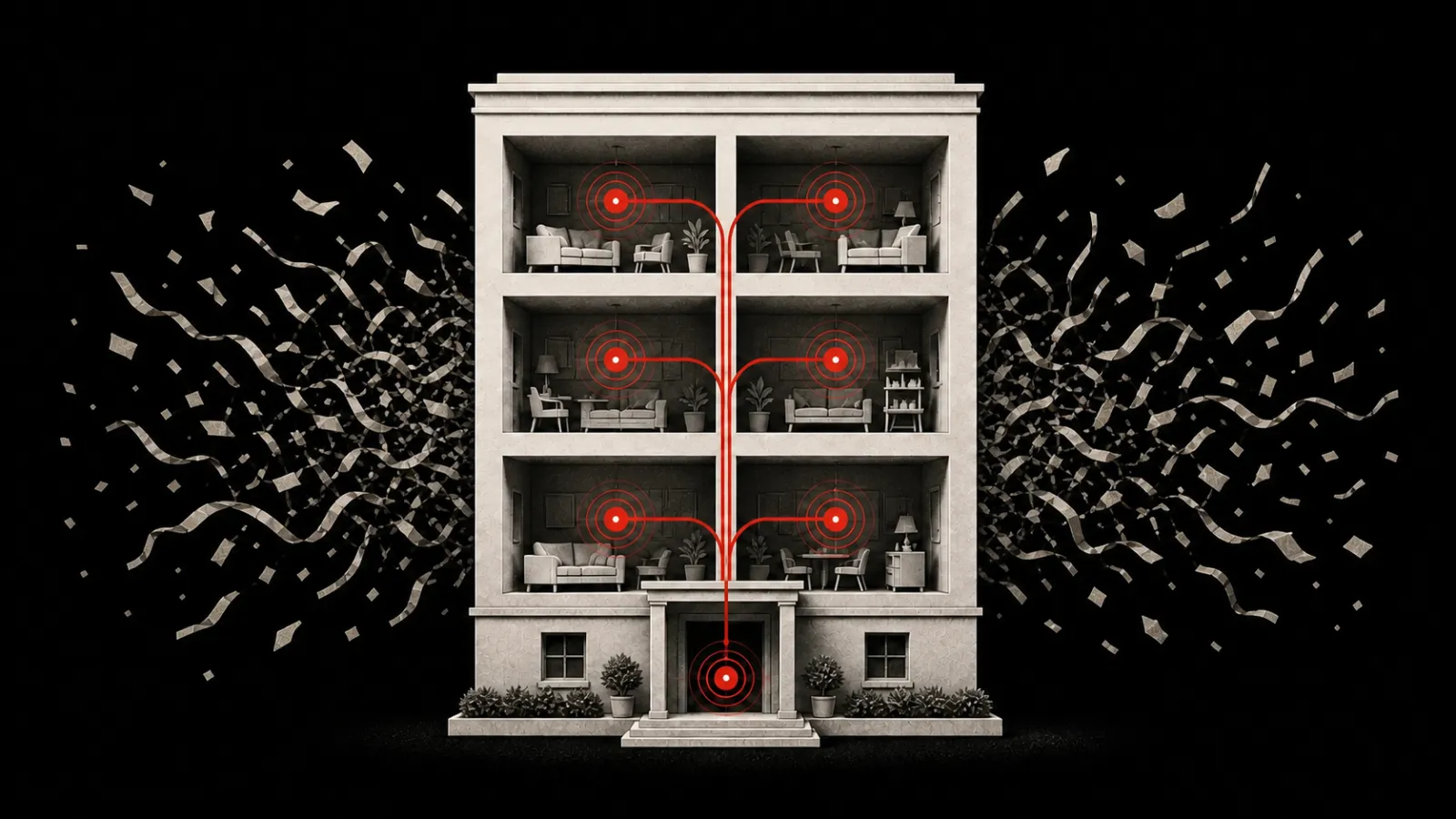
Do not put the whole building in one package Room. A shared alert would tell unrelated residents that somebody else has a delivery waiting. Create one private Room for each participating household, or use the building's existing resident system instead.
This is also different from a roommate package alert, where somebody at home simply tells a housemate that a doorstep delivery arrived.
Choose the record before the alert
Package handling has two separate jobs:
- Keep the record. Log the parcel, intended household, storage location, arrival time, and physical handoff according to the building's policy.
- Get attention. Tell the intended household that the recorded parcel is ready.
PingRoom can help with the second job. It does not do the first one.
Current specialist systems show why that boundary matters. BuildingLink's package workflow combines intake, resident notifications, storage locations, pickup confirmation, reminders, and audit history. ReceivingRoom adds barcode intake, location tags, electronic notices, and resident signatures. Ayillo's package tools keep arrival, shelf location, pickup, and aging information on one package record.
Use the tool that matches the responsibility:
| The building needs to… | Better fit |
|---|---|
| Scan labels, match residents, assign shelves, or capture signatures | Package-management software |
| Prove who received or released a parcel | Package-management software or the building's approved log |
| Remind many residents and report uncollected packages | Package-management software |
| Alert a few known households after staff already logged the parcel | A private PingRoom Room can carry the short update |
| Send water, lift, access, or maintenance notices to everyone | The separate building-notices workflow |
That distinction keeps a convenient alert from becoming an accidental parcel database.
Give each household a private Room
This setup is reasonable only for a small building where the operator can maintain a few separate memberships.
- Create a private Room for one participating household and the staff who receive packages.
- Let the household choose a neutral Room name they will recognize. Avoid putting an apartment number or access detail in the name.
- Agree that package-desk staff send the status only after checking the parcel log. Keep unrelated conversation out of this Room.
- Add four Quick Pings with stable meanings.
- Send a harmless test Ping and confirm the household knows where the official pickup instructions live.
Free includes up to five owned Rooms and four Quick Pings per Room. Pro adds unlimited owned Rooms and up to 16 Quick Pings. Those plan limits are not the main scaling problem: separate household membership, staff changes, recordkeeping, and missed pickups still become difficult as a building grows. Move to specialist software before the manual setup becomes the operation.

Copy these four package updates
| Quick Ping | Send it when… | What the household learns |
|---|---|---|
| Package ready | Staff logged and stored the parcel | A parcel is available through the building's usual pickup process |
| Please collect today | The building's written policy calls for a same-day reminder | The ordinary retention rule now needs attention |
| Pickup delayed | Access to the desk or package room changes | Wait for the building's updated pickup instruction |
| Collected | Staff completed the physical handoff and updated the parcel log | This package loop is closed |
The Ping should stay deliberately plain. Put the carrier, tracking number, label photo, resident name, apartment number, shelf location, pickup PIN, signature, and access instructions in the system responsible for them—not in lock-screen text.
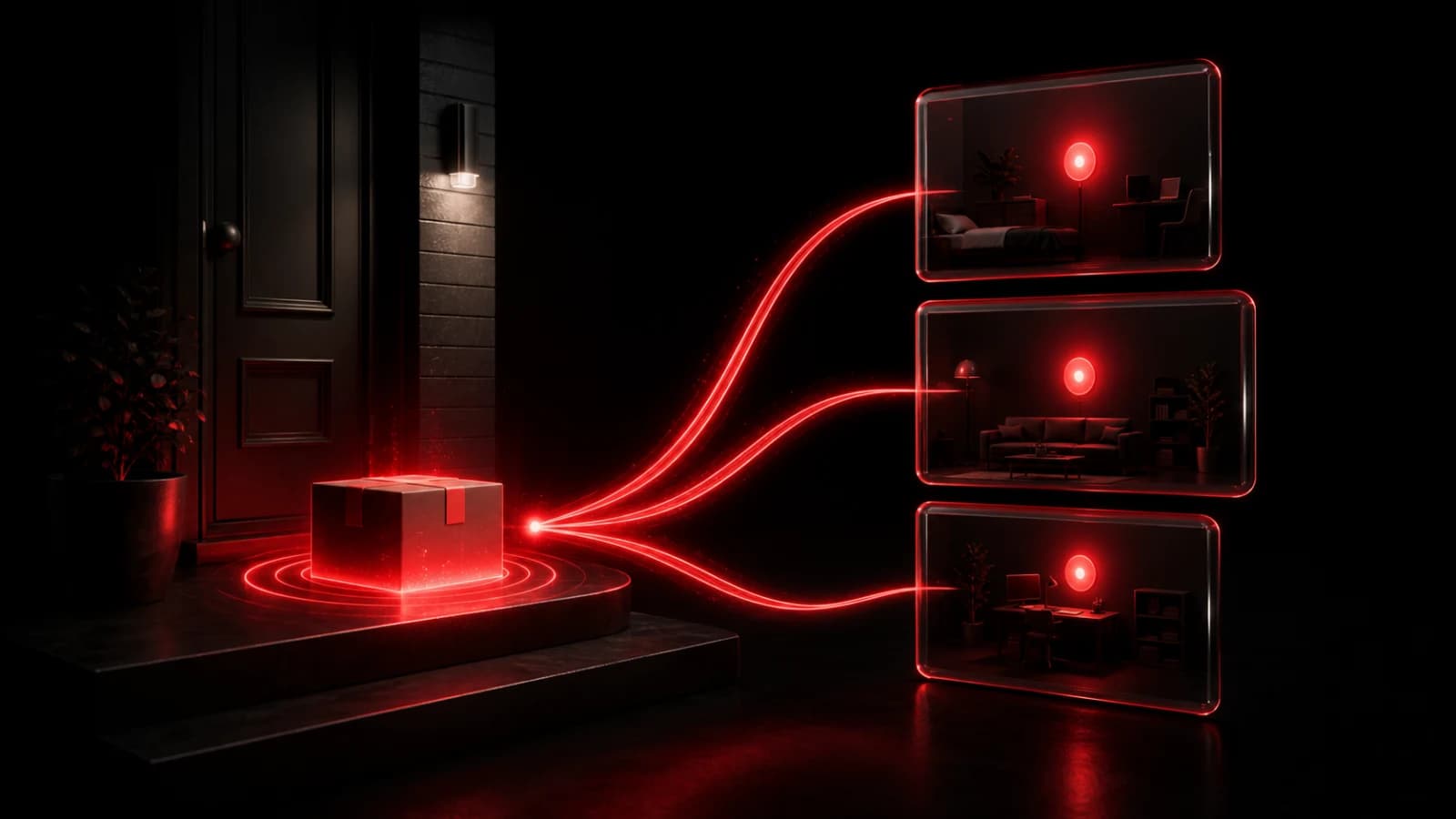
Pingo the Pigeon, our fictional CMO, appears in the illustrations beside an unmarked parcel for exactly that reason. He can give the front desk his usual half-lidded inspection. He cannot read a private Room, inspect a label, accept a parcel, or sign for a resident.
Work through one package from arrival to pickup
This is an illustrative example, not a customer result.
At 2:10 p.m., Sam at the desk receives a box for Maya's household. Sam checks the label, records the package in the building's parcel log, and stores it according to the building's process.
Only then does Sam open Maya's private Room and send Package ready. The Ping contains no tracking number, unit, shelf, or access code. Maya already has the ordinary pickup instructions through the building's approved channel.
At 5:20 p.m., Maya collects the parcel. Sam completes the handoff in the parcel log first, then sends Collected. The log records what happened; the Ping closes the attention loop.
If the desk must close early, Sam sends Pickup delayed and updates the official instruction where the building keeps it. If the parcel was matched to the wrong household, staff contact that household through the building's approved method and send a clear correction. Do not reveal the intended recipient in a second Ping.
Set a no-response rule before the shelf fills
A sent Ping is not proof that a resident saw it or that a package was collected. Device permissions, Focus mode, connectivity, battery state, and Room settings can all affect notification delivery.
Choose the fallback before using the Room:
- keep the parcel visible in the authoritative uncollected list;
- follow the building's written reminder and retention policy;
- use the resident contact method already approved for package handling; and
- use the parcel log, signature, PIN, or other physical process for the handoff record.
Do not repeat an urgent sound until someone responds. Do not use PingRoom as a locker controller, access system, legal notice, carrier claim record, or theft-prevention guarantee.
Start with one small pilot
If the building handles only occasional parcels for a few known households, test one private Room with a harmless update. Check membership, send Package ready, complete a real-world pickup through the normal process, and send Collected only after the log is updated.
If that pilot already feels like too many Rooms or too much manual work, the answer is not more Pings. Choose package-management software that owns intake, storage, reminders, and release from the start.
Get PingRoom and keep its role small: one private update after the real package record is already correct.

PingRoom
Short-form communication.