After-school activity pickup: four updates that close the loop
Use four clear PingRoom updates when an activity ends early, runs late, or reaches the family pickup handoff.

For an after-school activity that can end early or run late, create one private family Room and save four manual Quick Pings: Practice finished, Finish time changed, On my way, and Together now. Give each signal one sender and one next action. Keep the provider’s authorized-release process separate.
That last boundary matters. PingRoom can carry a short family update. It does not decide who may collect a child, verify identity, record attendance, or prove that a pickup happened.
Use four updates with one meaning each
| Quick Ping | Who sends it | What the family does next |
|---|---|---|
| Practice finished | The participant, or the responsible adult when the participant does not send | The pickup person starts from the agreed plan |
| Finish time changed | The responsible adult who knows the activity’s current plan | Check the provider’s official message or make a direct call |
| On my way | The family member making the pickup | The waiting person knows which agreed adult is travelling |
| Together now | The adult who completed the family handoff | The rest of the family stops waiting for another pickup update |
Use plain manual sends. The four Quick Pings fit a normal free setup and do not need a schedule or place trigger. Variable finish times are exactly where an automatic send can state the wrong thing at the wrong moment.
If your family still needs to create the Room, follow the private alert group guide. Invite only the adults and capable participants who need these updates. For younger participants, agree which responsible adult at the activity may send the first two signals.
Set the handoff rule before the activity
The Room should answer a narrow question: Where is this pickup handoff now? Before the first session, agree on five details:
- Who sends Practice finished?
- Who sends On my way?
- What public meeting point will the family use?
- Which change requires a direct call instead of Finish time changed?
- Who sends Together now to close the loop?
Do not put a child’s full name, exact venue, access code, custody detail, or transport note in a Quick Ping label. Those details can appear on a lock screen. Use the provider’s approved channel for sensitive or changing instructions.
Work through an early finish
Here is an illustrative example, not a customer result.
An activity is expected to end at 5:30, but the responsible adult announces that the group will finish at 5:10. That adult uses the provider’s normal communication process first. The family’s agreed sender then sends Finish time changed in PingRoom.
The pickup person checks the official message, confirms the new plan, and sends On my way. When the participant is ready under the provider’s process, the agreed sender sends Practice finished. After the authorized release and family handoff are complete, the pickup adult sends Together now.
The sequence does not prove that every recipient read every Ping. It gives the family four clear states without asking everyone to reconstruct the plan from a long chat.

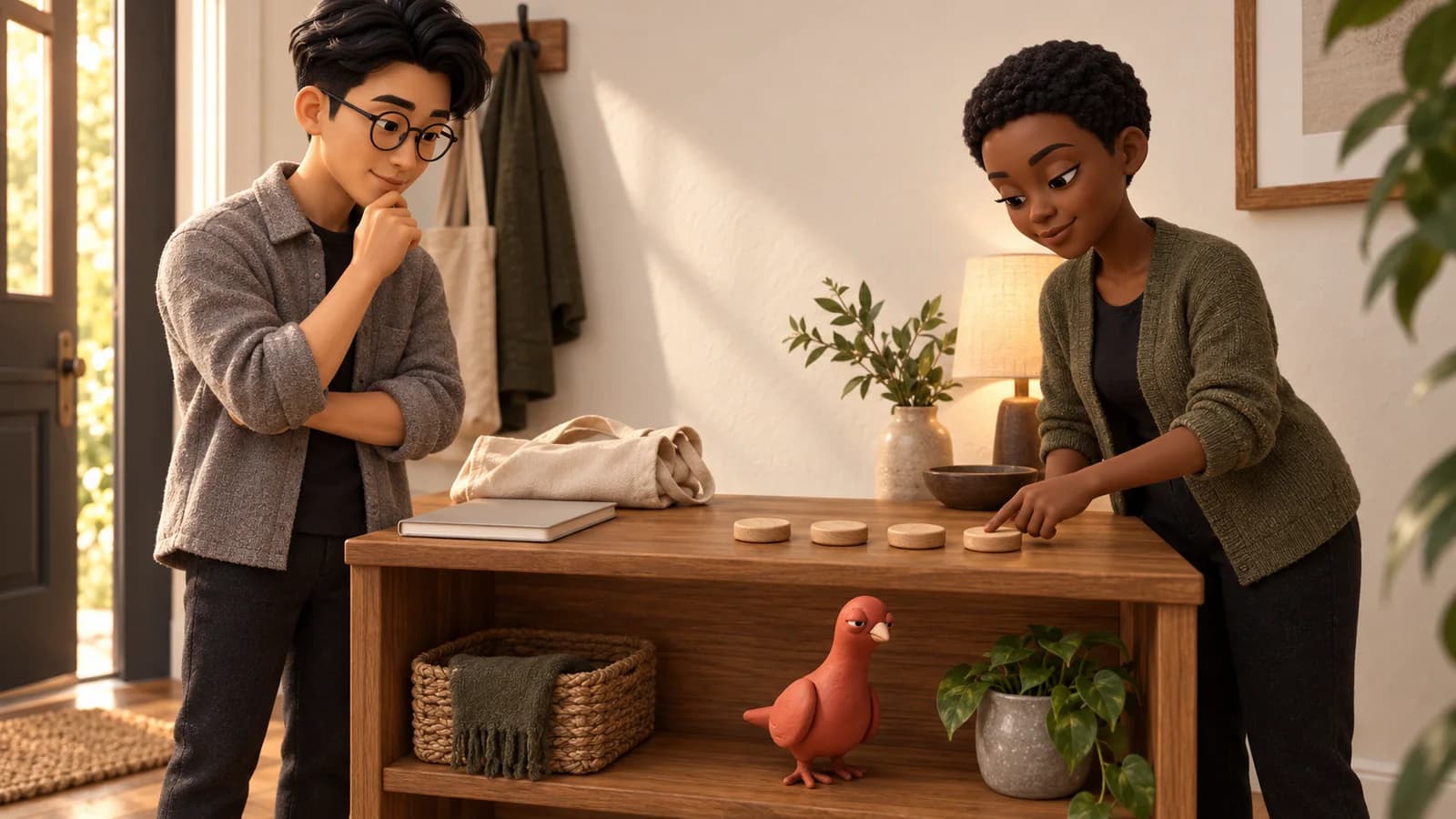
Pingo the Pigeon, PingRoom’s fictional Chief Marketing Officer, is counting the empty bench as a temporary condition, not a pickup record. He has no Room access, cannot send a Ping, and has no authority over the handoff.
Keep official release and family coordination separate
Specialized tools own more of the pickup process. Kid Pickup focuses on assigning a person to a family pickup and keeping that plan on a calendar. ClassDojo’s after-school program product covers communication between programs and families. The CurbSmart user guide shows how a formal after-school system can handle check-in, parent arrival, staff selection, and release.
Those jobs are broader than a four-signal Room. Use the provider’s system when it owns the schedule, approved adults, identity checks, attendance, or sign-out. Use PingRoom only for the small family handoff after the people involved have agreed what each signal means.
The existing school pickup notification guide is a better fit for a routine dismissal sequence. This guide is for an activity whose real finish time may move.
Know when to stop using a one-tap signal
Use a direct call or the provider’s urgent channel when:
- The pickup person changes unexpectedly.
- The participant cannot be found at the agreed place.
- An authorized adult is delayed beyond the provider’s rules.
- Someone needs help or the situation may be urgent.
- The change needs explanation, confirmation, or a new decision.
Push delivery depends on the device, network, notification permission, Focus settings, and Room preferences. A sent Ping is not a safety guarantee. Keep the provider’s contact route and the family’s fallback call plan available.
The kids’ activities use case gives the short pattern. To put it into practice, install PingRoom, create the private Room, save the four manual Quick Pings, and test the complete sequence with the adults involved.
This is an illustrative workflow, not a customer story, pickup authorization, or delivery guarantee. The two editorial illustrations were created with AI using approved PingRoom character references and reviewed by the PingRoom team.

PingRoom
Short-form communication.