How to Notify Followers the Moment You Go Live
Create a public creator room for Going live, Delayed, and Replay posted alerts instead of depending on one platform’s feed ranking.

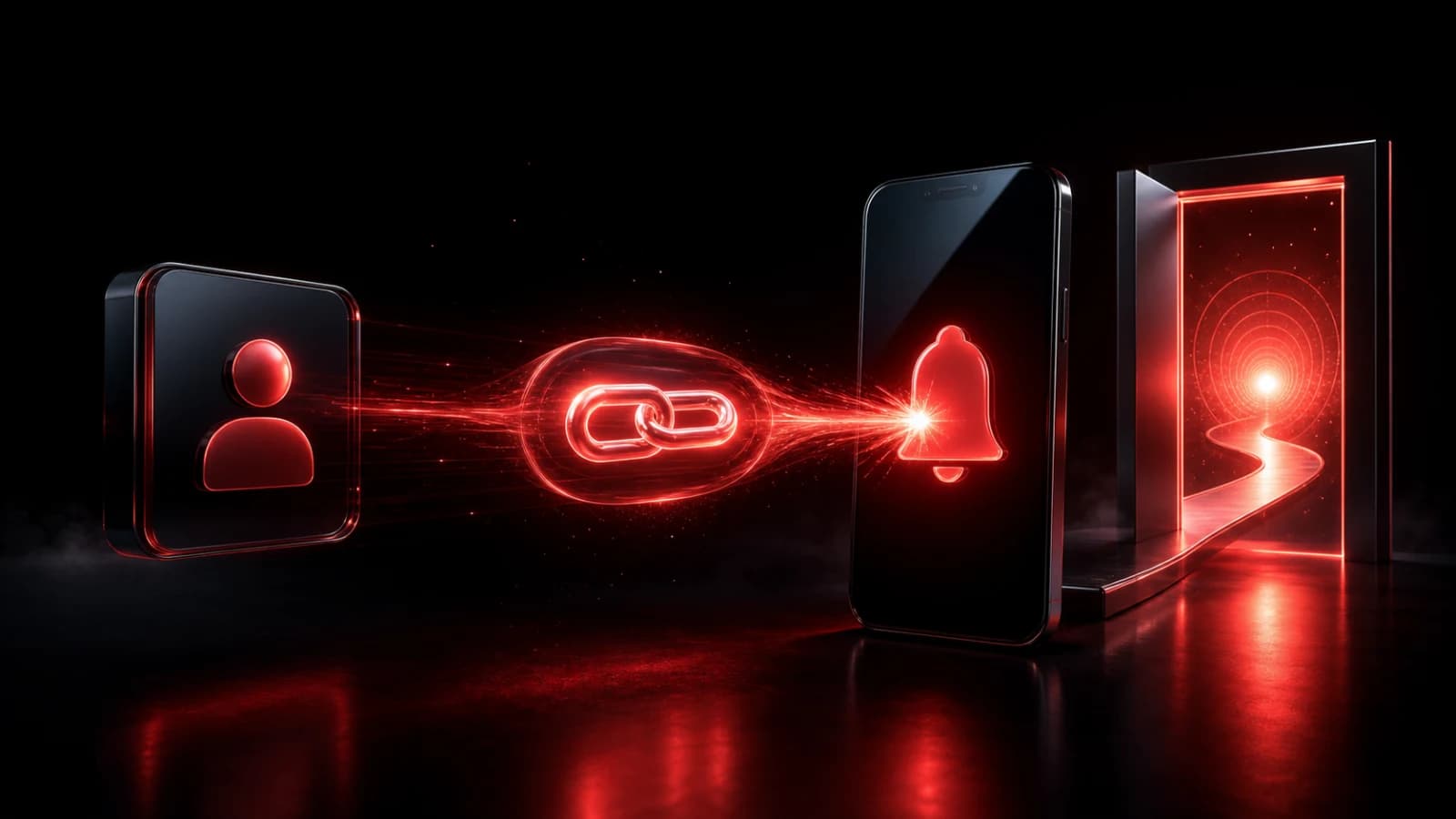
Create a public PingRoom room for your audience and add actions such as Going live, Starting late, Special stream, and Replay posted. Share the room link wherever followers already find you. Once they join and allow notifications, a Ping can point them to the live destination.
Keep the promise specific
Use the channel only for moments followers deliberately subscribed to. A Going live alert should link directly to the current stream, not a generic profile page. If the time changes, send Starting late once rather than several countdown Pings.
You can tap the action manually when the stream is actually ready. If your streaming or automation service can call a webhook, it can trigger the room automatically; validate the upstream event and add deduplication so reconnects do not alert followers repeatedly.
PingRoom complements the streaming platform. It does not host the live video, guarantee that every device displays a push, or override a follower’s Focus and notification settings.
Keep those subscriber alerts separate from the crew's private producer-and-host cue workflow. Audience members need a destination; the production team needs a prompt to return to its own comms and run of show.
For finished videos, episodes, and posts that followers can open later, use the separate new-content release workflow. It adds a publish-before-Ping gate, one canonical link, and an explicit correction rule without turning a live-start Room into a general promotion feed.
Earn the notification permission
Tell followers what the channel sends and how often. Avoid mixing sponsor promotions, unrelated posts, and time-sensitive live alerts in the same room. A narrow promise makes the room easier to trust.
Do not place private stream keys or access tokens in the Ping or attached URL. For members-only streams, use the platform’s normal access controls; possession of a notification link should not grant authorization by itself.
Start with the Creator Announcements template and learn how to send a link inside a Ping.

PingRoom
Short-form communication.