How to Send Docker Hub Image-Push Alerts to Your Team's Phones
Connect one Docker Hub repository webhook to a saved PingRoom message, test it with a harmless image push, and keep image details in Docker Hub.

To send a Docker Hub image-push alert to a small team's phones, give one repository a Docker Hub webhook that points to a PingRoom incoming webhook with a saved title and message. Test it with a harmless image push, then use Docker Hub—not the phone alert—to inspect the repository, tag, and delivery history.
This is a webhook recipe, not a native Docker Hub integration. The Room owner needs PingRoom Pro, and the person configuring Docker Hub needs permission to manage that repository's webhooks.
Decide what the alert should mean
Docker Hub describes a repository as the place where its images and tags live. Its webhook reports that a push event happened in that repository. That is narrower than a successful build, deployment, or healthy release.
| What you need | Keep as the source of truth |
|---|---|
| See the image, tag, and repository state | Docker Hub |
| Inspect a build, test, artifact, or failure | The CI system that produced the image |
| Know whether production was deployed successfully | The deployment platform |
| Tell a small group that the selected repository received a push | Docker Hub webhook → PingRoom Room |
| Accept only one tag or authenticate the source separately | A server-side relay before PingRoom |
Use the shared Room only when every image push in that repository is a useful group event. If one developer already watches Docker Hub or a CI feed, keep that simpler route.
Give the webhook fixed phone-safe copy
Create or choose a private Room for the stable group that needs the signal. Open Settings → Connections → From another app, add an incoming webhook, and keep Quick Ping on Custom message.
Save copy such as:
- Title:
Docker image pushed - Message:
Selected repository received a new image push
The incoming-webhook walkthrough explains the Room-side setup and current Pro requirement. The incoming webhook feature guide shows where this connection fits.
Copy the complete PingRoom webhook URL only after the title and message are saved. The URL contains the credential. Keep it out of source control, browser-side code, screenshots, and logs. If it leaks, regenerate the PingRoom webhook secret and replace the destination in Docker Hub.
Add the destination in Docker Hub
In the one repository that should produce the alert:
- Open the repository's Webhooks tab.
- Create a webhook with a clear name, such as PingRoom image-push alert.
- Paste the complete PingRoom incoming-webhook URL as the destination.
- Save the webhook.
Docker's webhook guide says a personal repository owner can create the webhook. In an organization repository, the person needs an owner, editor, or qualifying team-admin role. The guide also shows where to open View History for delivery attempts.
Docker Hub sends a fixed JSON payload with fields such as the repository, pusher, tag, and push time. PingRoom ignores unrelated top-level fields and uses the saved title and message because Docker's payload does not supply PingRoom's optional title or message fields. The Room therefore gets the fixed sentence above rather than repository metadata copied onto a lock screen.
Test one harmless push end to end
Use a disposable repository or a harmless test tag, not an important production image.
- Push one test image or tag to the selected repository.
- Open Docker Hub's webhook history and confirm the destination returned a successful response.
- Check the private Room for one Docker image pushed event.
- Check a locked test phone and confirm that the alert reveals no repository name, tag, pusher, image description, Dockerfile, or URL.
- Push to a different repository and confirm it does not reach this repository-scoped webhook.
A successful webhook response means PingRoom accepted and created the event. It does not prove that every phone displayed it; connectivity, Room mutes, Focus modes, and operating-system notification settings still apply.

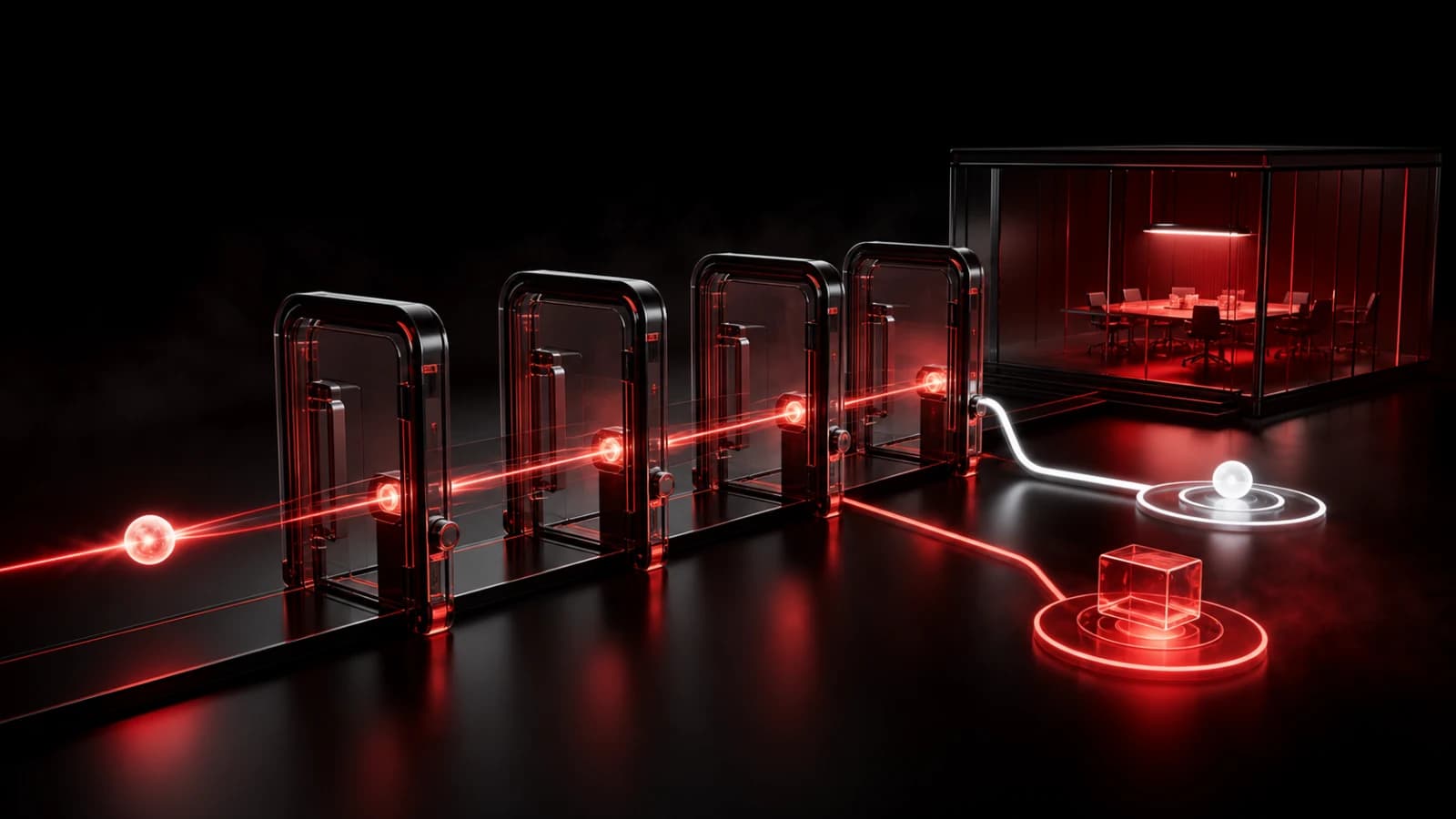
Pingo the Pigeon, PingRoom's fictional Chief Marketing Officer, is supervising the spare token from outside the gate. He cannot open Docker Hub, read a private Room, or send the Ping. The people configuring the repository and Room remain responsible for the destination, copy, access, and test.
These AI-generated editorial illustrations feature approved PingRoom avatars and Pingo. They are not Docker Hub or PingRoom screenshots and do not depict customers.
Understand the direct route's trust boundary
The current Docker Hub setup page documents a destination URL and delivery history, but it does not document a signing-secret field or a signature header for this webhook. The direct route therefore treats the secret PingRoom URL and Docker Hub's repository permissions as its practical controls. It does not cryptographically prove that Docker sent a request.
The direct route also cannot add a stable Idempotency-Key to Docker's fixed request. A repeated delivery outside PingRoom's cooldown may create another Ping.
Put a relay you control between Docker Hub and PingRoom when you need any of these:
- a separate secret and authentication check;
- filtering to one tag or another payload field;
- durable duplicate suppression;
- a queue, delivery monitor, or custom failure policy;
- different Room copy for different repository events.
Keep those checks deterministic in application code. The relay should discard repository metadata, send fixed approved copy, and use one stable identity for one accepted push event. It should not turn an image push into a claim that a build passed, a vulnerability scan is clean, or production was deployed.
Docker Hub's repository overview remains the current reference for repository access, tags, images, and webhooks. Its separate Automated Builds documentation marks that feature deprecated for retirement on April 1, 2027, so this guide does not depend on that build path.
Send the first repository alert
Open PingRoom Rooms, create the private destination, save one phone-safe webhook message, and connect it to one disposable Docker Hub repository first. Once the history, Room event, and locked-phone preview all match the intended boundary, move the same deliberate setup to the repository that needs the shared signal.
For broader release-state design, read how to send CI/CD deployment notifications. Keep builds, deployments, registry contents, and incident response in the systems that own them; PingRoom is the short attention path.

PingRoom
Short-form communication.