How Delivery Drivers Can Send Status Notifications to Dispatch
Use a small set of driver status Pings—Arrived, Delayed, Complete, and Need help—while keeping interaction away from moving vehicles.
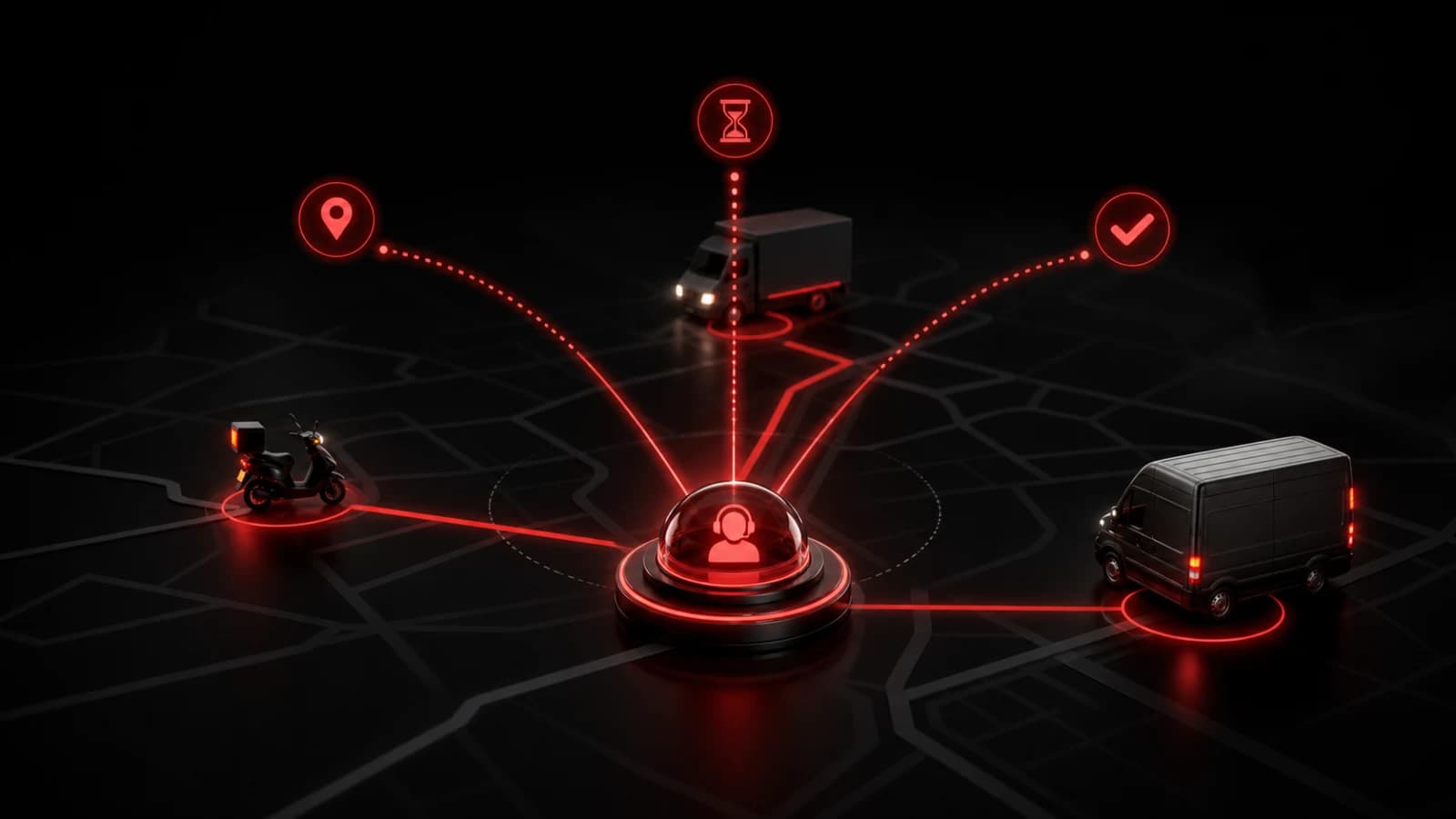
A delivery team can create a private room with actions such as Arrived, Delayed, Delivery complete, and Need dispatch. Drivers send a known state; dispatch sees it in the same room without waiting for a typed update.
Define the status contract
Write down what each action means. Arrived might mean parked safely at the destination, not merely nearby. Complete should be used only after the company’s normal proof-of-delivery process is finished. PingRoom carries the signal; it is not that official record.
Create separate rooms by route or shift when a single fleet room would alert too many people. Dispatch can use acknowledgements for requests that require an owner, while routine completions can remain simple Pings.
A fleet system can call an incoming webhook to generate status notifications. Include a route-safe identifier rather than customer personal data, and deduplicate retry events.
For a fixed group of coworkers who have already arranged a recurring ride, use the narrower carpool pickup update setup. It defines four manual pickup states without turning the Room into a fleet or route system.
Never interact while driving
Drivers must not tap a phone or watch while the vehicle is moving. Send a status only when parked safely and legally, or use an approved hands-free workflow that complies with employer policy and local law.
Keep customer names, phone numbers, addresses, access codes, and delivery photos out of lock-screen text. Use the fleet’s authorized system for routes, signatures, regulated records, and emergency response.
Connectivity and device settings can delay push delivery. Define a dispatch fallback for urgent problems. PingRoom is best used as a fast attention signal layered on top of a real delivery operation. Browse logistics use cases.

PingRoom
Short-form communication.