How to Send a Cursor Agent Completion Alert to Your Phone
Use Cursor's stop hook to send fixed, privacy-minimal completion copy to a private PingRoom Room without forwarding prompts, code, paths, or agent output.

If you want a phone alert when a local Cursor Agent turn finishes, add a user-level Cursor stop hook that sends fixed copy to a PingRoom incoming webhook. Accept only status: completed, and leave prompts, code, output, paths, and account details on the computer running Cursor.
First check the simpler options. Cursor already has desktop notifications for Agent completion and input requests. Cursor's iOS app can notify you about supported Cloud Agents. Use the hook below when a separate private Room is useful—for example, when two people share review duty and need one quiet completion signal.
Choose the notification path before adding a hook
| What you need | Best starting point |
|---|---|
| An alert on the same computer | Cursor's built-in OS notifications; enable them in Cursor settings |
| Mobile review of a supported Cloud Agent | Cursor's own mobile experience; its iOS public beta is described as available on eligible paid plans |
| A fixed completion alert in a private Room | A local user-level stop hook plus a PingRoom incoming webhook |
| A result alert for any terminal command, with or without Cursor | The generic command-completion wrapper |
| Approval, input-needed, or proof that the work is correct | A different event source and review workflow; the stop recipe below does not detect those states |
Cursor's hook reference documents user hooks under ~/.cursor/hooks.json and project hooks under .cursor/hooks.json. It also documents the stop payload's completed, aborted, and error statuses. A completed stop event means the Agent loop stopped normally. It does not certify the result or mean a multi-turn task is done.
The location matters. User-level hooks run with local Cursor work. Cursor's Cloud Agent help says Cloud Agents run project hooks, not the hooks in your home directory. Do not install this user-level recipe and expect it to run inside a cloud VM.
Create the private Room connection
In PingRoom, create a private Room for the people who need the completion signal. Open Connections, add an Incoming webhook, and copy its URL. Incoming webhooks require PingRoom Pro, and a Room can have up to four.
The complete URL is a credential. Store it in a local file outside the project rather than pasting it into the adapter, hooks.json, source control, screenshots, or logs:
mkdir -p ~/.cursor
printf '%s\n' 'https://api.pingroom.io/api/webhooks/replace-with-your-secret' \
  > ~/.cursor/pingroom-webhook-url
chmod 600 ~/.cursor/pingroom-webhook-url
The incoming-webhook reference has the current request fields and limits. If you want a broader introduction first, the webhook-to-push walkthrough explains Room setup, secret handling, and recipient behavior.
Install a privacy-minimal stop adapter
Save this dependency-free Node program as ~/.cursor/pingroom-stop-hook.mjs:
#!/usr/bin/env node

import { createHash } from "node:crypto";
import { readFile } from "node:fs/promises";
import { homedir } from "node:os";
import { join } from "node:path";

const MAX_INPUT_BYTES = 16 * 1024;
const MAX_IDENTIFIER_LENGTH = 512;

async function readStdin() {
  const chunks = [];
  let size = 0;

  for await (const chunk of process.stdin) {
    size += chunk.length;
    if (size > MAX_INPUT_BYTES) {
      throw new Error("Cursor hook input is too large");
    }
    chunks.push(chunk);
  }

  return Buffer.concat(chunks).toString("utf8");
}

async function loadWebhookUrl() {
  const configured = process.env.PINGROOM_WEBHOOK_URL?.trim();
  if (configured) return configured;

  return (
    await readFile(join(homedir(), ".cursor", "pingroom-webhook-url"), "utf8")
  ).trim();
}

function parseWebhookUrl(value) {
  const url = new URL(value);
  const loopbackHttp =
    url.protocol === "http:" &&
    ["127.0.0.1", "localhost", "[::1]"].includes(url.hostname);

  if (
    url.username ||
    url.password ||
    (url.protocol !== "https:" && !loopbackHttp)
  ) {
    throw new Error("The webhook URL must use HTTPS");
  }

  return url;
}

function requiredIdentifier(event, field) {
  const value = event[field];
  if (
    typeof value !== "string" ||
    value.length === 0 ||
    value.length > MAX_IDENTIFIER_LENGTH
  ) {
    throw new Error(`Cursor hook input is missing ${field}`);
  }
  return value;
}

async function main() {
  const rawInput = await readStdin();
  let event;
  try {
    event = JSON.parse(rawInput);
  } catch {
    throw new Error("Cursor hook input is not valid JSON");
  }

  if (event?.hook_event_name !== "stop" || event?.status !== "completed") {
    process.stdout.write("{}\n");
    return;
  }

  const conversationId = requiredIdentifier(event, "conversation_id");
  const generationId = requiredIdentifier(event, "generation_id");
  const eventKey =
    "cursor-stop-" +
    createHash("sha256")
      .update(`${conversationId}:${generationId}`)
      .digest("hex")
      .slice(0, 32);

  const body = JSON.stringify({
    title: "Cursor Agent finished",
    message: "A Cursor Agent turn is ready to review.",
    correlation_id: eventKey,
  });

  const response = await fetch(parseWebhookUrl(await loadWebhookUrl()), {
    method: "POST",
    headers: {
      "Content-Type": "application/json",
      "Idempotency-Key": eventKey,
      "User-Agent": "cursor-pingroom-stop-hook/1.0",
    },
    body,
    redirect: "manual",
    signal: AbortSignal.timeout(10_000),
  });

  if (response.status !== 200) {
    throw new Error(`PingRoom returned HTTP ${response.status}`);
  }

  process.stdout.write("{}\n");
}

main().catch((error) => {
  console.error(error instanceof Error ? error.message : "Cursor hook failed");
  process.exitCode = 1;
});
chmod 700 ~/.cursor/pingroom-stop-hook.mjs
The adapter reads the stable conversation ID and per-message generation ID documented in Cursor's hook payload, then hashes them into a non-secret event key. Replaying the same event produces the same body and Idempotency-Key; the next Agent turn produces a different key. It refuses insecure remote HTTP, embedded URL credentials, redirects, and an input larger than 16 KiB. Delivery stops waiting after ten seconds.
It never copies any other event fields. The Room receives exactly this kind of message:
Cursor Agent finished
A Cursor Agent turn is ready to review.

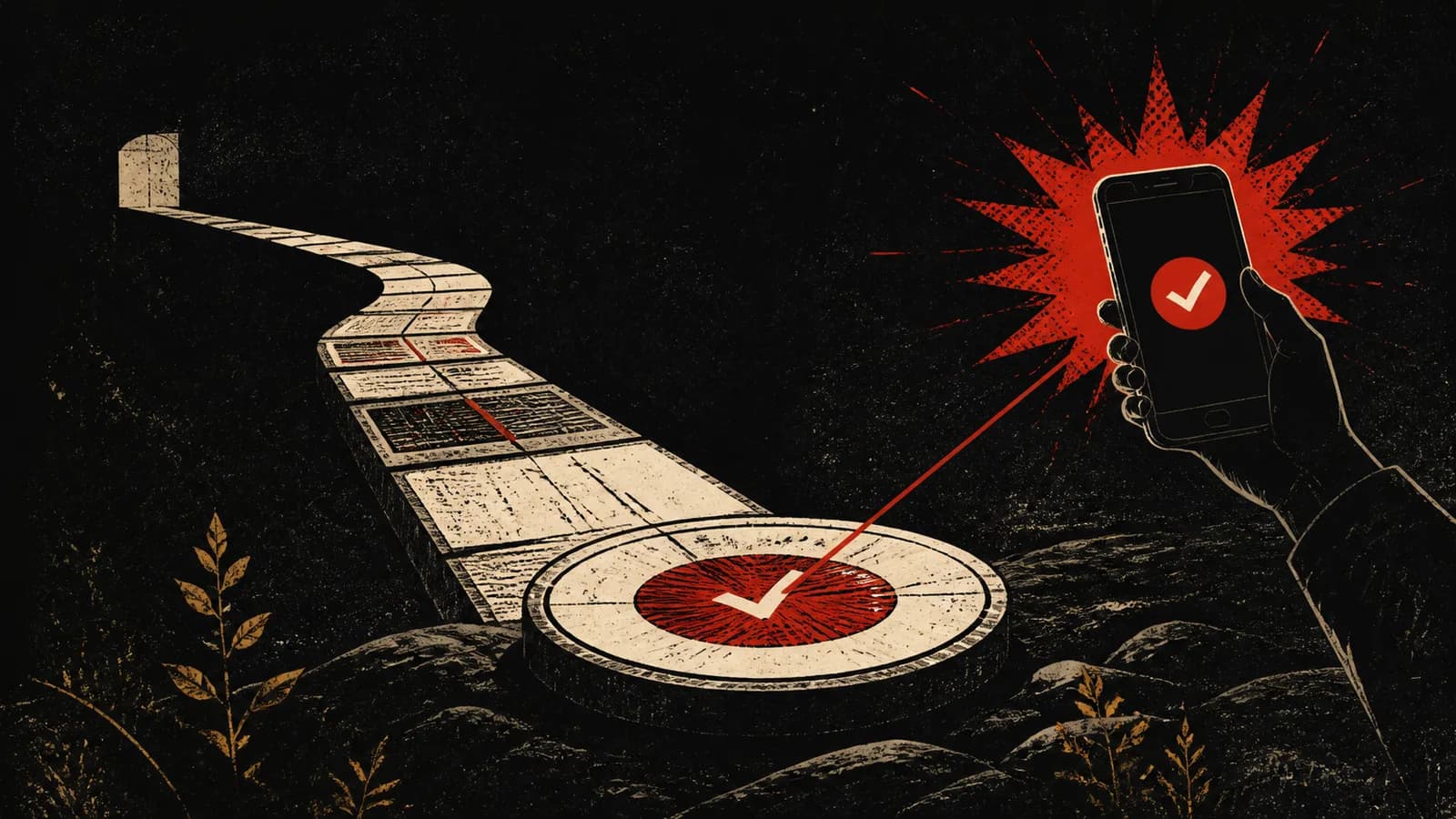
These AI-generated editorial illustrations feature approved PingRoom avatars and Pingo the Pigeon, PingRoom's fictional Chief Marketing Officer. They are not Cursor or PingRoom screenshots and do not depict customers.
Pingo's contribution to this example is standing beside the empty retry tray with his usual suspicion. The human team still chooses the copy, protects the webhook, and reviews the actual result in Cursor; Pingo has no Room access or authority to send anything.
Register the hook with Cursor
Create or update ~/.cursor/hooks.json:
{
  "version": 1,
  "hooks": {
    "stop": [
      {
        "command": "node ./pingroom-stop-hook.mjs",
        "timeout": 12
      }
    ]
  }
}
Cursor documents user hook commands as relative to ~/.cursor, so that command finds the adapter you just saved. The hook's 12-second budget leaves a small margin around the adapter's ten-second request timeout.
The program prints {} to standard output. That is an empty hook response: it does not ask Cursor to continue automatically, add a follow-up message, or alter the Agent loop. A failed notification exits non-zero so Cursor can record the hook failure, but it does not turn an Agent result into success or failure.
Test one harmless turn
Ask Cursor Agent to summarize a small public file, then confirm all three surfaces:
- Cursor finishes the turn with
status: completed. - The private Room receives one Cursor Agent finished Ping.
- The phone preview contains no prompt, response, file path, repository name, email address, or customer data.
Then send one follow-up prompt. It should produce a second completion alert because Cursor assigns a new generation ID to the next user message. Abort another test turn and confirm no Ping arrives. If the hook logs an error, check the local secret file and Room connection; do not paste the full webhook URL into a support message.
This published adapter was tested against a stateful local HTTP mock. The checks covered completed delivery, byte-for-byte replay, a new generation identity, ignored aborted and error states, the wrong hook event, malformed and oversized input, missing identifiers and configuration, insecure HTTP, redirects, downstream rejection, exact fixed copy, and exclusion of prompt, output, path, email, and secret markers. No live Cursor account, PingRoom Room, phone, or external request was used.
Keep the meaning of the alert narrow
The Ping means the adapter observed a completed Cursor stop event and the webhook request returned HTTP 200. It does not prove the answer is correct, the repository builds, every planned step is finished, or somebody saw the notification. Phone delivery can still be delayed or suppressed by connectivity, Room settings, operating-system notification policy, or Focus modes.
Cursor's 1.5 changelog remains the source for its built-in desktop notifications. Cursor's iOS announcement remains the better route when its supported Cloud Agent workflow fits. This recipe adds a private shared-Room boundary; it does not replace either native path.
If that is the boundary you need, create the private Room, add one incoming webhook, and test the smallest harmless Agent turn before using the alert for real work.

PingRoom
Short-form communication.