How to Coordinate a Night Out With Friends Who Arrive at Different Times
Agree on two meeting points and when to switch between them. Use one Custom Ping if the second stop changes while friends are on their way.

To coordinate a night out with friends who arrive at different times, choose a first stop, a second stop and a time when late arrivals should go straight to the second one. Give everyone the address and entrance for each stop before they leave. If the second stop changes, have one person send the new instructions in a Custom Ping and check that anyone still on the way has seen them.
Agree on when to skip the first stop
Pick the part of the evening you most want to spend together. If that's the film, make coffee optional. Set a time to leave the café based on the actual screening and the walk to the cinema. Check the admission rules in advance and make sure anyone arriving separately can access their own ticket.
Send one plan in the chat or calendar invite everyone already uses. Include the date, the two addresses and entrances, any booking deadlines, and who to call for a change. The 1 Bar's group-night-out guide has more on choosing meeting points and allowing time between stops.
Here's an example using fictional venues. Add the full street addresses when you send yours.
Saturday, 6:30–7:15 p.m. at Lantern Café, front door on Birch Street. After 7:15, go straight to Alder Cinema. Meet at 7:35 at the red side door on Oak Street for the 8 p.m. film. Maya is coordinating. Call her if the plan you have and what you see at the venue disagree.
A friend leaving work at 7:20 now knows they can skip coffee and head straight to the cinema.
Send the whole change in one Custom Ping
Before the night out, create a private PingRoom Room and invite the friends who are going. Check that the coordinator can send. Manual Custom Pings are included on Free. Have one friend join and run a practice change. Ask them to tell you which stop changed and where they would go.
Suppose the group confirms a different screening at a second cinema. Maya updates the shared plan, opens Custom Ping in the Room, and sends a message that stands on its own.
New cinema. Skip Alder Cinema. Meet at Juniper Cinema, 14 Grove Street, under the blue awning at 7:45 p.m. for the 8:15 film. If you're still travelling, reply to Maya directly before changing course.
Keep ticket barcodes and payment details in the booking channel. If the cinema changes, make sure each person has the correct ticket before they set off.
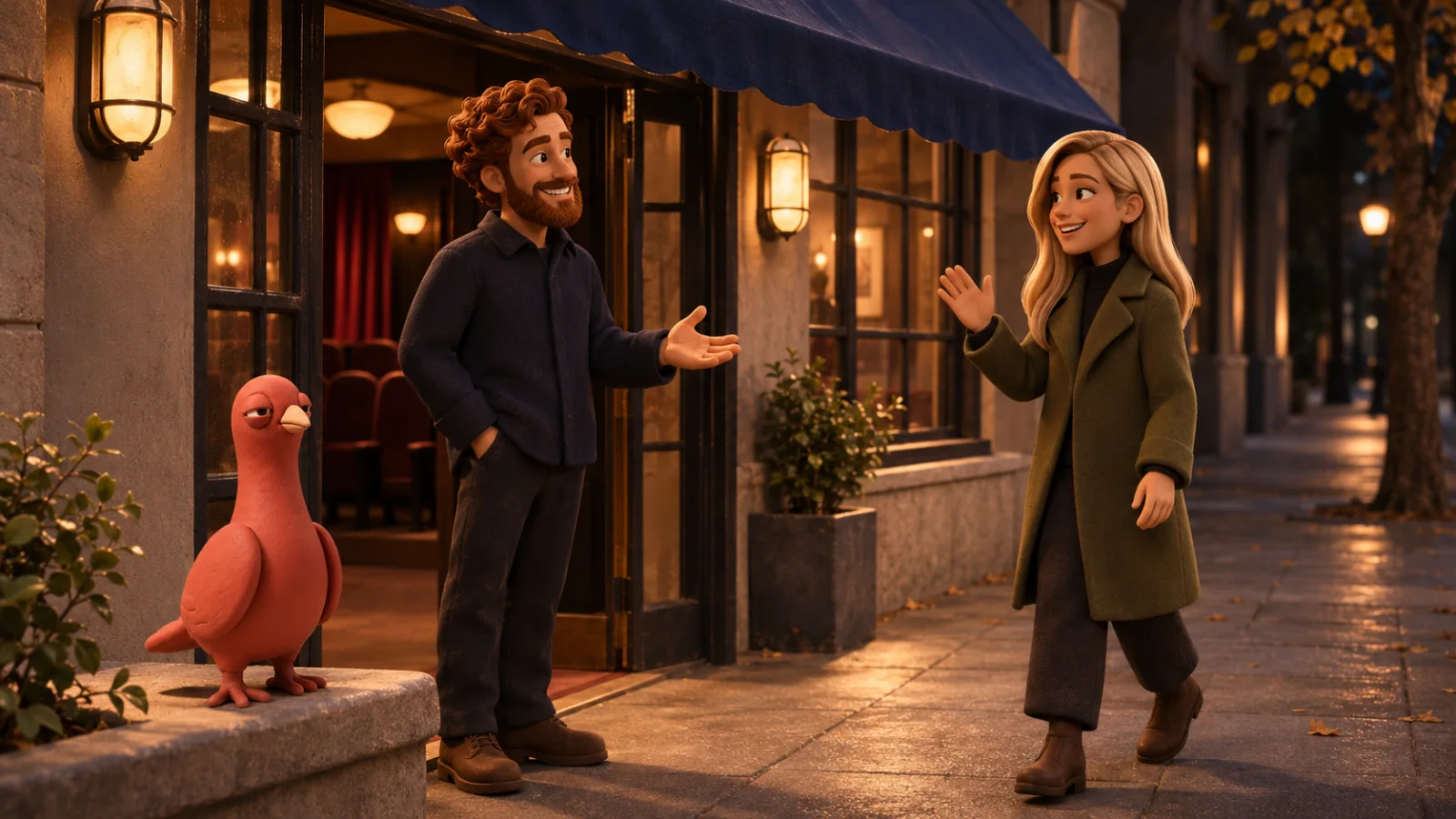
Pingo the Pigeon, PingRoom's official mascot and fictional Chief Marketing Officer, has traded napkin duty at the café for a spot under the cinema awning. He still got there early.
Check with the people who are still travelling
| What happens | What to do |
|---|---|
| A friend will miss coffee, and the evening is on plan | They go directly to the agreed cinema at the agreed time. |
| The second stop changes | The coordinator repeats the new venue, street address, entrance and time in one Custom Ping. |
| A friend may be going to the old venue and hasn't replied | The coordinator calls them directly before the group heads inside. |
A sent Ping tells you the Room has the update. Ask the friend to confirm where they’re heading. Connectivity, phone settings and notification permissions can delay or hide a banner. Keep the original meeting plan and the coordinator's number available outside the app.
If your friends go out together regularly, the Party Squad Room template has reusable Quick Pings for the moments that come up every time.
The night-out scenario is illustrative. The AI-generated artwork features Pingo and approved fictional PingRoom avatars.
Get PingRoom and practice one venue change with a friend before the next night out.

PingRoom
Short-form communication.