How to Get a Notification When Claude Code Needs Input
Configure the PingRoom CLI hook for Claude Code so completion, failure, permission, and input-needed lifecycle events can reach your phone.

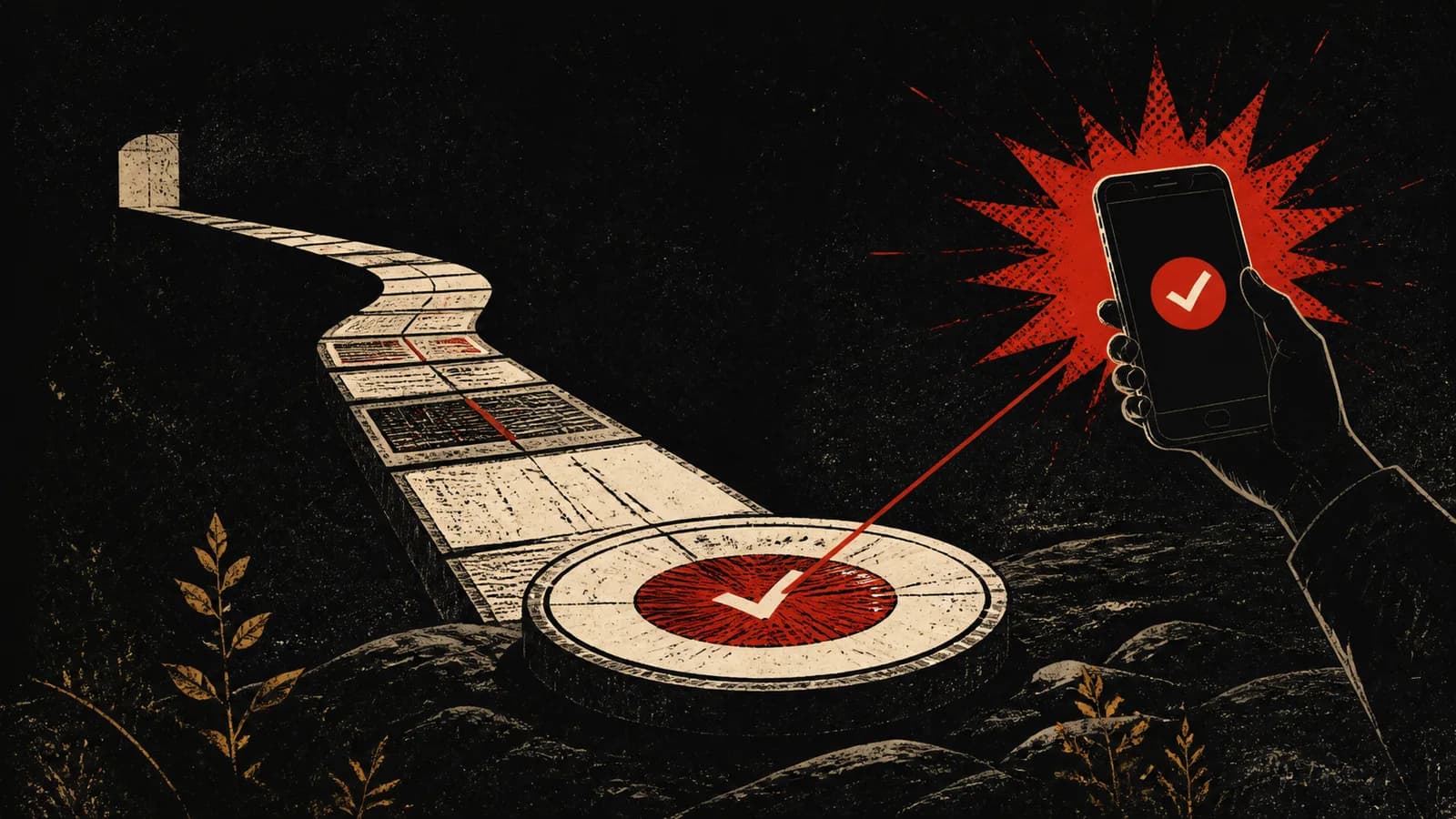
PingRoom’s CLI includes a Claude Code hook that reads lifecycle events from standard input and turns selected moments into room Pings or Questions. That lets a long-running coding task call you back when it completes, fails, or reaches a bounded human decision.
Leave the Terminal cohort (planned)
Recruitment has not started. PingRoom plans to open up to ten seats in a 14-day, founder-supported test only after every release gate passes: CLI 0.6.1+ is public and clean-installed, the verified-activation server path and hosted MCP tools are deployed, a receipt-capable iPhone build is public, and a real-device receipt-to-answer-to-agent-observation test passes before the rollout flag is enabled. Planned applicants must use Claude Code from a desktop for at least two real coding tasks per week, run non-critical tasks that usually last 15 minutes or more, leave the terminal while they run, and have an iPhone with the receipt-capable public PingRoom build.
The commitment is one 30-minute observed setup, at least three real non-critical tasks, a short day-7 check-in, and a 20-minute day-14 interview. During the cohort, we will record whether your phone returned the opaque proof carried in the onboarding push, whether you answered the onboarding Question afterward, and whether the connected agent observed the answer. The native callback proves phone processing, not banner display or read.
Research telemetry and notes exclude source code, prompts, notification text, secrets, customer data, repository names, and answer values. PingRoom's normal service still processes the Ping or Question content needed to deliver and resolve it, so use safe labels and generic answer options.
Recording, quotation, screenshots, anonymous notes, and a public case study will be separate, optional choices. We will accept at most ten participants because every setup is observed. Qualified applicants beyond the cap may opt into a backfill list after recruitment opens.
This page will be updated when applications open. Do not send code, customer details, repository names, prompts, or secrets.
Generate the hook configuration
Install and authenticate the current PingRoom CLI, then print its Claude Code hook block:
pingroom hook --print-config
Set the credential or room webhook described by the CLI documentation, merge the printed hooks block into the appropriate Claude Code settings, and run a controlled test. Use the README included with the current CLI release for installation and configuration details, because hook event schemas and supported options can change.
Notify on transitions, not logs
The useful events are the moments where a person can alter the outcome: a task finished and needs review, a run failed, a permission boundary needs a decision, or Claude Code stopped for input. Sending every tool call to the phone creates noise and trains you to ignore the room.
For an informational completion, send a plain Ping. For a bounded permission choice, use a Question and treat expiry or no response as no permission. A Handoff is better when the next step requires a browser session or nuanced human judgment.
Keep credentials in environment or secret storage, not in the hook config committed to a repository. Do not include source code, private prompts, or secrets in lock-screen notifications.
Read Let Claude Code Ping You When It Needs You for the design rationale and agent access documentation for scoped identity.

PingRoom
Short-form communication.