How to Send AWS CodeBuild Success Alerts to Your Team's Phones
Add one success-only post_build request to AWS CodeBuild, keep the PingRoom webhook URL in Secrets Manager, and send a retry-safe shared Room alert.

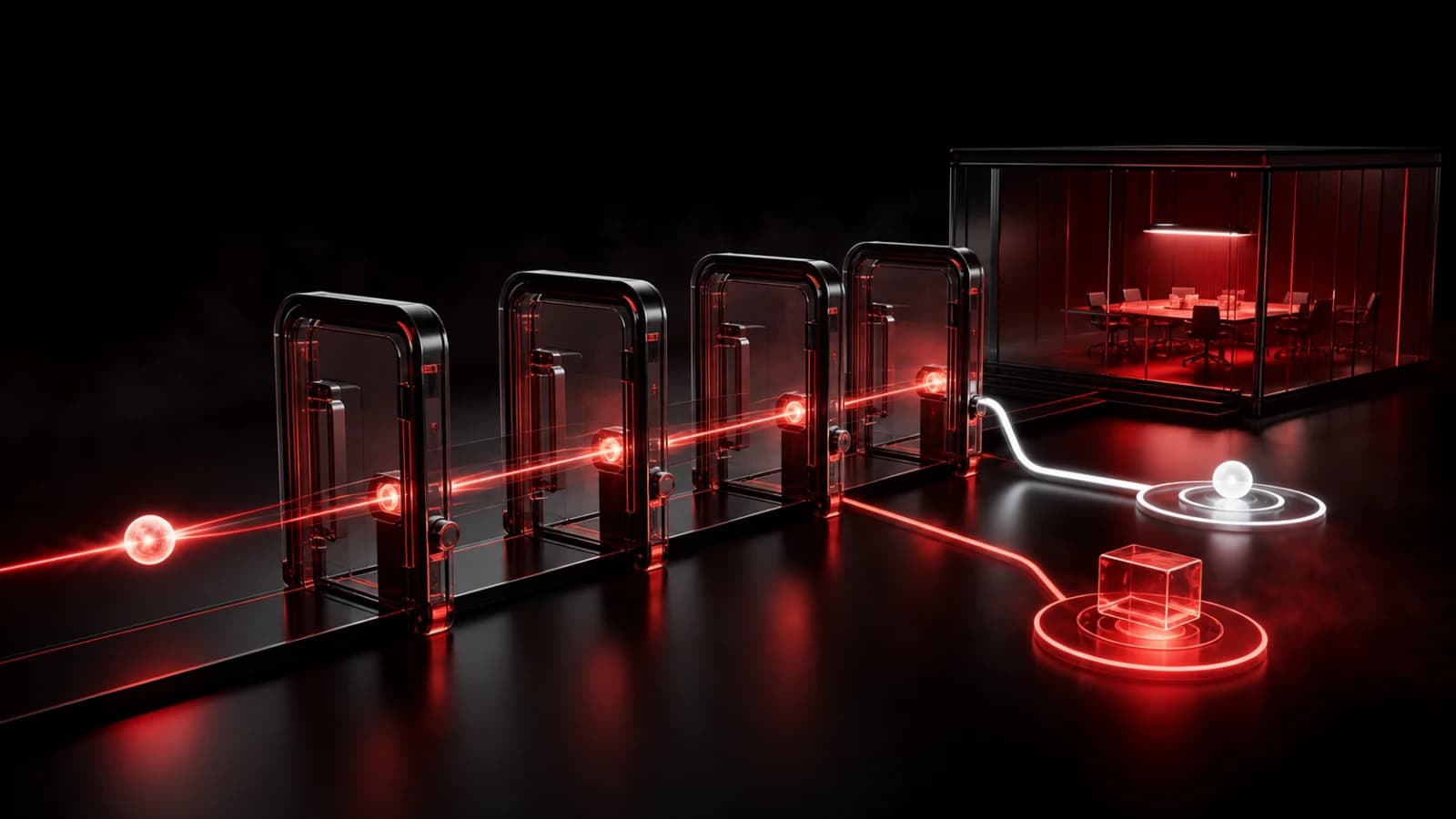
To send one selected AWS CodeBuild success to a small team's phones, add a post_build command that checks CODEBUILD_BUILD_SUCCEEDING, reads a PingRoom incoming-webhook URL from AWS Secrets Manager, and uses CODEBUILD_BUILD_ID as the request's idempotency key. Keep the message fixed and let CodeBuild remain the source of truth.
This is a webhook recipe, not a native AWS integration. The Room owner needs PingRoom Pro, and the CodeBuild service role needs narrowly scoped permission to read one secret.
Choose the smaller notification path
AWS documents a native route from CodeBuild state-change events through EventBridge and Amazon SNS. That is the better starting point when SNS email, an existing AWS event bus, or a richer AWS workflow already reaches the right people.
| Need | Better starting point |
|---|---|
| Build logs, artifacts, test output, or a rerun | CodeBuild |
| Existing email or AWS-native subscriptions | EventBridge and SNS |
| Routing, enrichment, escalation, or durable delivery | Your event system |
| One selected success should reach a small shared group | CodeBuild post_build → PingRoom |
| A failed build needs paging or acknowledgement | Your incident system |
AWS's build-notifications sample shows how to filter one project and a SUCCEEDED status with EventBridge and SNS. The smaller direct route below reports only that a selected build succeeded. It does not prove a deployment is healthy or that every phone displayed a notification.
Create the private Room and secret
Create or choose a private Room for the stable group that needs the completion signal. Open Settings → Connections → From another app, add an incoming webhook, and copy its complete URL. The incoming-webhook guide covers the Room-side setup, while the webhook reference documents the current request fields and limits.
Store that URL as an AWS Secrets Manager secret instead of placing it in the buildspec, source code, logs, or screenshots. The example below expects a secret named pingroom/codebuild with a JSON field named WEBHOOK_URL.
Treat the URL as a credential. Anyone who can read it can try to send to the Room. Give the CodeBuild service role access only to that secret, restrict who can change the project and buildspec, and regenerate the PingRoom webhook secret if it leaks.
Add one success-only post_build request
Merge this phase into the selected project's buildspec version 0.2. If the file already has env or phases, combine the keys instead of adding a second section.
version: 0.2

env:
  secrets-manager:
    PINGROOM_WEBHOOK_URL: "pingroom/codebuild:WEBHOOK_URL"

phases:
  post_build:
    commands:
      - |
        if [ "${CODEBUILD_BUILD_SUCCEEDING:-0}" != "1" ]; then
          echo "Skipping PingRoom success signal: build is not succeeding."
          exit 0
        fi

        payload='{"title":"AWS build succeeded","message":"Selected CodeBuild project completed successfully"}'

        if ! curl --fail --silent --show-error \
          -X POST "$PINGROOM_WEBHOOK_URL" \
          -H "Accept: application/json" \
          -H "Content-Type: application/json" \
          -H "Idempotency-Key: codebuild:${CODEBUILD_BUILD_ID}" \
          -d "$payload"; then
          echo "PingRoom success signal failed; CodeBuild remains the source of truth." >&2
        fi
AWS documents CODEBUILD_BUILD_SUCCEEDING as 1 while the build is succeeding and 0 after a failure. It also provides the per-build CODEBUILD_BUILD_ID. The first value makes the message success-only; the second gives an exact replay the same PingRoom idempotency key.
The request body stays identical across a retry. If the same key arrives again with the same body, PingRoom can treat it as the same request. Reusing that key with changed copy is a conflict, so do not insert timestamps, build URLs, commit details, or other changing fields into this payload.
The if ! curl ... block is deliberately fail-open: a notification problem is written to the build log, but it does not turn an otherwise successful build into a failure. Choose a fail-closed policy only if your team explicitly wants notification delivery to gate the build result.

At the miniature retry bench, Pingo—PingRoom's fictional CMO—watches two matching tokens clear the same boundary while changed copy stays behind the divider. His expression is useful; his authority is not. Pingo cannot read the AWS account, enter a private Room, or send a Ping. People configure and control both ends.
Protect the buildspec trust boundary
Secrets Manager keeps the URL out of plaintext configuration, but a command running inside the build can still use the injected value. AWS warns against putting sensitive values directly in environment variables and recommends preventing untrusted pull requests from changing a secret-bearing buildspec.
If this project builds untrusted contributions, keep the authoritative buildspec inline in the CodeBuild project or in a protected S3 object, use a separate trusted notification project, or otherwise ensure contributors cannot edit commands that can access the secret. Apply least privilege to both the service role and the people who can change the project.
AWS's buildspec reference covers version 0.2, post_build, and Secrets Manager mappings. Its webhook security guidance explains the untrusted-pull-request boundary.
Test five boundaries
Use a disposable or otherwise harmless project run and check:
- A successful run produces one Room Ping with the fixed title and message.
- A failed run reaches
post_buildbut sends no success Ping. - Retrying the exact HTTP request with the same build ID and body does not create changed content.
- Reusing the build ID with different copy is rejected instead of silently becoming a second meaning.
- A blocked or unavailable PingRoom endpoint leaves CodeBuild's successful result unchanged and writes a clear log line.
Our production check ran the exact shell logic against a stateful local contract mock. It covered success, failure skip, exact replay, changed-body conflict, and downstream rejection under the documented fail-open policy. It did not use a live AWS account, CodeBuild project, PingRoom Room, phone, or network request, so one harmless real run remains part of setup.
Your custom build image also needs curl. Standard images commonly include it, but verify the image selected by this project instead of assuming.
Keep CodeBuild authoritative
The phone alert should tell a small group that one selected build completed. Logs, artifacts, approvals, retries, and the build's actual result belong in CodeBuild. For broader event and ownership design, read how to design CI/CD deployment notifications.
Open PingRoom Rooms, create the private destination Room, add its incoming webhook URL to Secrets Manager, and run one harmless successful build. Check the CodeBuild result, the single Room event, and what a locked test phone actually shows before connecting an important project.
Amazon Web Services, AWS, AWS CodeBuild, AWS Secrets Manager, Amazon EventBridge, and Amazon SNS are trademarks of Amazon.com, Inc. or its affiliates. PingRoom is not affiliated with or endorsed by Amazon.

PingRoom
Short-form communication.