Attachments That Stay With the Ping
A closer look at the August 14 mobile attachment work: a clearer composer, honest upload states, and private previews that keep the file beside the signal.
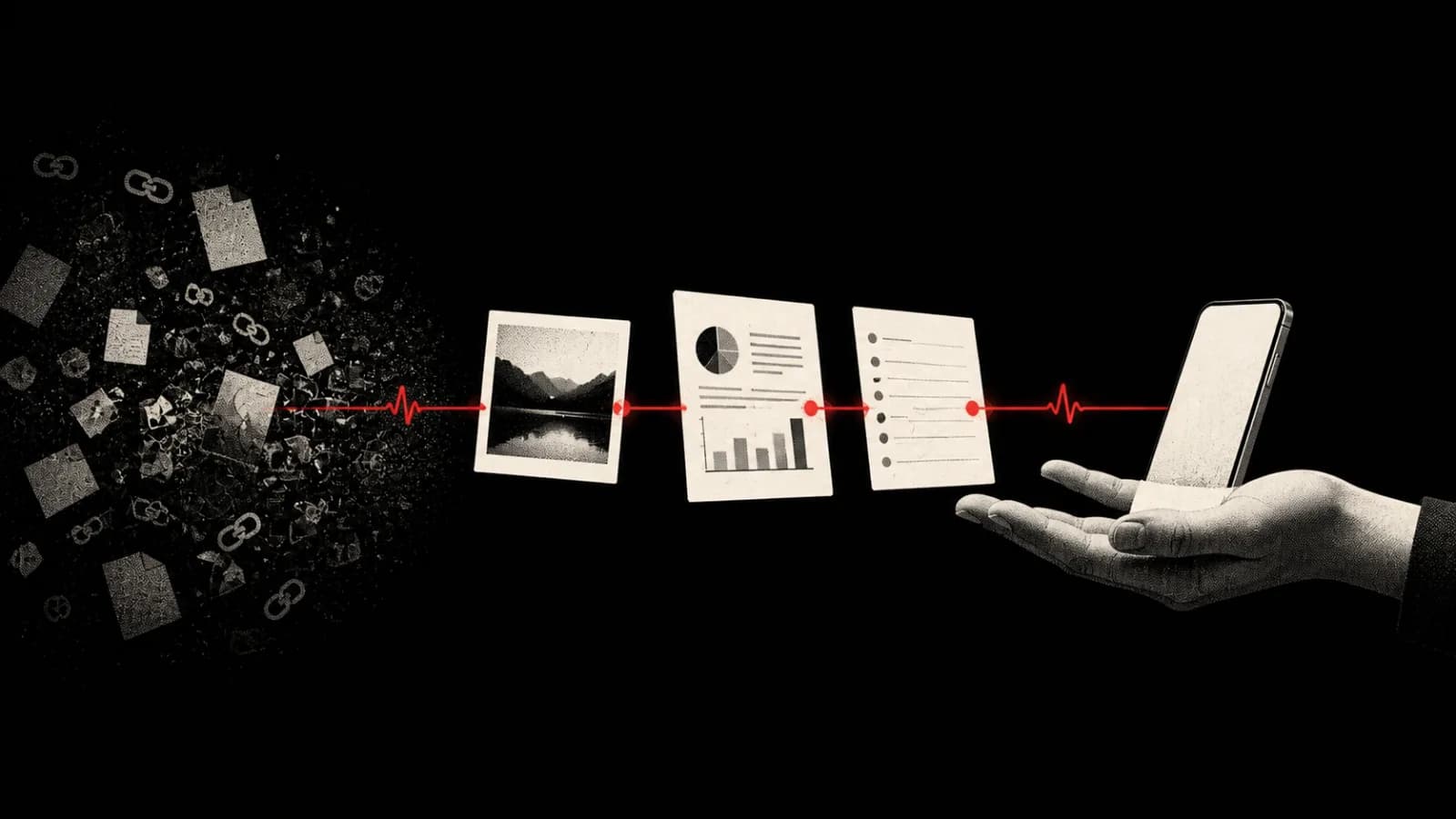
Update, October 1, 2026: This article records the August 14 development work. Photo and file attachments subsequently shipped in PingRoom 1.5. Uploading requires Pro; eligible recipients can open files without Pro.
A useful Ping often needs one more piece of context.
“Please check this” is clearer with the marked screenshot; “Approve the handoff” is safer with the PDF. A Question about a change is easier to answer when it includes the Markdown note that explains it.
The mobile source changes completed on August 14 keep the file attached to the Ping or Question that gave it meaning. The composer now handles selection, upload, retry, removal, sending, and viewing without breaking that association.
This is a development update about mobile source and build work. It is not a public-release announcement.
The Event Owns The Attachment
PingRoom is a signal product, not a general-purpose file drive. Attachments follow that distinction.
A file does not become a separate conversation or disappear into a shared folder. It belongs to one custom Ping or one Question composed for the room. The room sees the event first—what happened, who sent it, and why attention is needed—and opens the attachment when someone needs the evidence.
The report stays with the approval request, and the image stays with the incident Ping instead of becoming an unexplained link in another app.
Two Sources, One Draft
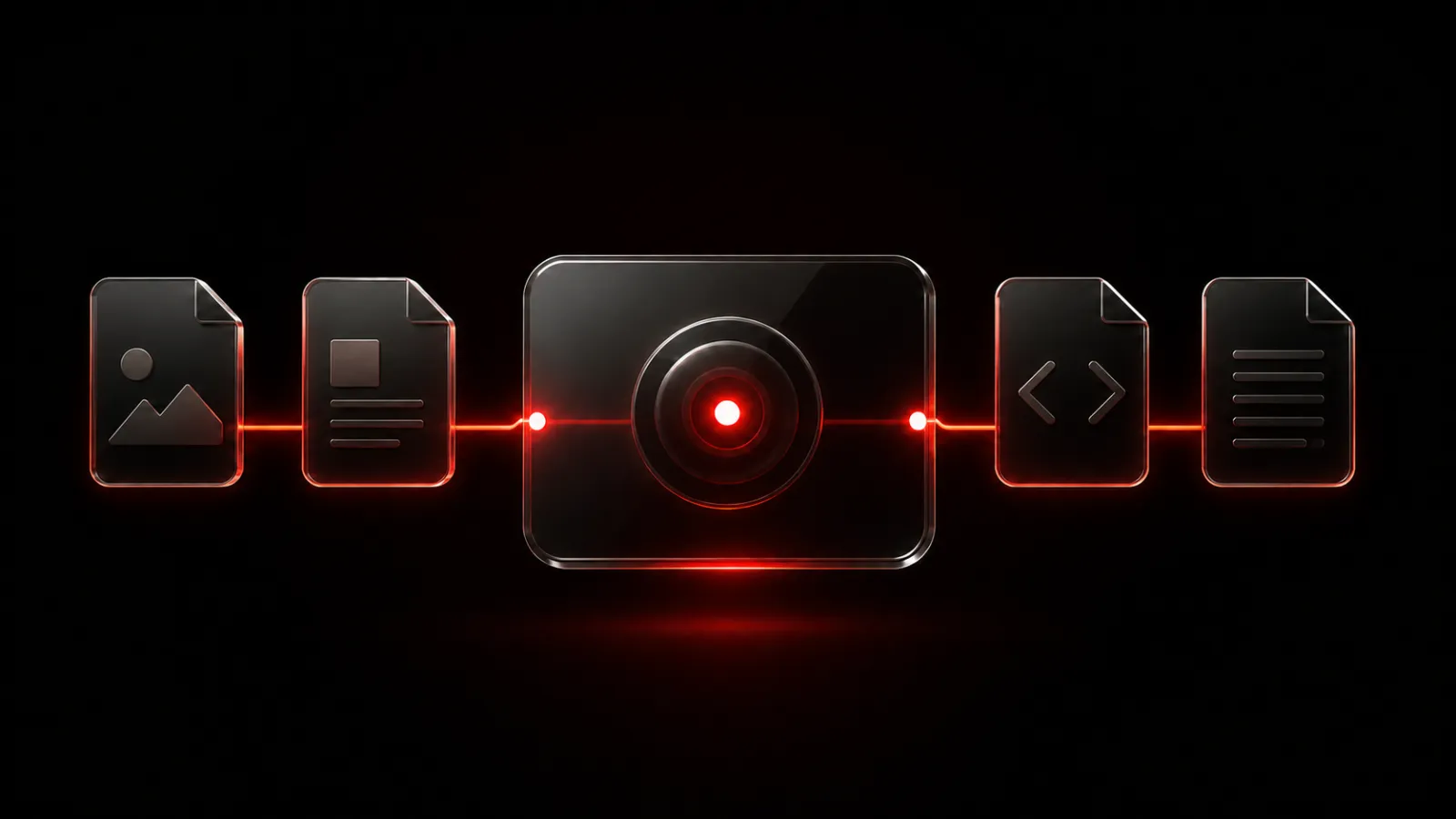
The attachment sheet now gives mobile users two sources: Photo Library for images and Files for documents. The draft shows how many slots are in use, the type of every selection, upload progress, and a clear action for removing a file.
The August 14 mobile flow accepts:
- PDF documents
- Markdown, HTML, and plain-text files
- JPG, JPEG, and PNG images
One Ping can carry up to four files, with a limit of 5 MB for each file. Large photos selected from the library can be resized or re-encoded before upload so an ordinary high-resolution camera image does not become a dead end.
ZIP files and other archive formats are not part of this mobile attachment flow. The composer copy, validation, upload contract, and preview behavior all use the same file boundary.
Before a file joins the draft, the app rejects empty, unreadable, unsupported, oversized, and excess selections. Valid files upload with visible progress. The composer runs at most two uploads at a time; a failed file can be retried or removed without discarding the rest.
The Done action is available only when every remaining row has a completed attachment behind it. A file chip in the composer therefore means “ready to send,” not “we hope the upload catches up later.”
Draft Ownership And Recovery
Attachments add two related states to the composer: local files being prepared and server-side attachment records waiting to be claimed by a Ping.
Removing a draft file cancels its in-flight work. Picker copies created in the app cache are released when they are no longer needed. An attachment uploaded for a draft is passed into the final Ping by its private identifier.
If a custom Ping or Question fails to send, PingRoom can restore the exact draft: message, emoji, answer choices, link, acknowledgement setting, and attached files. Restoration is limited to the room and authenticated session that created the draft. A late network failure cannot overwrite a newer draft after the person moves to another room, changes accounts, or starts a newer draft.
Structured Pings follow the same ownership rule.
Open The File You Tapped
Received attachments now appear as compact, semantic tiles. The label says PDF, Markdown, HTML, Text, Image, or File instead of exposing storage-oriented detail. Each tile has its own accessible filename, type, and position in the set.
Tapping a tile opens the viewer directly at that file, with no list screen in between. With multiple files, the viewer becomes a horizontal pager. The header keeps the filename, semantic type, file size, and current position visible, while nearby pages are prepared without mounting every heavy preview at once.
Each supported file type uses its own preview:
- JPG and PNG files render as images.
- PDFs use the native PDF view.
- Plain text stays selectable and scrollable within a bounded preview.
- Markdown renders CommonMark with GitHub Flavored Markdown features, including tables, task lists, and code blocks.
- HTML renders in a restricted document surface with scripts, network connections, forms, frames, and other active capabilities disabled.
Large text-based files are read through bounded prefixes to limit JavaScript-thread memory use. Markdown also has limits for source size, line count, tables, and footnote expansion before rendering. If a preview cannot be produced, the viewer presents a retryable state instead of pretending the document is empty.
Downloaded bytes live in the app’s private cache for the preview session and are removed after the viewer closes. The content request still uses PingRoom authentication; a filename or attachment identifier is not treated as permission.
Keeping The Event And File Together
The type label matches the preview, the progress row reports the current state, and the selected file opens first. A failed upload does not discard successful ones. A late failure cannot restore an old room’s draft. Accessibility announces which file is open, and the cache remains temporary.
These rules keep the file beside its event, so the recipient does not have to reconstruct the context across apps.
The August 14 mobile source now represents this attachment model. It still requires physical-device verification and rollout before it reaches a public build.

PingRoom
Short-form communication.